Arkio 2.2
Arkio 2.2 enhances Arkio’s bidirectional plugins and introduces movable objects, cloud and workflow enhancements. Check out the following video to see what’s new for this release.
🔌 Plugin & Import Workflow Improvements
Arkio 2.2 upgrades our plugin workflows for Revit, Rhino, and SketchUp, making our bidirectional plugins more powerful and automatically sharing your latest imports and exports between your devices using the Arkio cloud.
New plugin export panel:
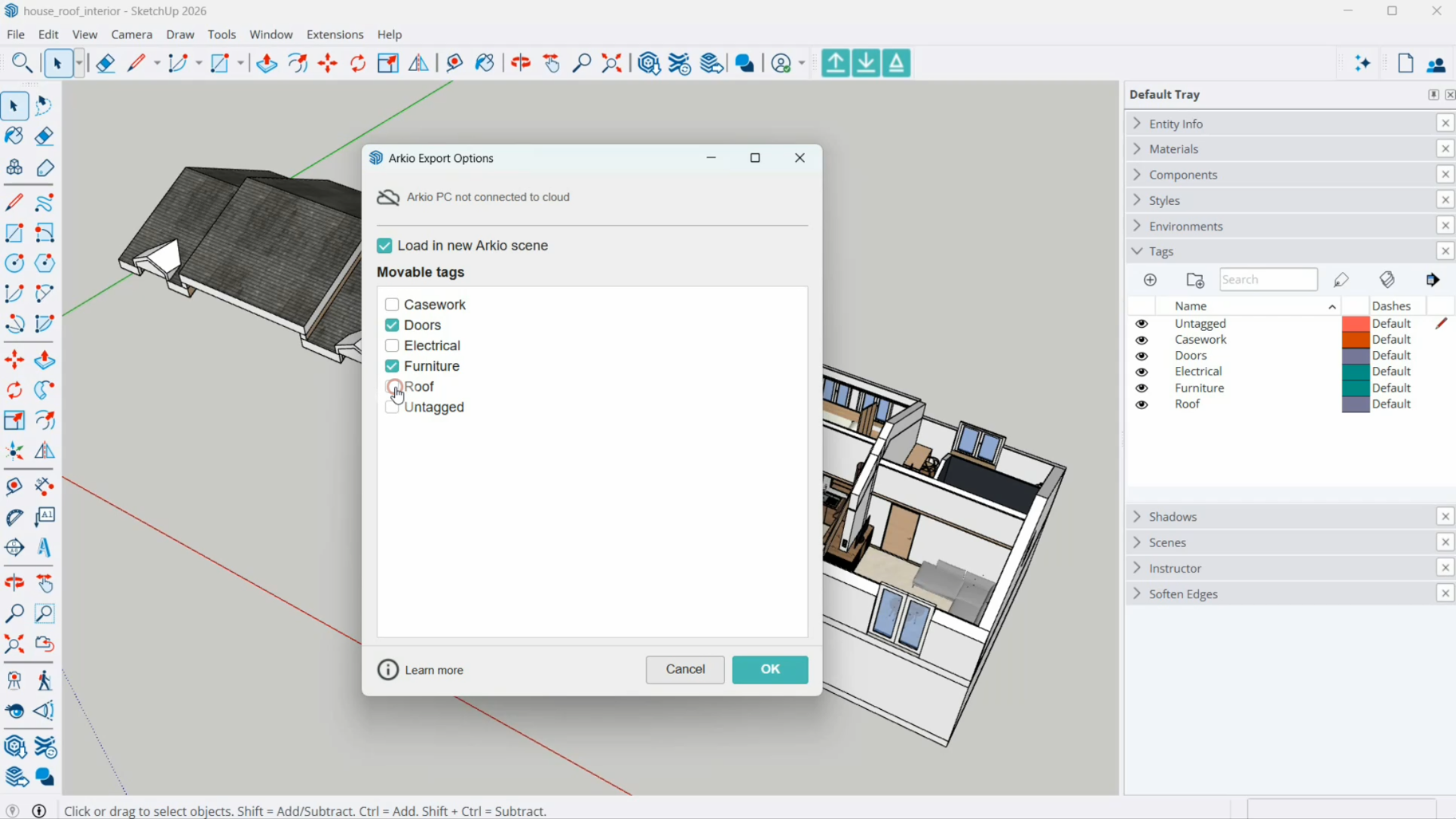
Open exports directly in a new Arkio scene
Level of Detail dropdown for Revit and Rhino
Select which objects should be imported as movable
status and progress bar
Plugins instantly open Arkio in a new scene on PC
Processes large files directly for other devices
Shows the Cloud device group link code
Access your large export directly on Quest or mobile
New Import panel:
Lists all recent exports
Automatic downloads of cloud exports on other devices
Material import settings
Previous Arkio import settings
🧩 Movable objects
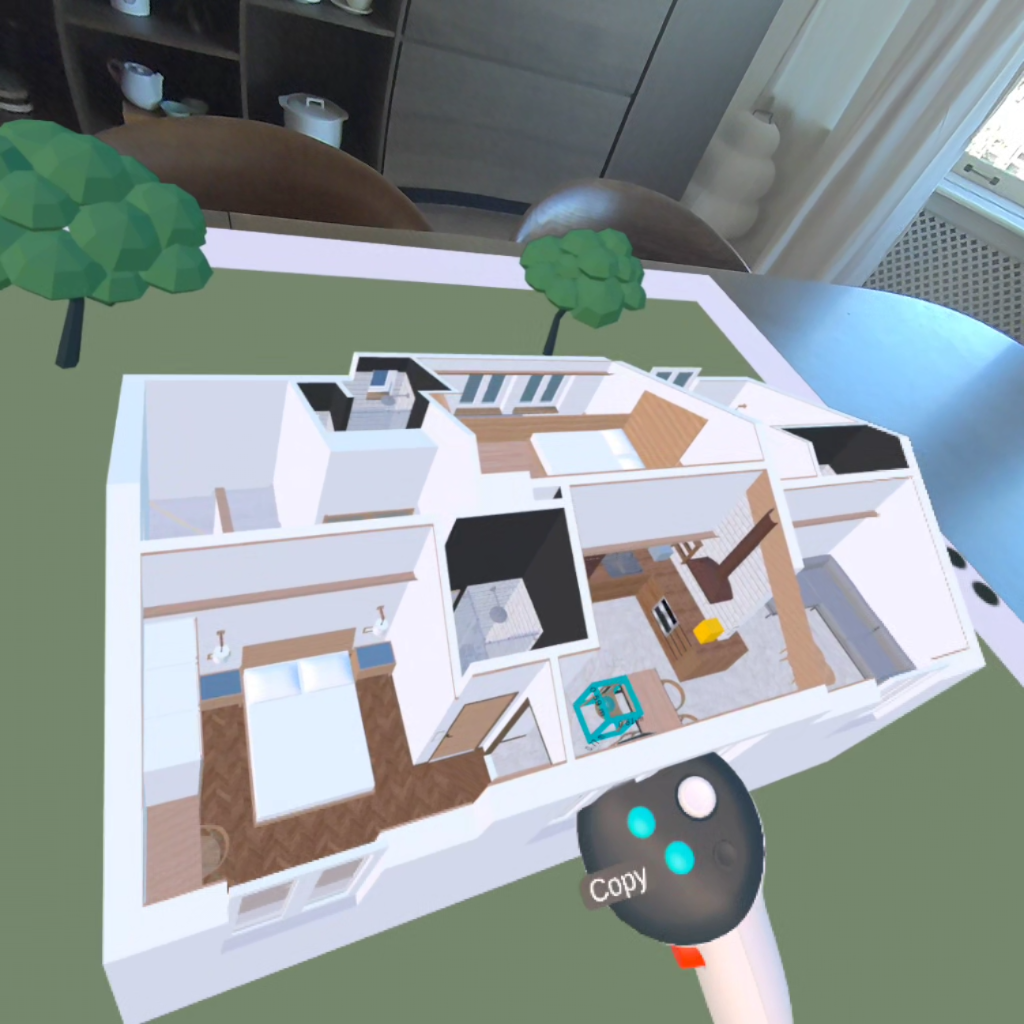
A key addition in Arkio 2.2 is support for movable objects imported from your existing design tools.
Defining Movable objects
Select Categories for Revit families
Select Layers for Rhino Blocks
Select Tags for SketchUp Components and groups
In Arkio
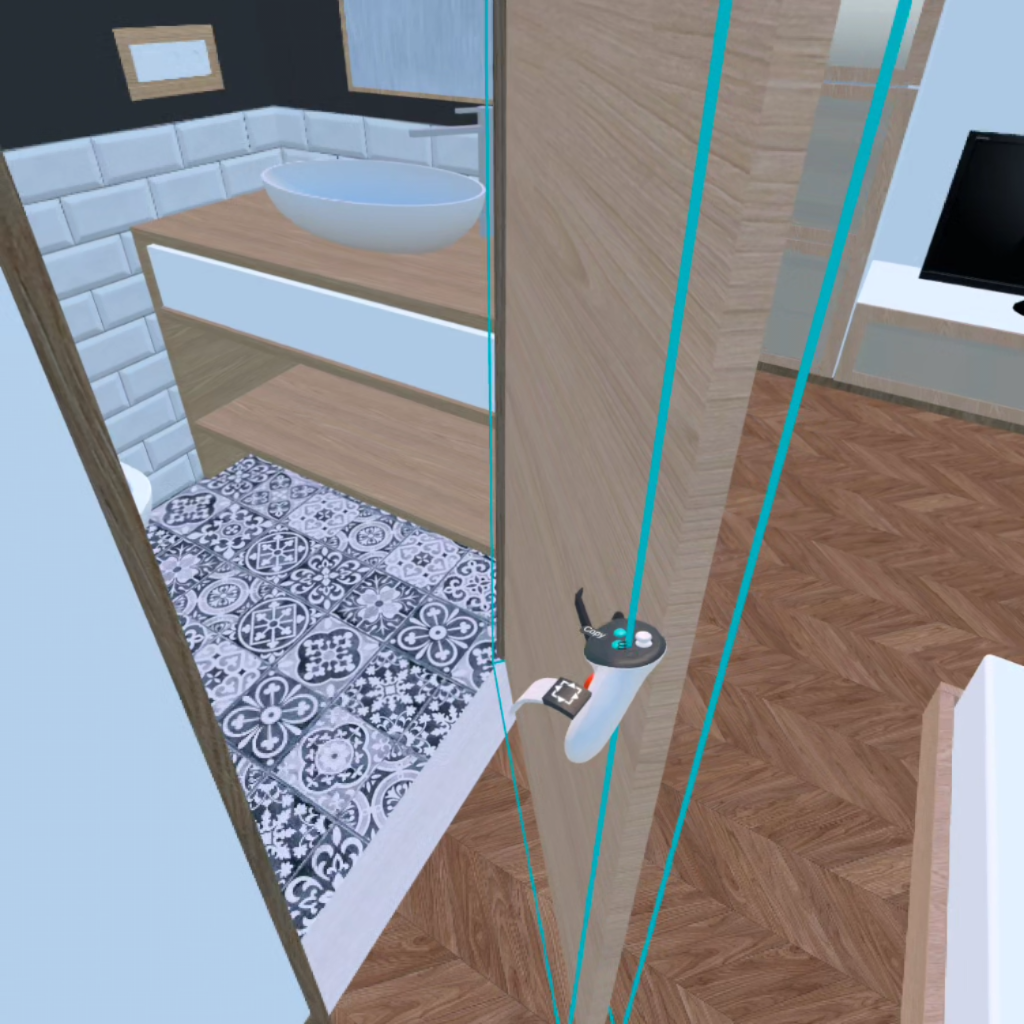
Imported as individual, editable objects
Full editing capabilities:
Move, duplicate, delete, edit, and paint
What This Enables
Real-time layout exploration at any scale
Testing design variations at human scale
Collaborative editing with full flexibility
Round-Trip Workflow
All Arkio-created geometry is exported back in the same coordinates
Moved objects sync back to your original design tools
Supports cross-tool workflows
Movable Sketchup components can be converted to Revit families
 |  |
💳 Simplified Subscription Model
Subscriptions have been streamlined to improve accessibility and clarity. Learn more about this in our updated pricing page.
Starter (Free)
1:1 meetings without a time limit
Support for large 3D models (OBJ, GLB)
Scenes from Pro/Enterprise hosts become view-only after meetings
Pro
Meetings with up to 6 participants
Access to bidirectional plugins
Support for layers and BIM data
Movable objects
Advanced features:
Sections
3D maps
Visibility modes
Includes AI credits
Enterprise
Meetings with up to 24 participants
Floating license
Advanced meeting controls
Temporary guest editors
Presentation mode
📦 Improved Large Scene Performance
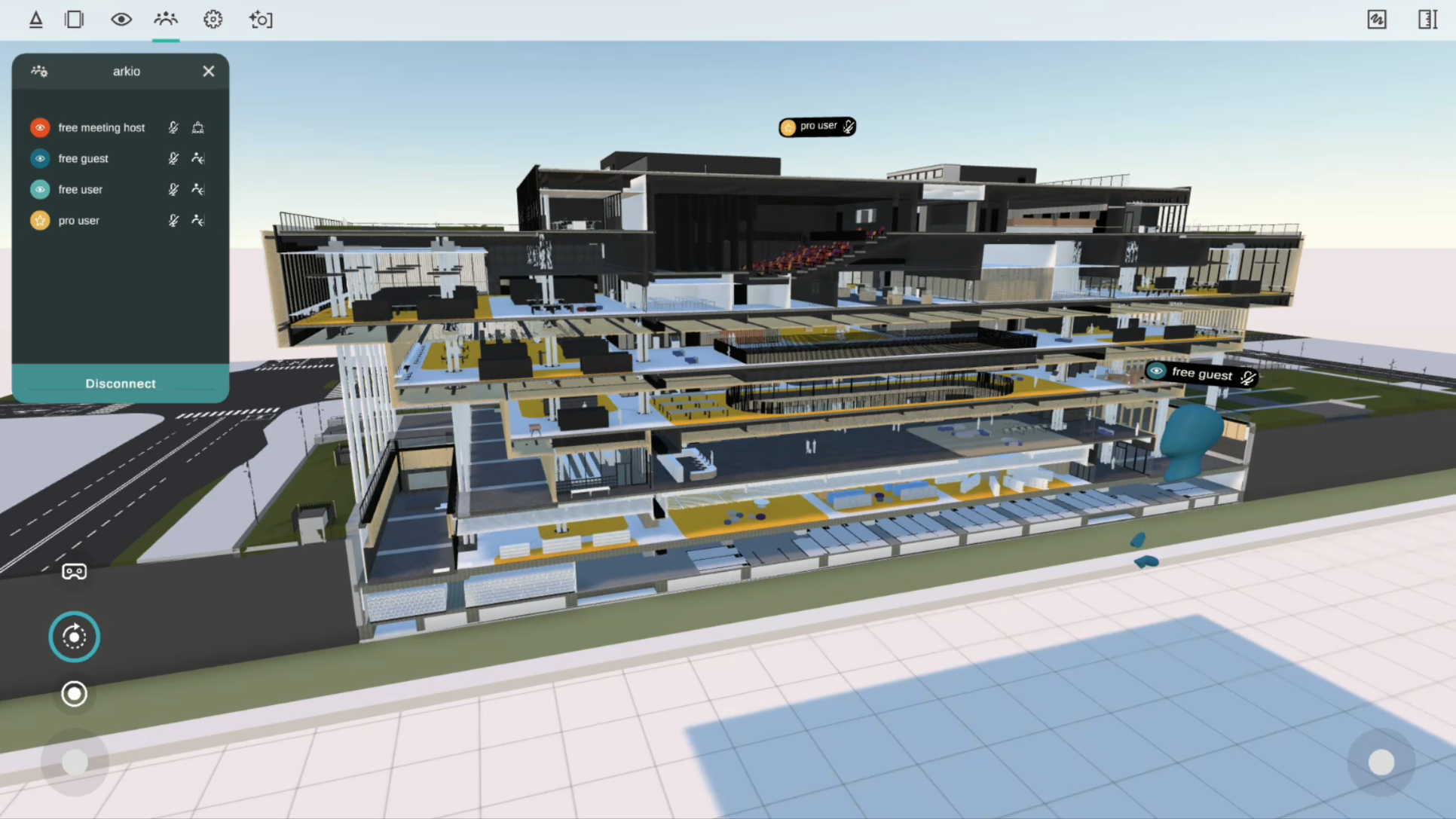
Support for up to 1,000 movable elements per project export
Updated HLOD system for components and props:
Handles larger imports more efficiently
Maintains smooth performance with hundreds of elements in a scene
Optimized for mobile VR devices, including Meta Quest headsets
☁️ Arkio Cloud Improvements
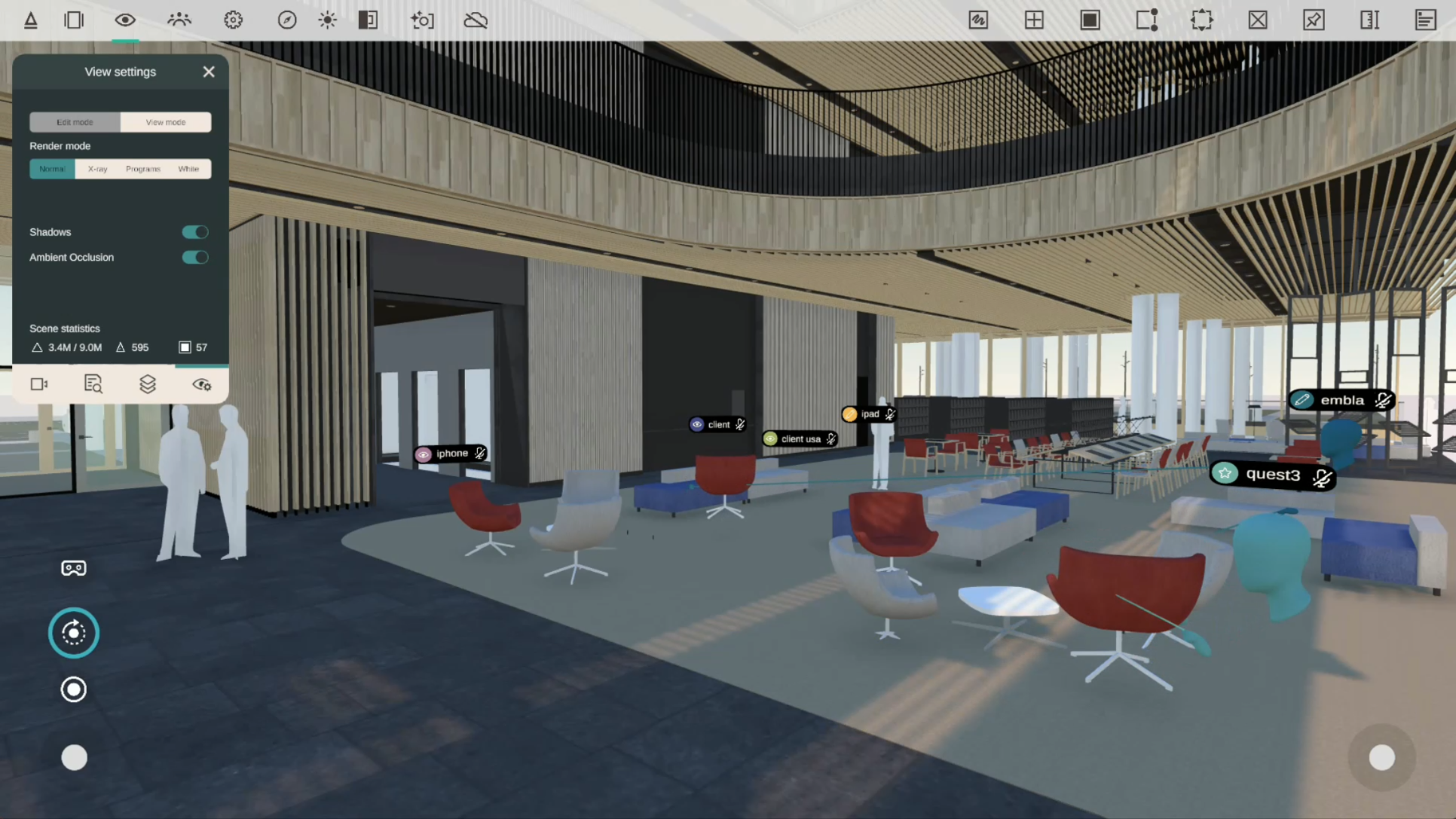
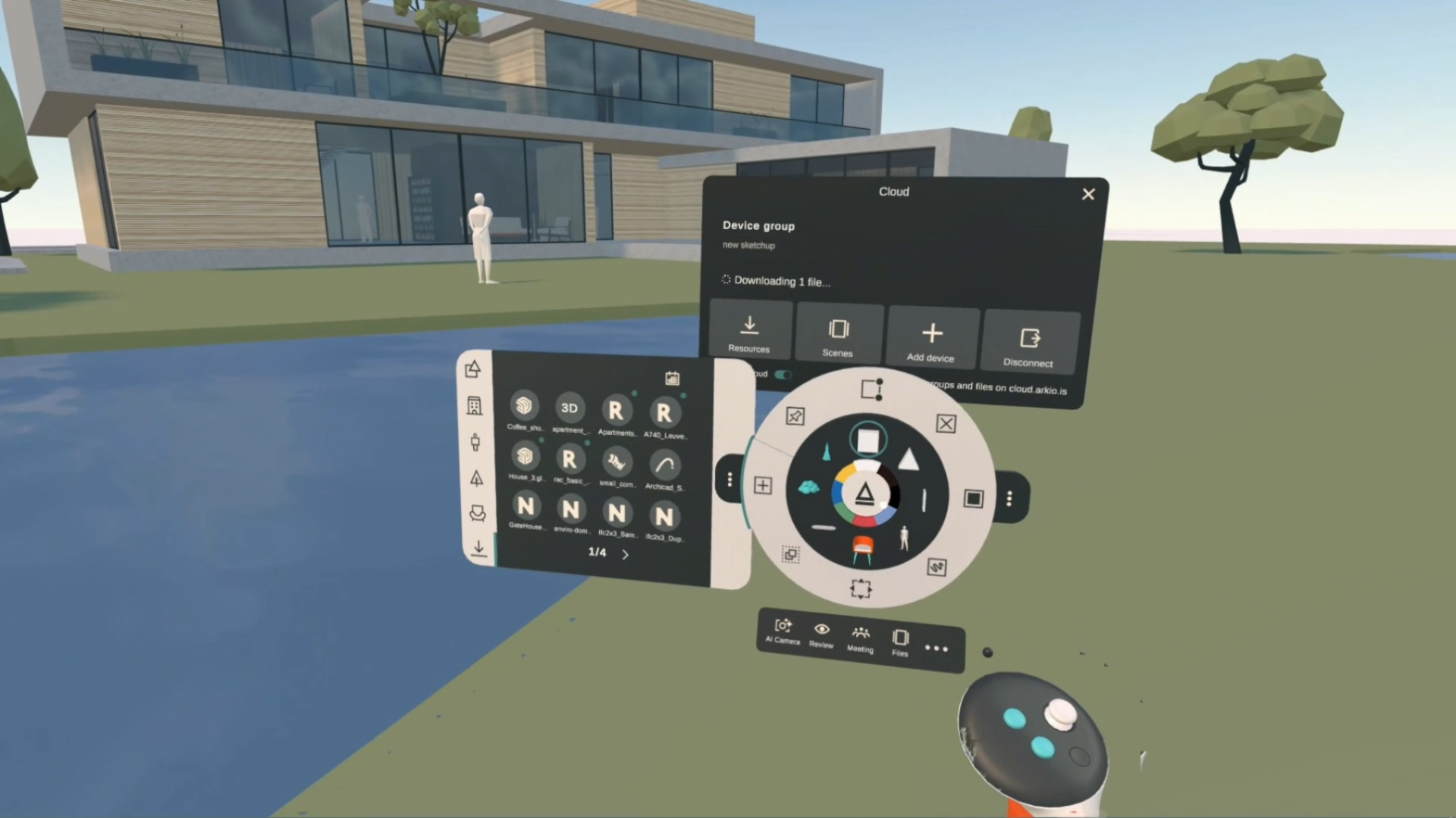
Arkio Cloud has been redesigned for improved clarity and ease of use.
New Cloud Panel (VR and non-VR)
Dedicated Cloud panel with status icon and notifications
New resource and scene overview
Enhanced Cloud Features
View device group status
Access latest synchronized files
Manage Cloud settings in one place
Improved Device Syncing
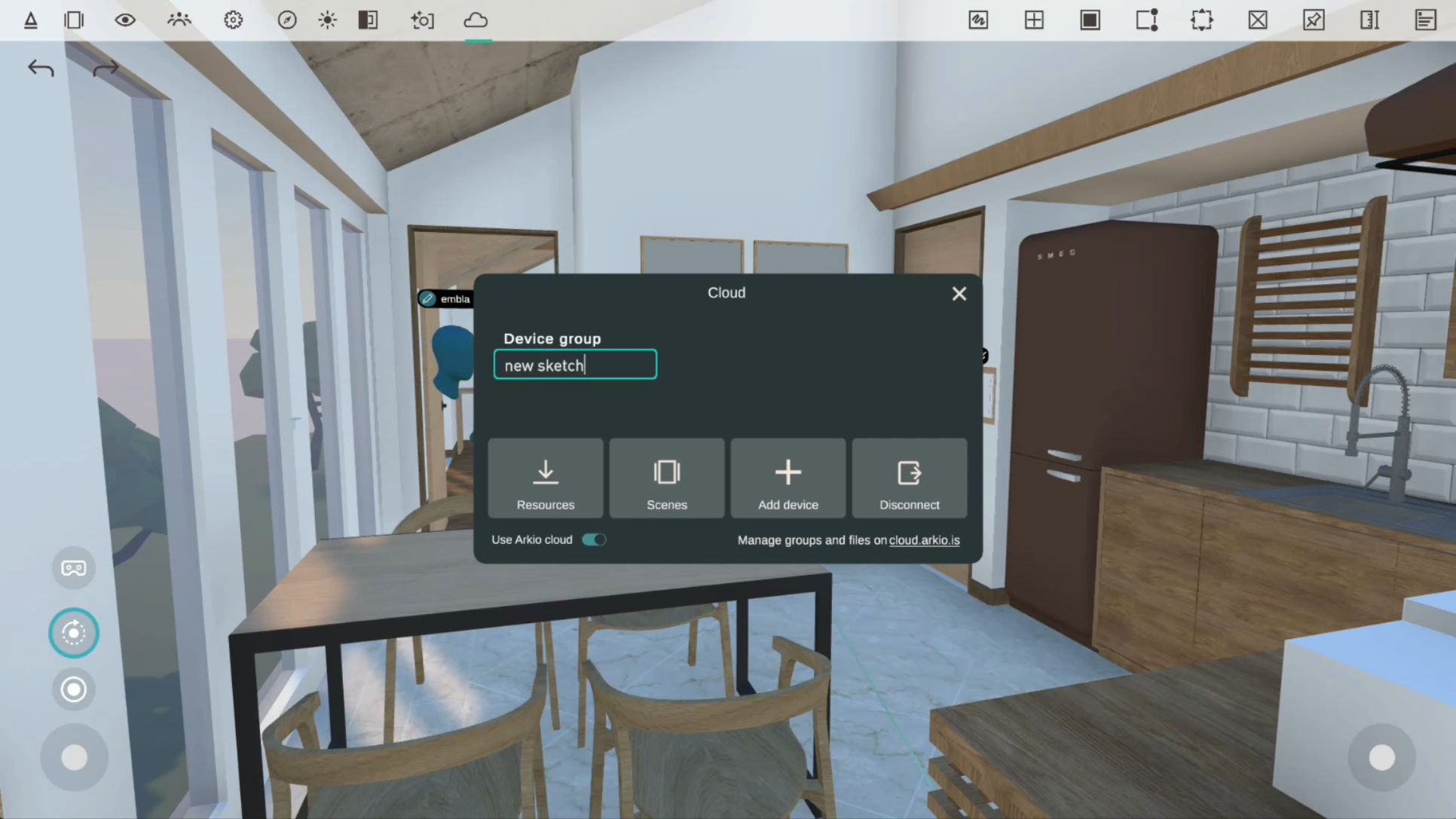
Automatic device group creation when importing or exporting on an unconnected device
Create or enter a link code from any device
Simplifies syncing across multiple devices
More Control
Option to disable Cloud functionality
🖥️ PC & VR Workflow Improvements
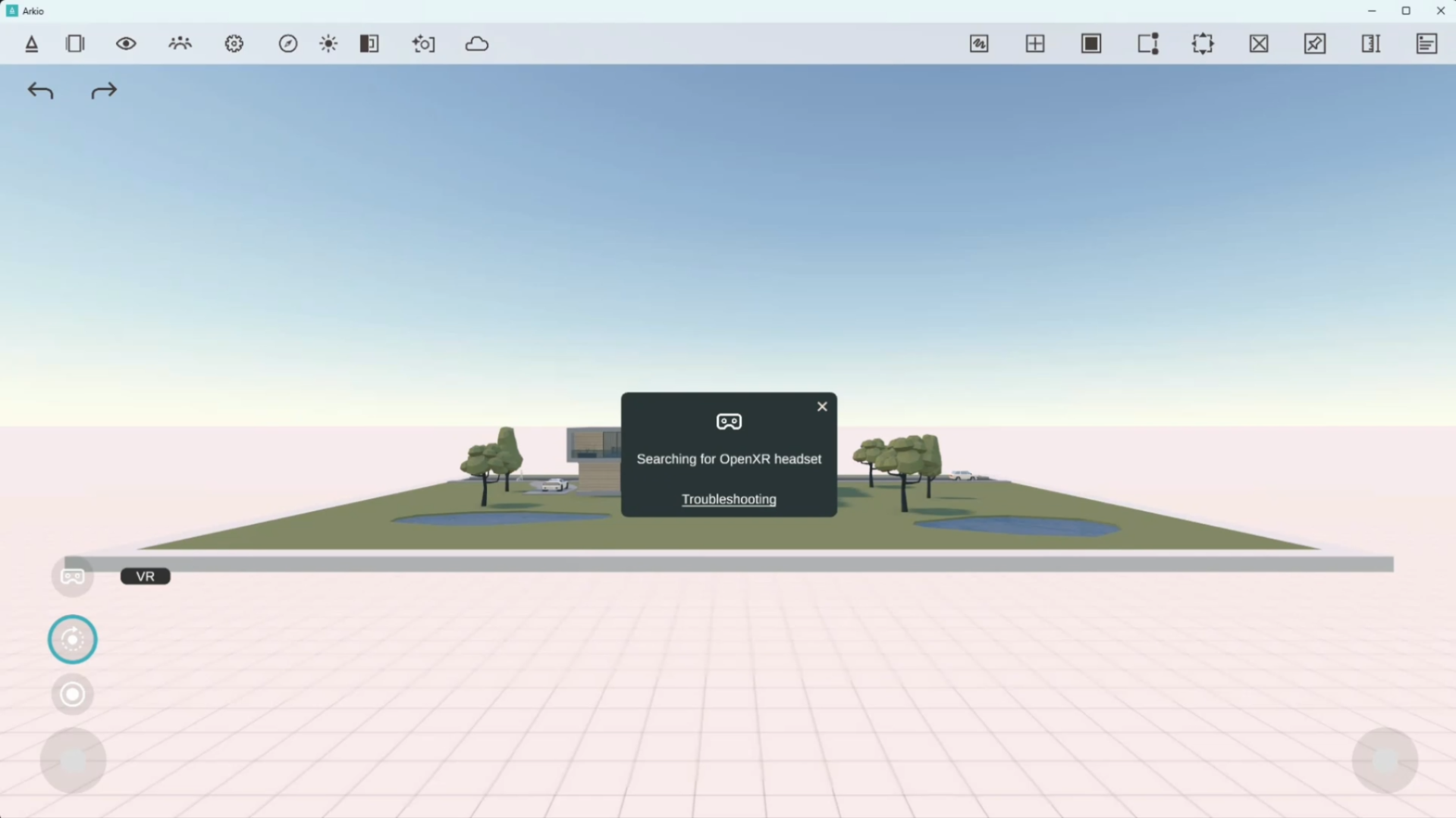
Improved startup speed and reliability for PC users.
Arkio now launches in non-VR mode by default
Easily enable VR for any OpenXR-supported headset
Benefits (PC link mode)
Faster startup
Easier troubleshooting
Improved stability
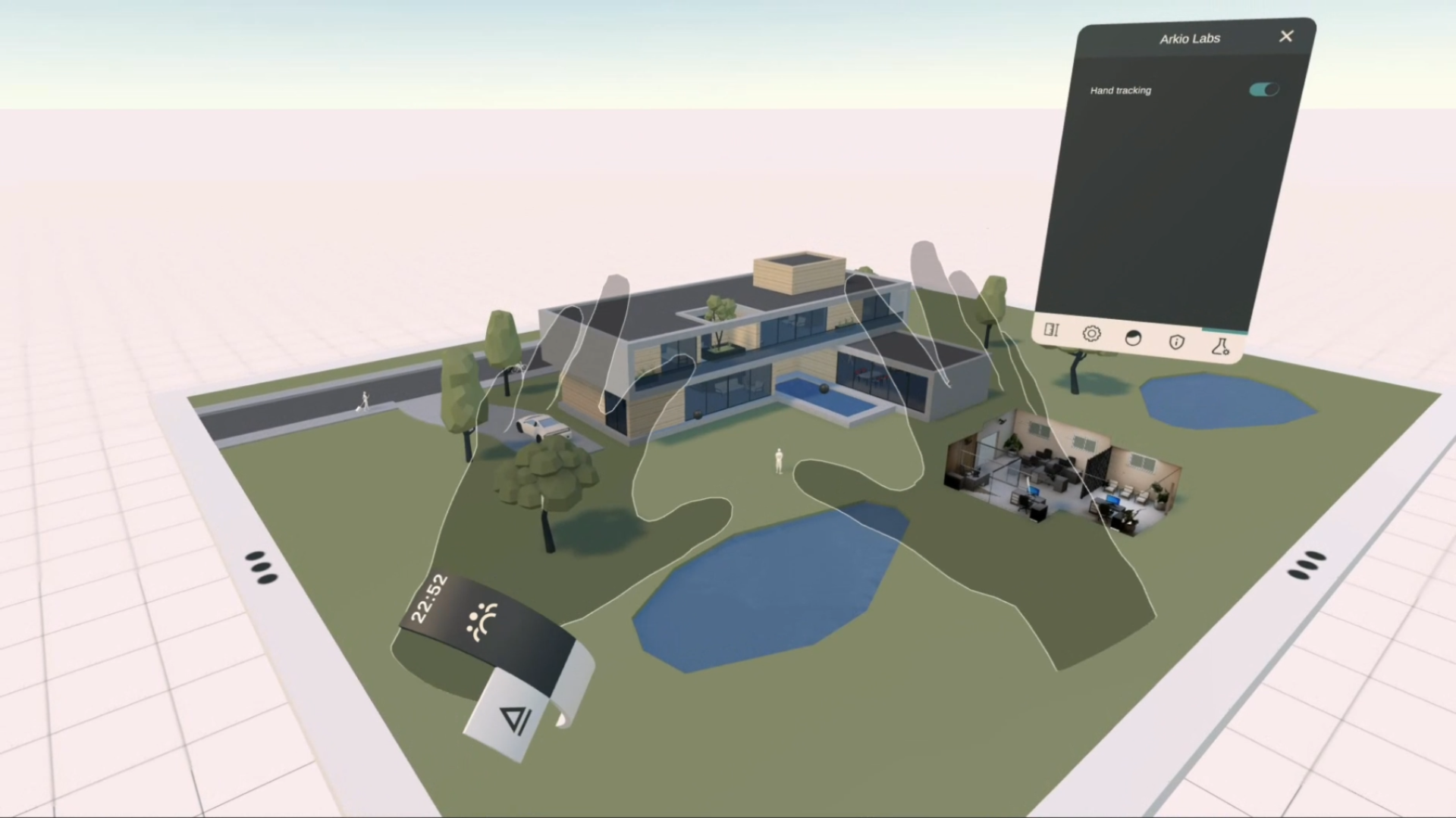
🧪 Arkio Labs
New Arkio Labs tab in Settings for accessing experimental features.
Explore upcoming tools and features in development
Current option:
Enable or disable hand-tracking interactions
✨ General Improvements
Additional updates across the platform:
Improved overall user experience
Enhanced visual quality:
Reflections
Shadows
Render Resolution (Quest 3)
Performance improvements across all platforms
Mixed Reality
Hidden white table edge in human scale
Improved colocation detection
Media
Ability to remove photos and AI photos from the camera roll
Support
New Help Center
New Feedback page
🌐 Learn More
For more information:
Visit the Arkio website
Join our community forum