Array
Written By Johan Hanegraaf
Last updated 8 months ago
While using the move tool, the green menu button allows you to duplicate your active selection. Clicking it briefly will place one copy. If you keep holding the menu button while moving it, it dynamically creates arrays based on the offset between the original and the duplicated shape. This is a powerful and quick way to make repetitive geometry in the scene, such as stacked towers or rows of trees.
The basics
Use the move tool (laser/hand) to pick up the shapes you like to array. While moving the shape, briefly press the menu/interaction button to make a duplicate of that shape. (The original model is the starting point of the array)
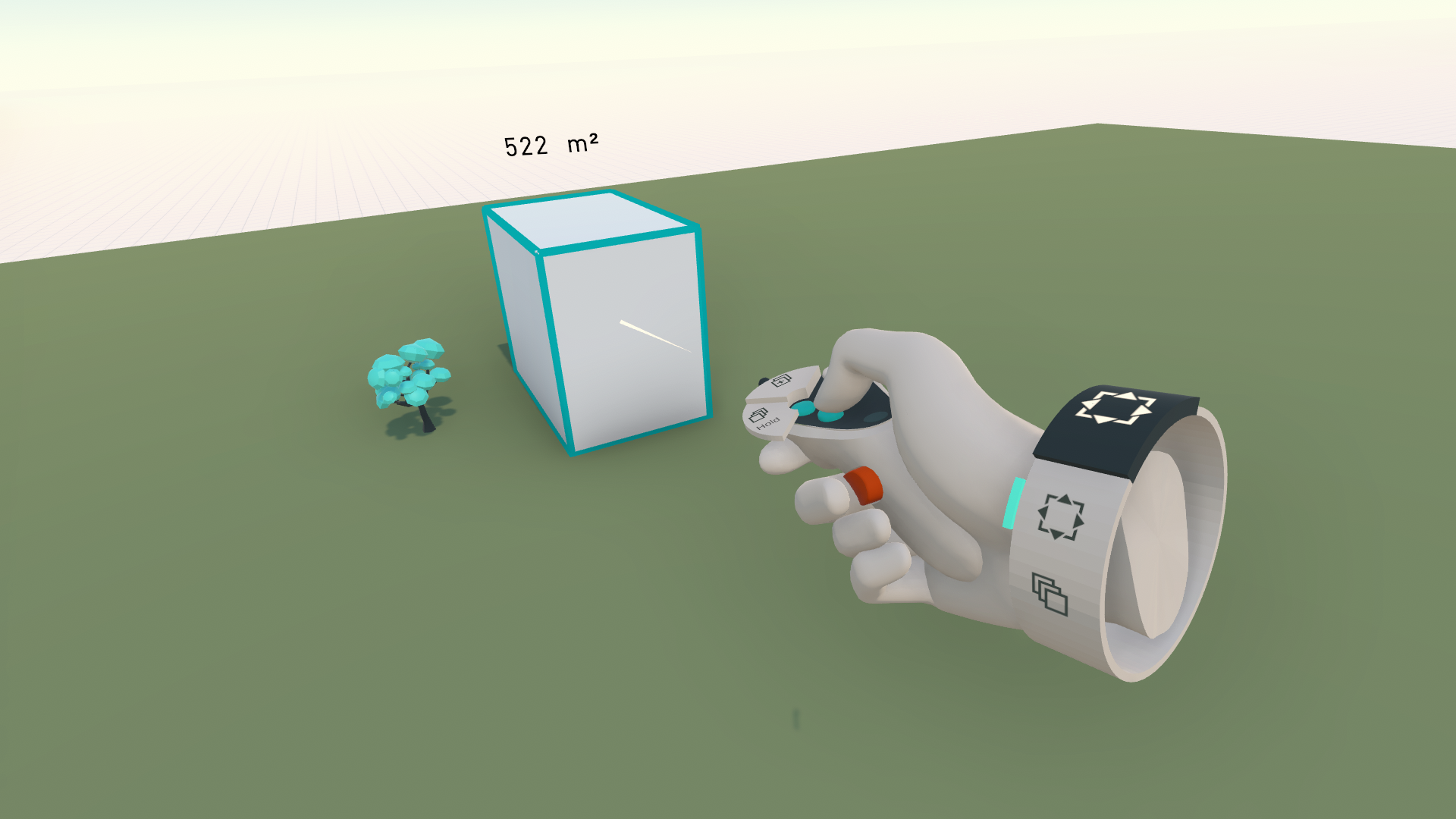
Define the second position of that shape, and this time press and hold the menu/interaction button to keep duplicating in the array based on your offset/rotation.
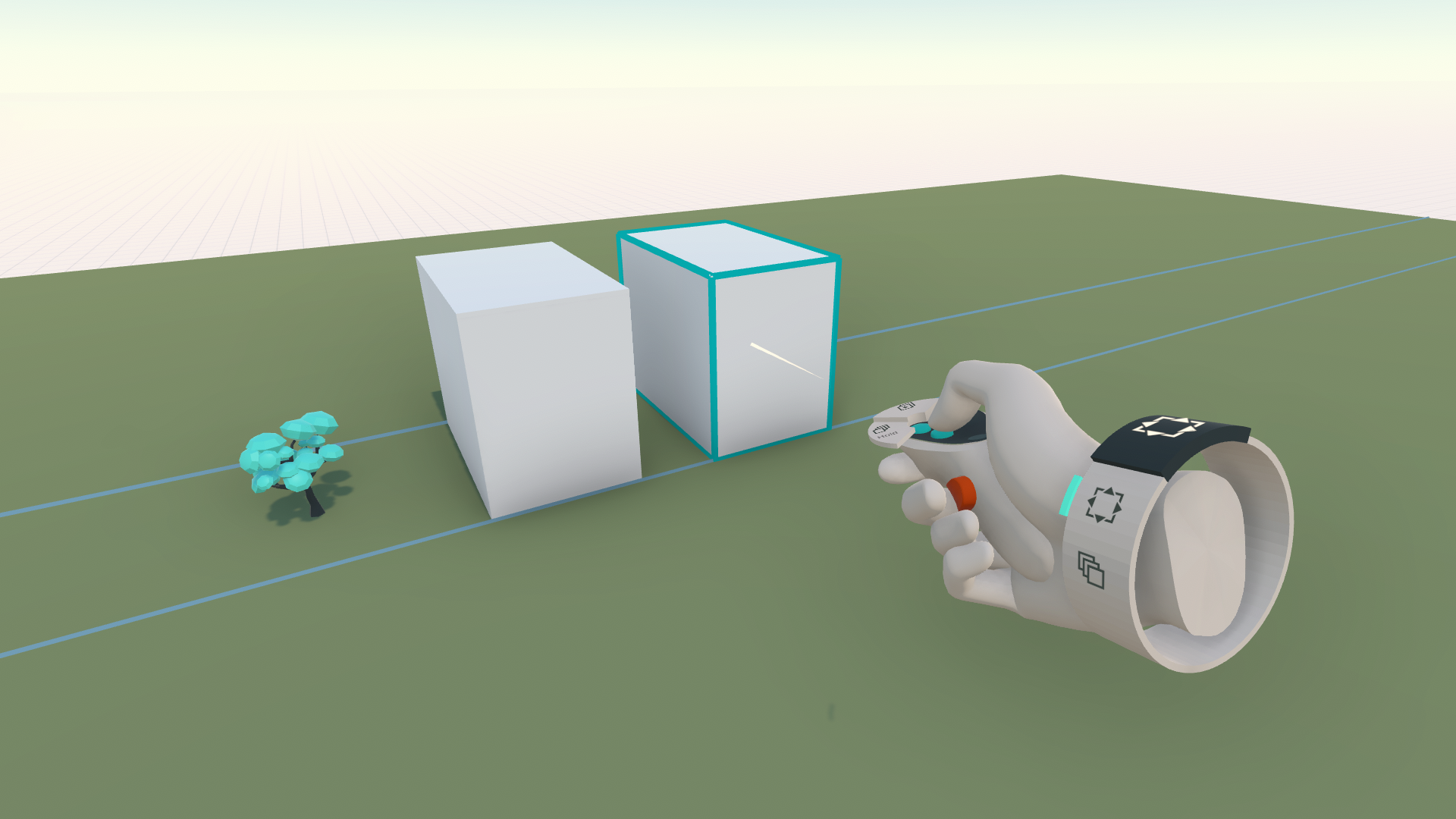
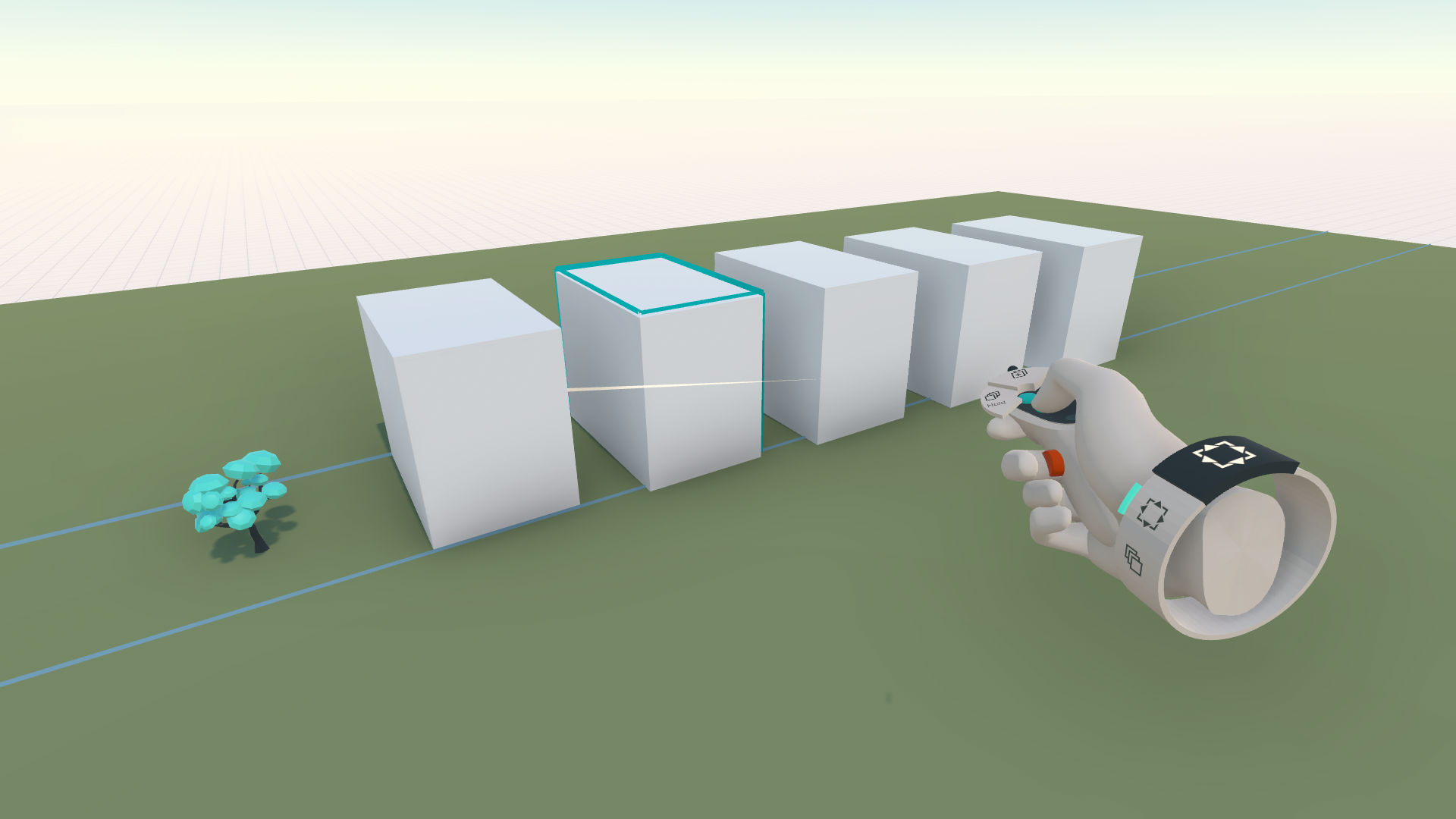
Move your hand in the direction you want the array to move to see the other copies of the array. Release the menu/interaction button or trigger to finalize this array.
Special Arrays
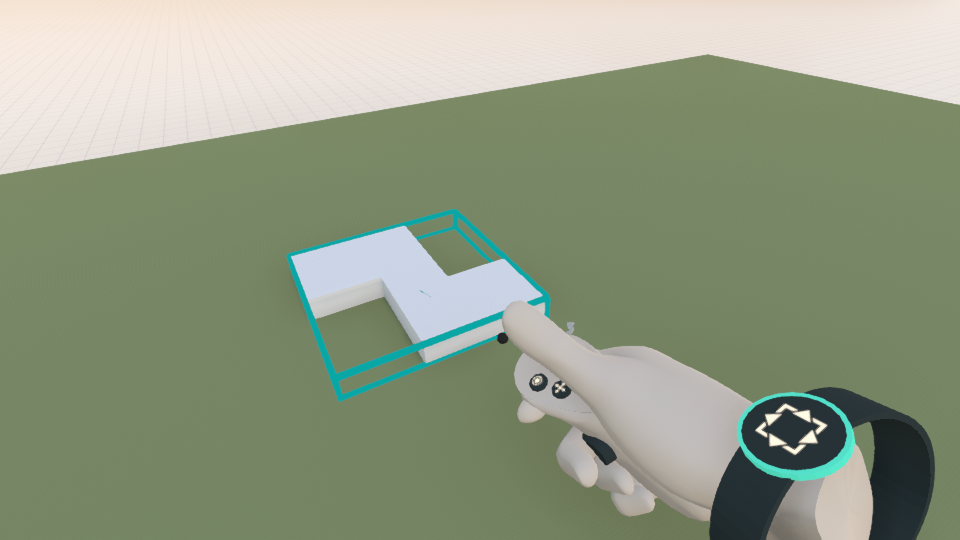
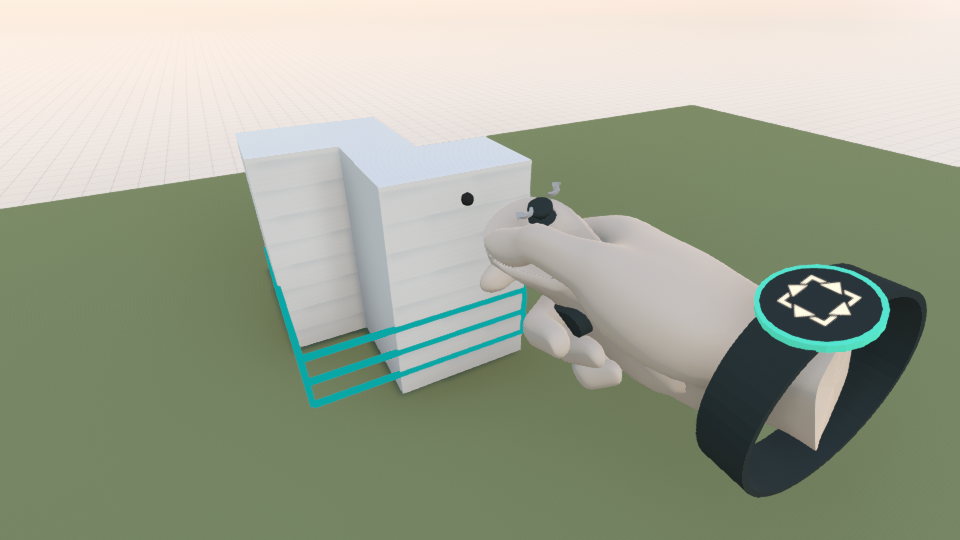
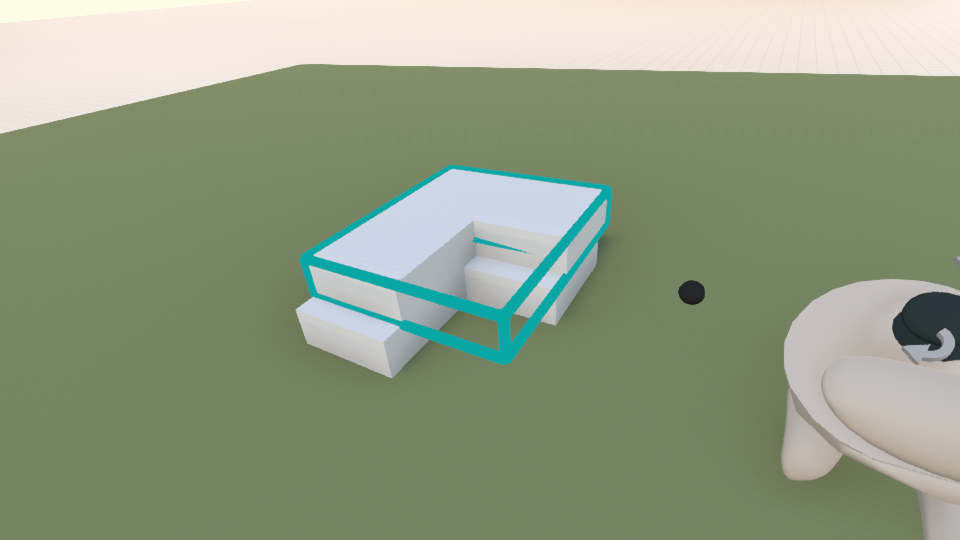
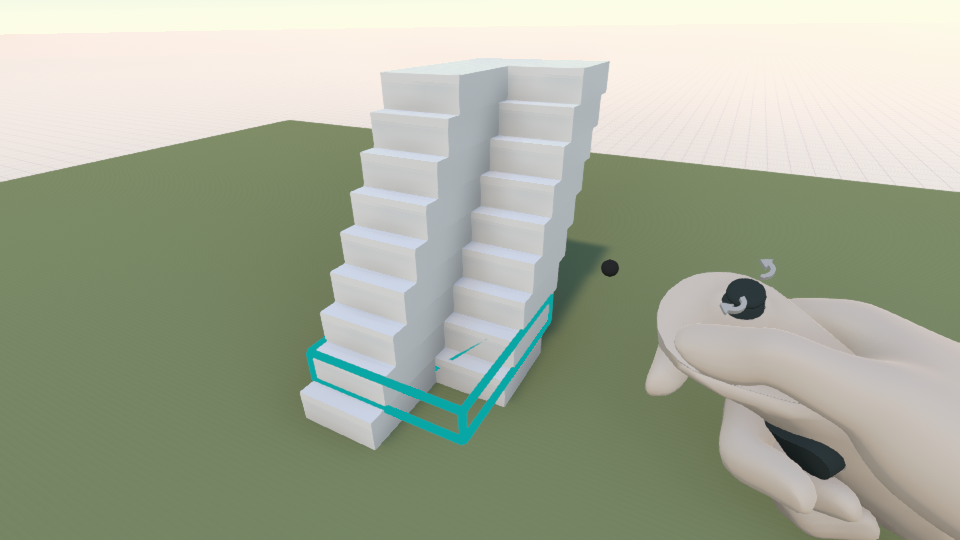
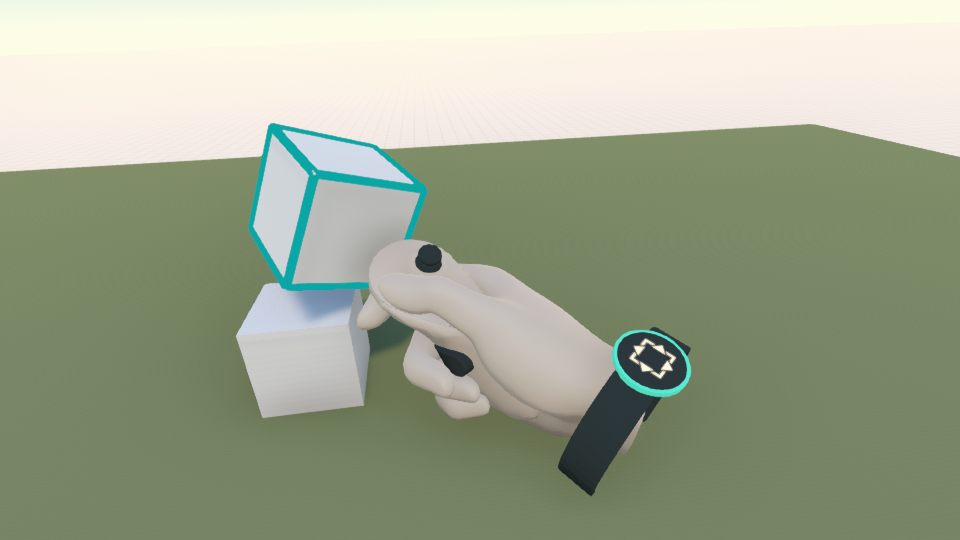
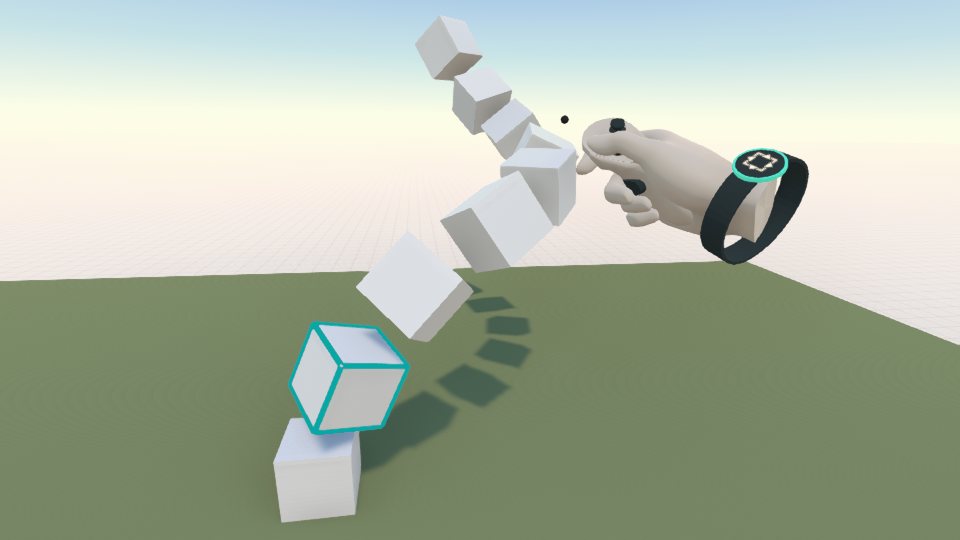
Stacked array - While moving objects, you can easily let Arkio create a stack of cells on top by pressing and holding the duplicate button while moving the controller up.
 |  |
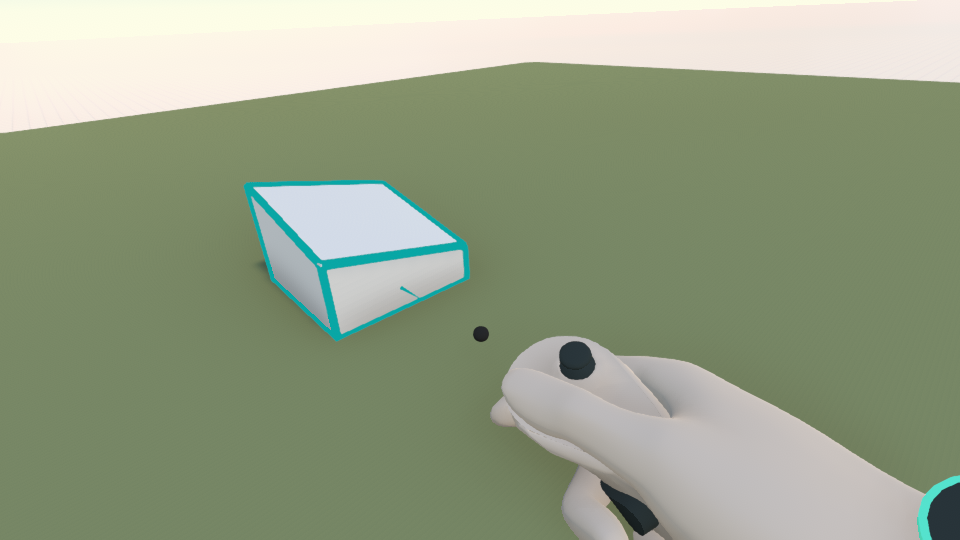 |  |
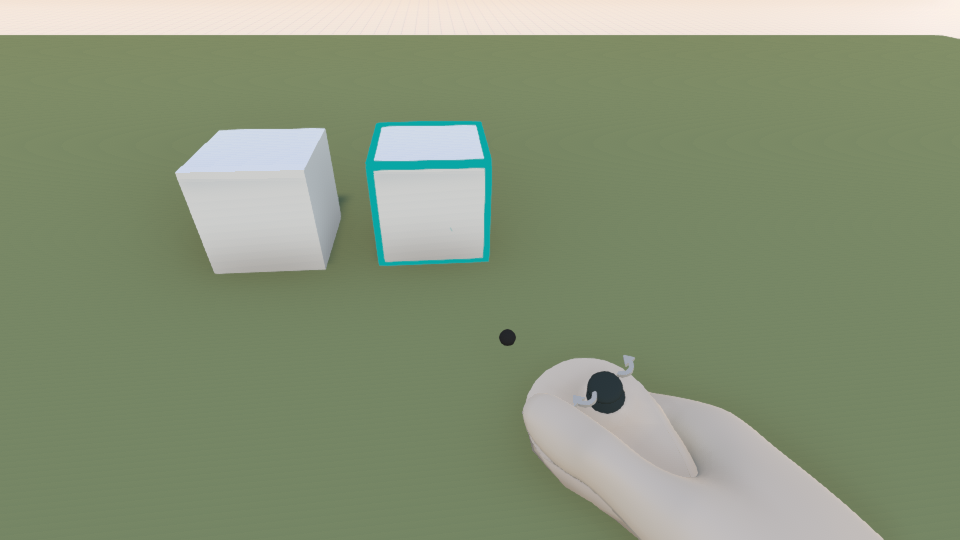
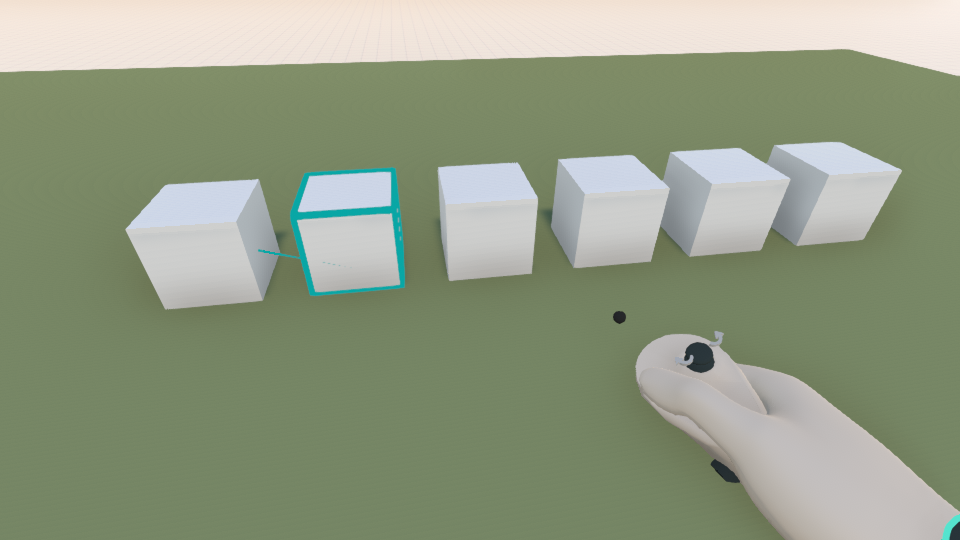
Offset array - while placing a duplicated object (move + duplicate), you can place an object at a second position and keep the duplicate button pressed to continue the array using that distance (+ hosting)
 |  |
 |  |
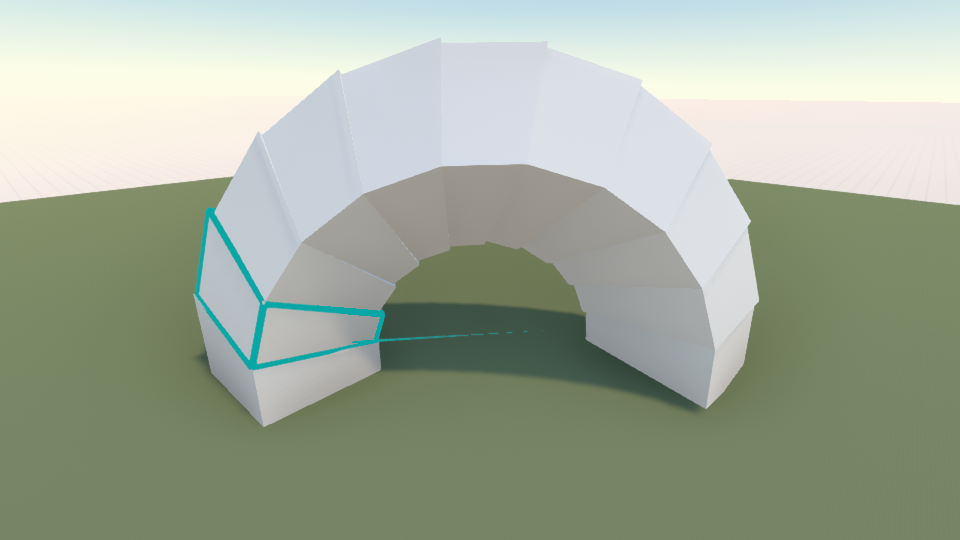
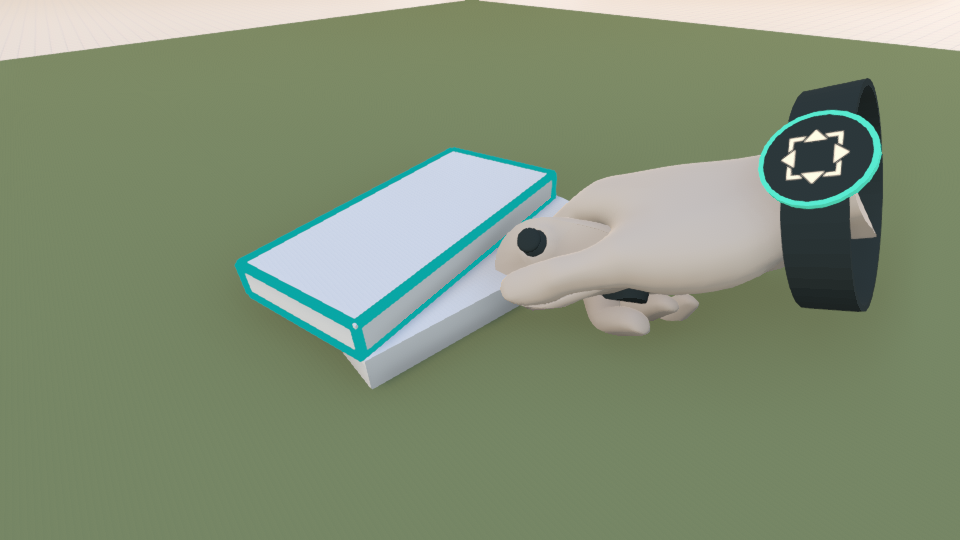
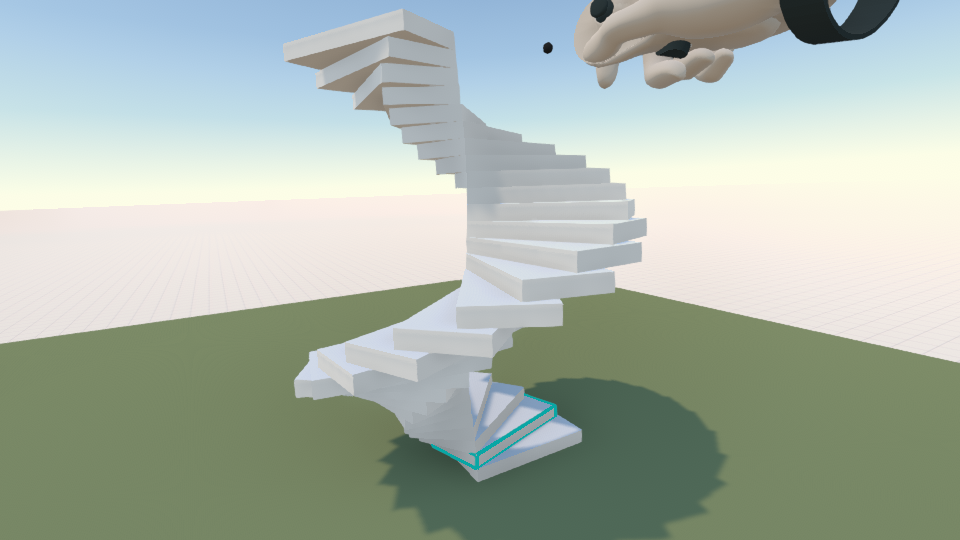
Offset and rotation array - while grabbing an object, create a single duplicate and place it at some offset and rotation to the original one, then hold the duplicate button and move your controller in the direction of the array you want to create.
 |  |
 |  |
Was this helpful?
Still need help? Ask the team