Sun studies
Written By Johan Hanegraaf
Last updated 8 months ago
Using the Sun tool requires a Plus license for Arkio. You can learn more about our paid features on our website and start a free trial within Arkio to try this.
By studying the effects of the sun on your design, you can ensure that your indoor and outdoor spaces receive sufficient daylight throughout the year. The Sun tool utilizes your map location and time to accurately simulate the expected sun and shadows for any location and time of the year. Allowing you to experience how your project's sun exposure feels and fine-tune your design to meet your requirements.
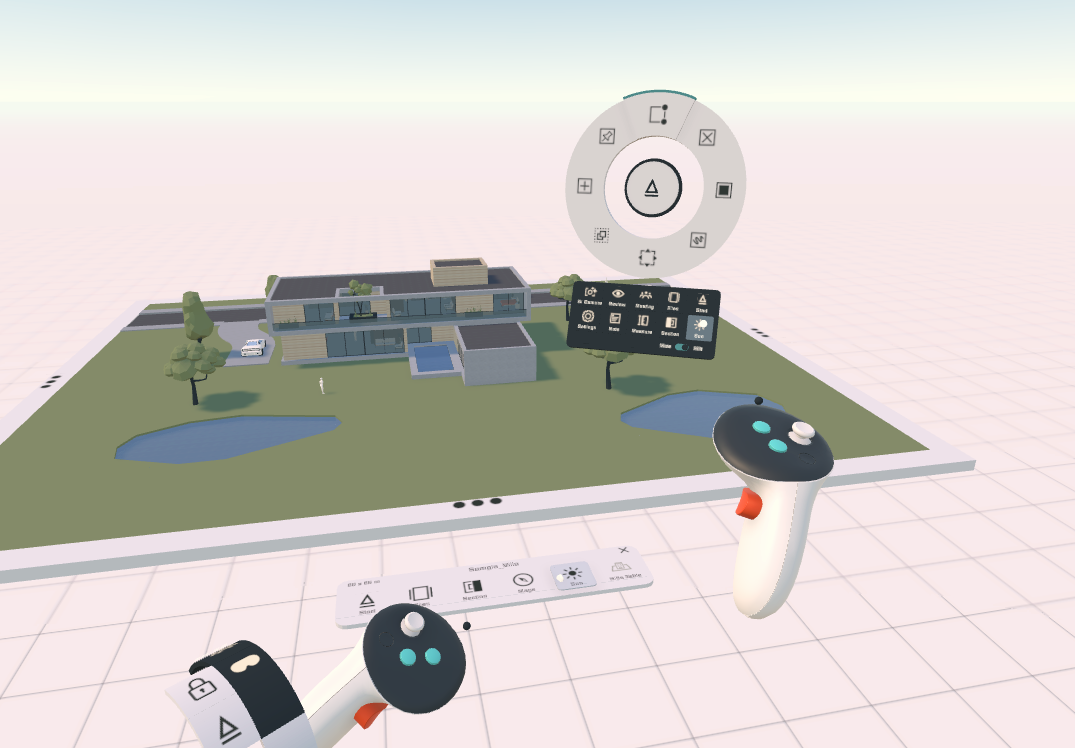
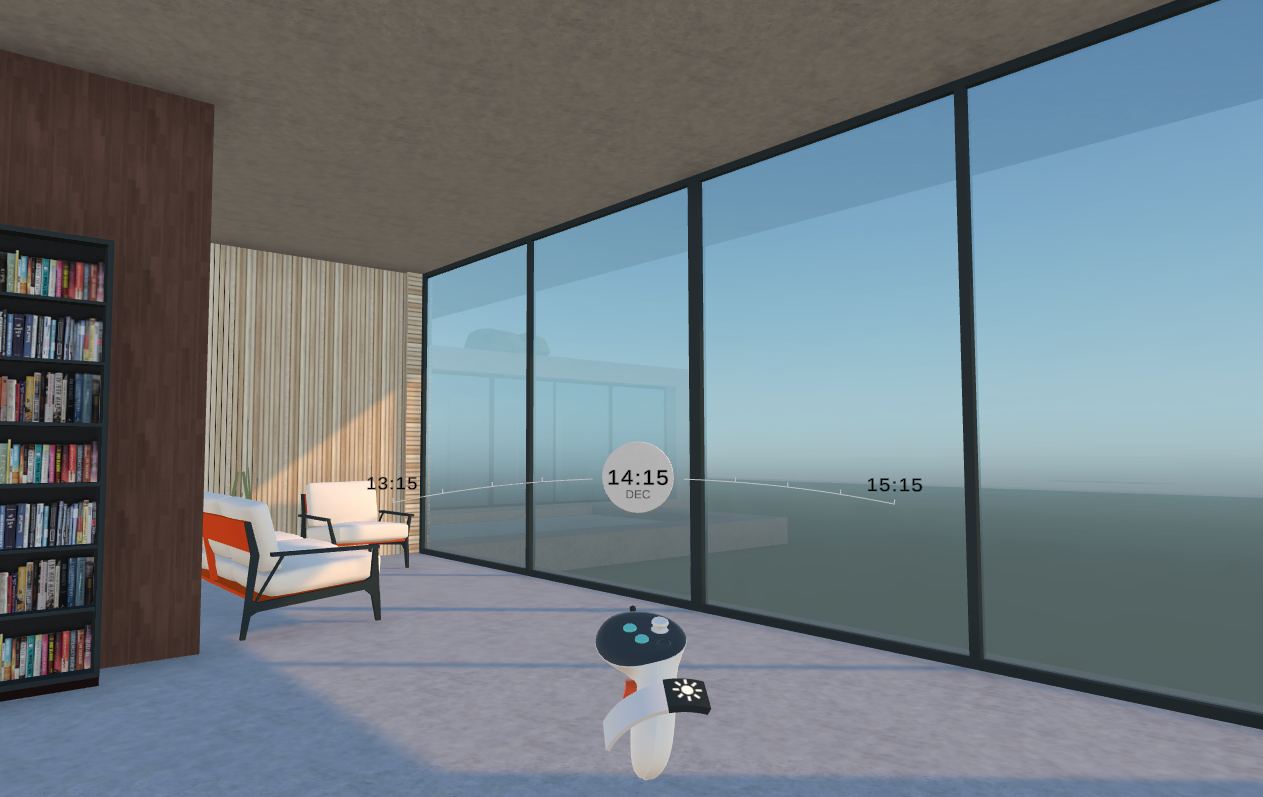
The sun tool is currently only available in VR and can be activated from the bottom VR menu or from the table UI. Once the tool is activated, you can use the Sun Tool widget to adjust the time and see the effects of the sun on your urban plan, house, and interior at any scale, experiencing how your windows, canopies, and surrounding buildings affect lighting and shadows indoors and outdoors.
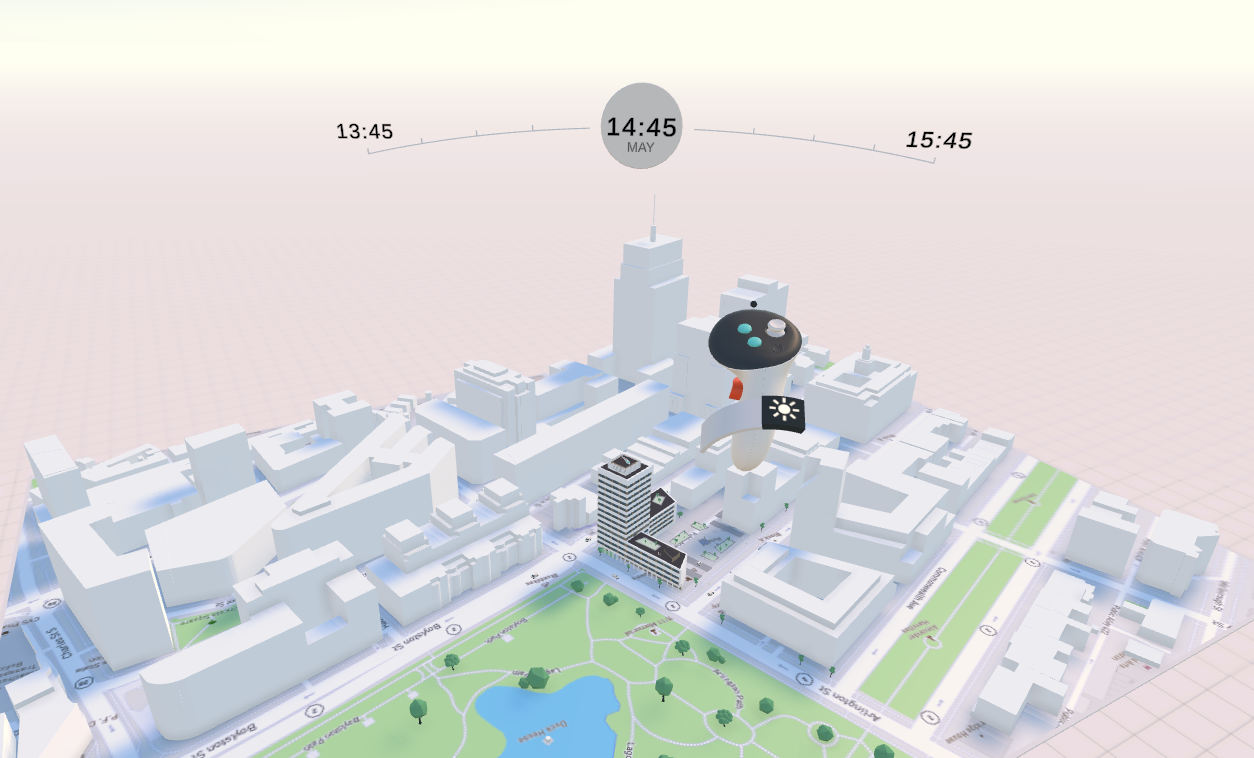
With the sun tool selected, a time indicator will appear in front of your controller. You change the time of day by holding the controller's trigger. Move the controller right to move forward in time or left to move backward in time.
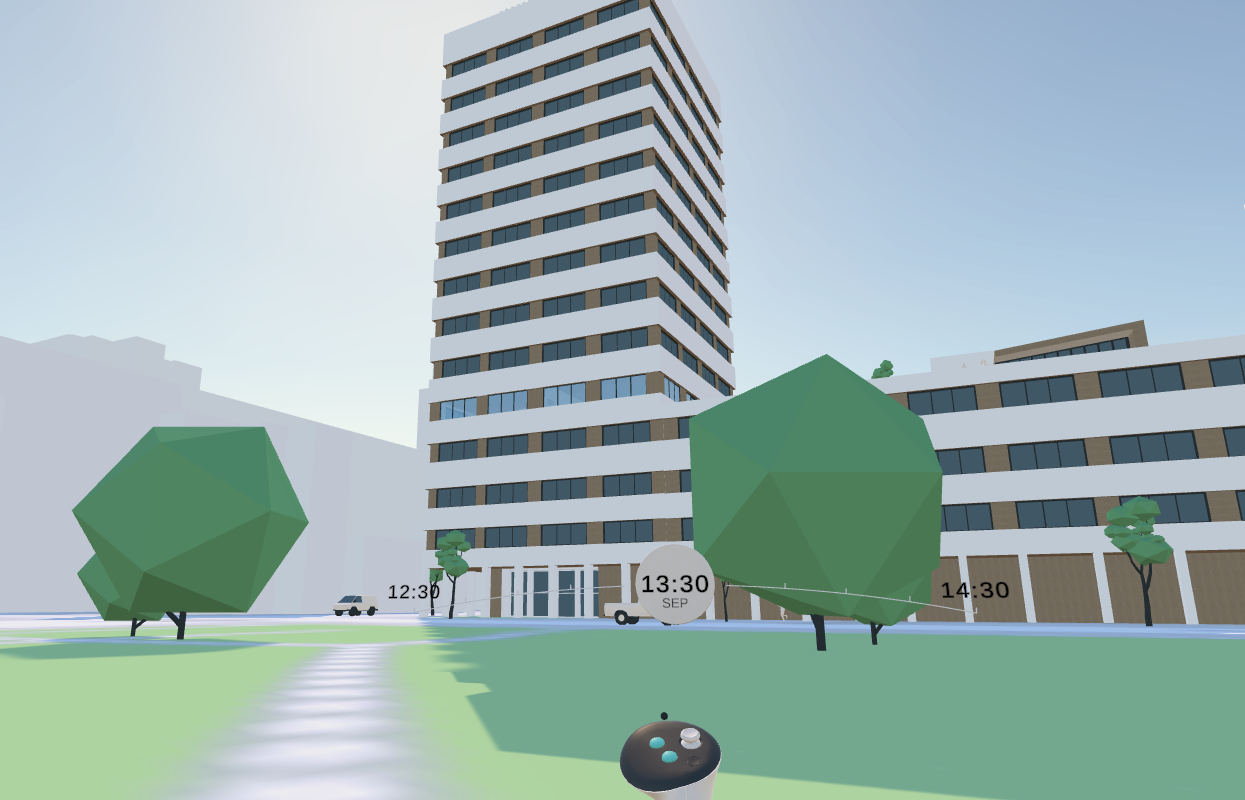
You can adjust the months in the year by holding the controller's trigger and moving the controller up for later months and down for earlier months.
The sun's longitude and latitude positions are based on your project location, set using the Map tool, and your building's north rotation. Make sure to orient your building correctly in relation to its surroundings to obtain the most accurate representation of the sun for your project. The default scene time is noon, and the default location is the US East Coast, which can be adjusted accordingly.
Was this helpful?
Still need help? Ask the team