Solid and hollow shapes
Written By Johan Hanegraaf
Last updated 8 months ago
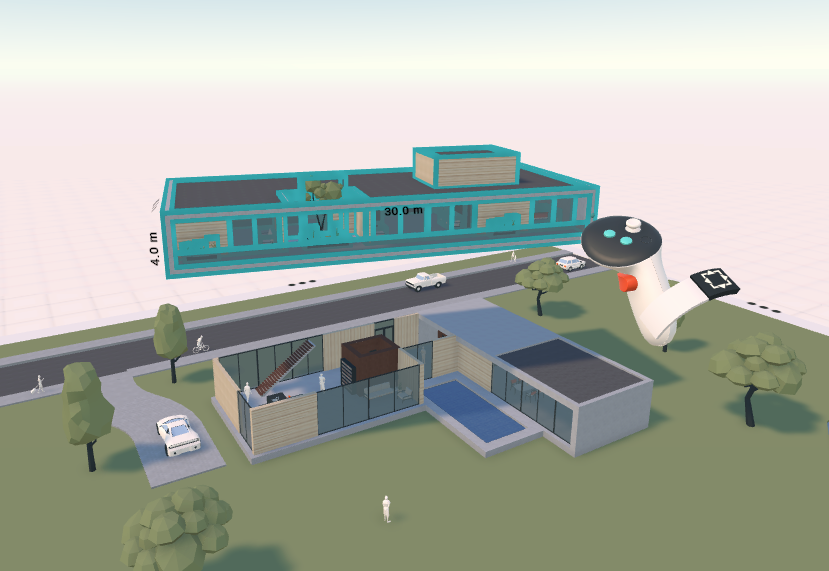
Arkio's main primitive shapes can be modeled as either solid or hollow. A hollow shape features a fixed-thickness shell of walls, a ceiling, and a floor, making it an effective container for a quick prototype of interior spaces and for constraining multiple objects within a room.
Both solid and hollow shapes remain editable. However, hollow shapes enable you to constrain your inner shapes on all sides, giving you more control over how your geometry flexes in Arkio.
Solid shapes are the basic solid primitives in Arkio, which can be used to sculpt generic solid forms that can be cut into with voids using our three main basic primitive shapes found in the create drawer.
Hollow shapes, displayed as wireframe primitives in the Create drawer, are best for creating hollow spaces with a fixed shell thickness. Only the surface of these shapes can be cut with other primitives.
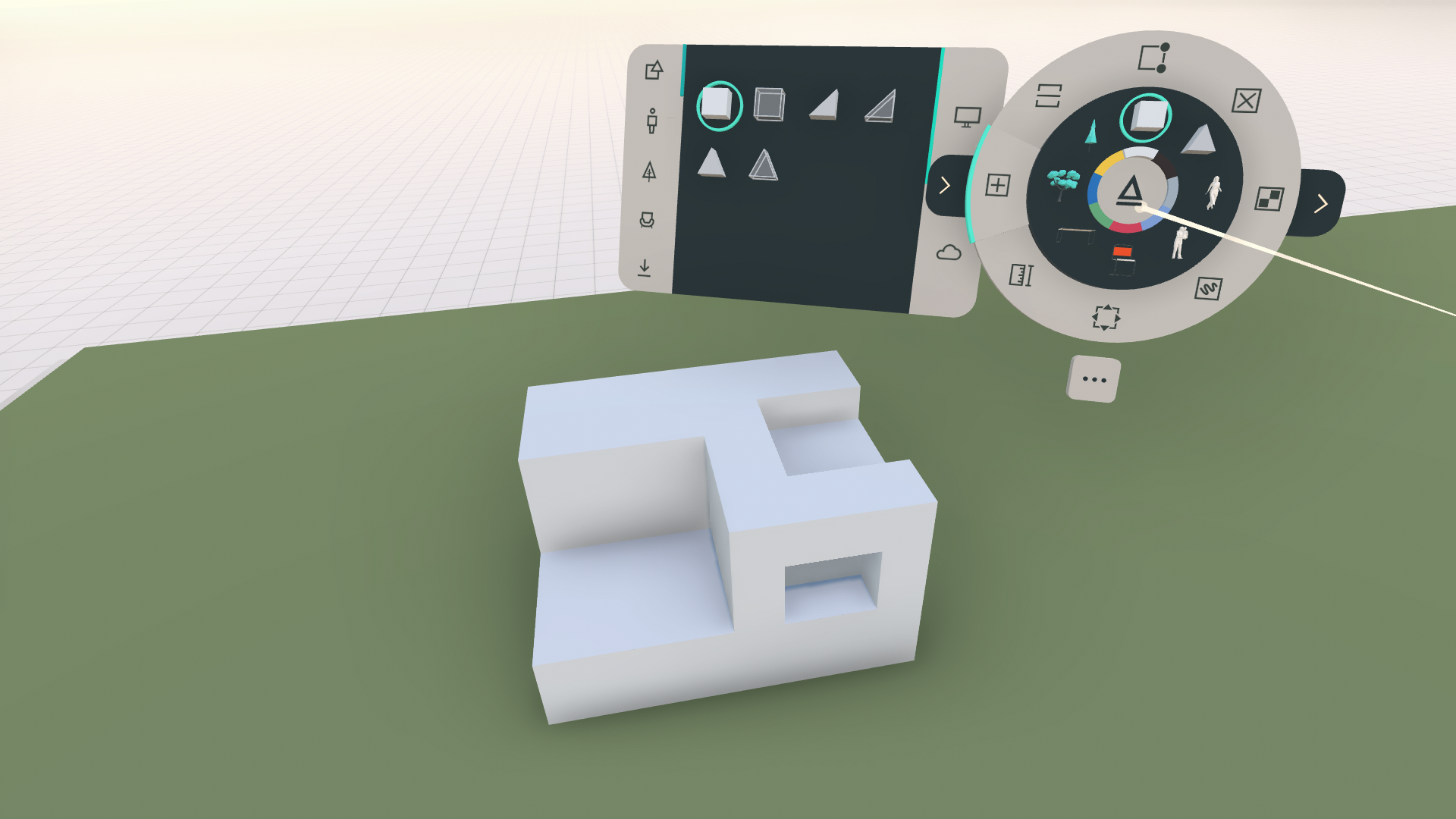 | 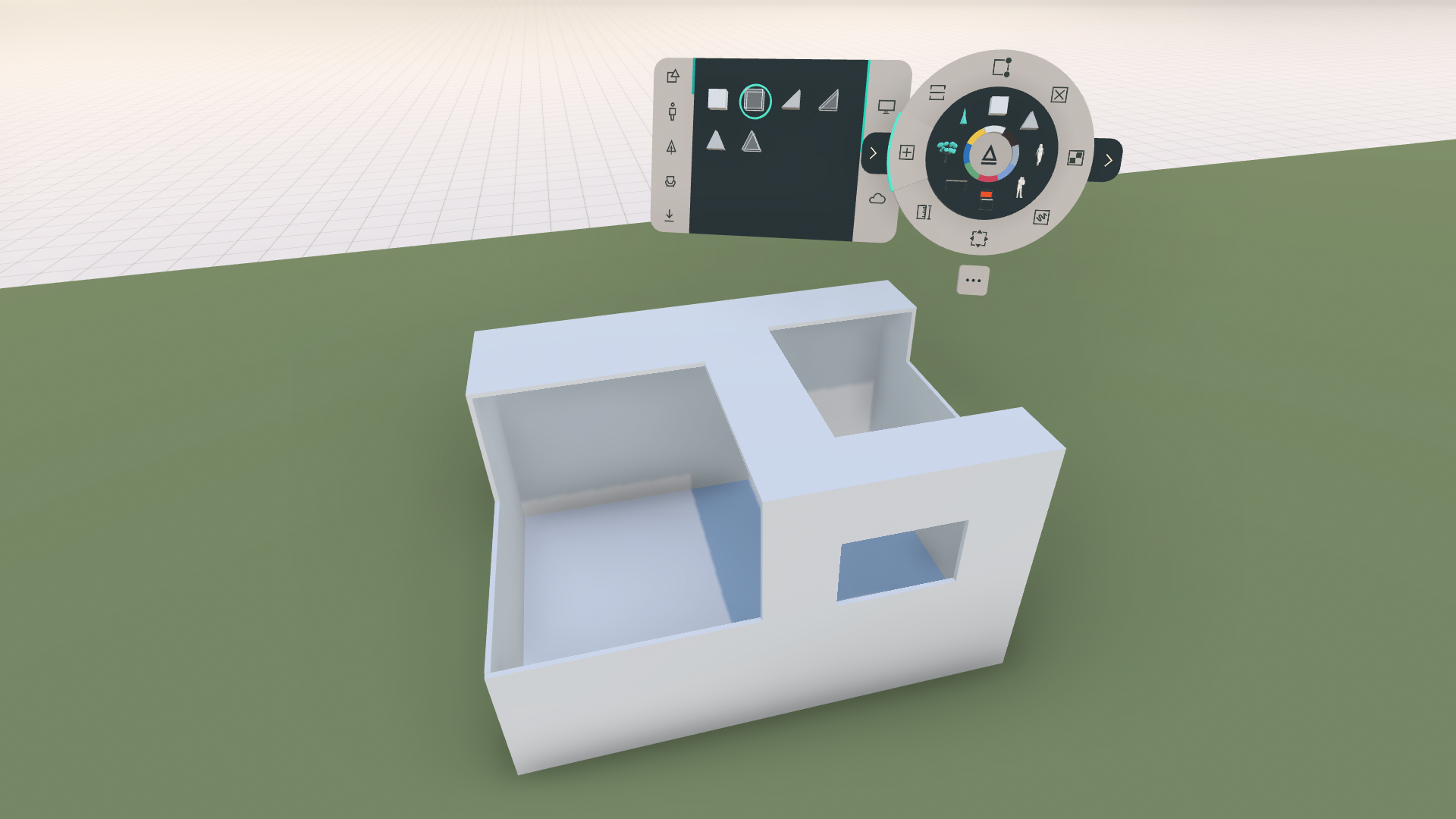 |
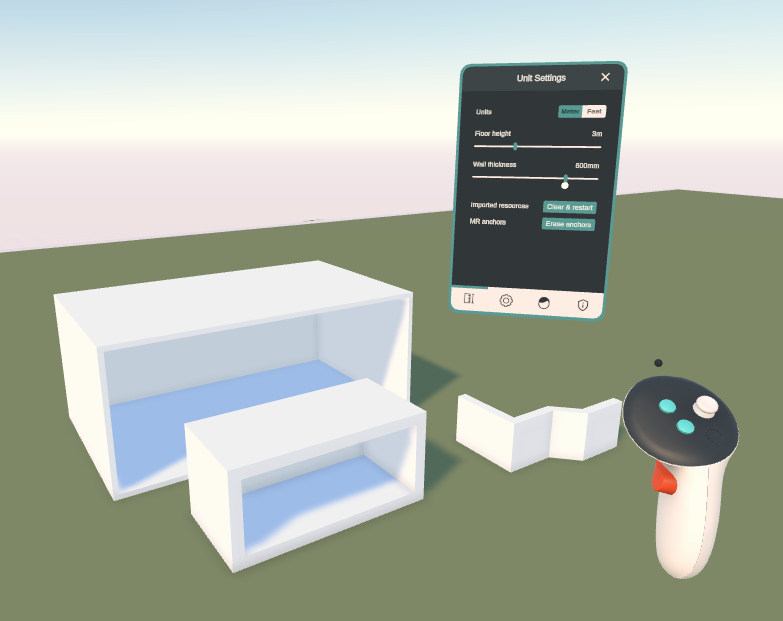
In the settings panel, the default wall and floor thickness of newly created shapes can be adjusted.
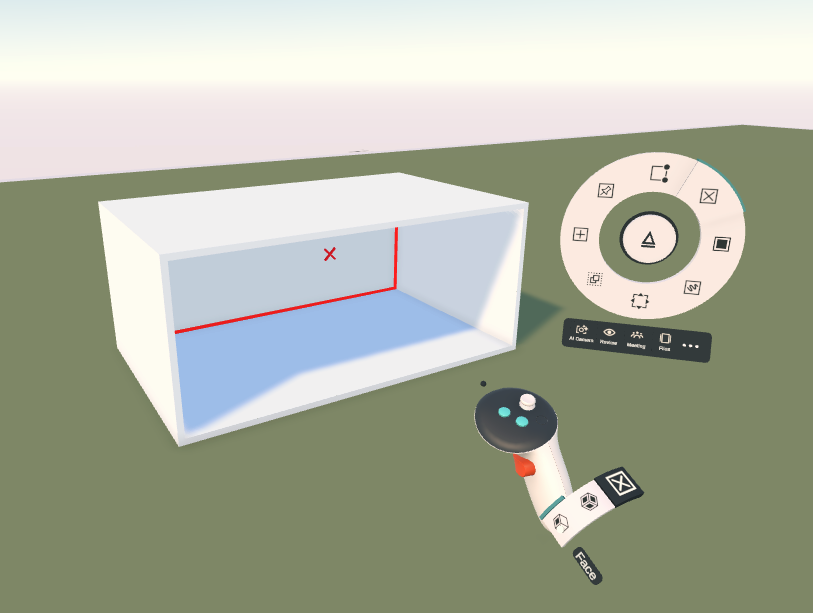
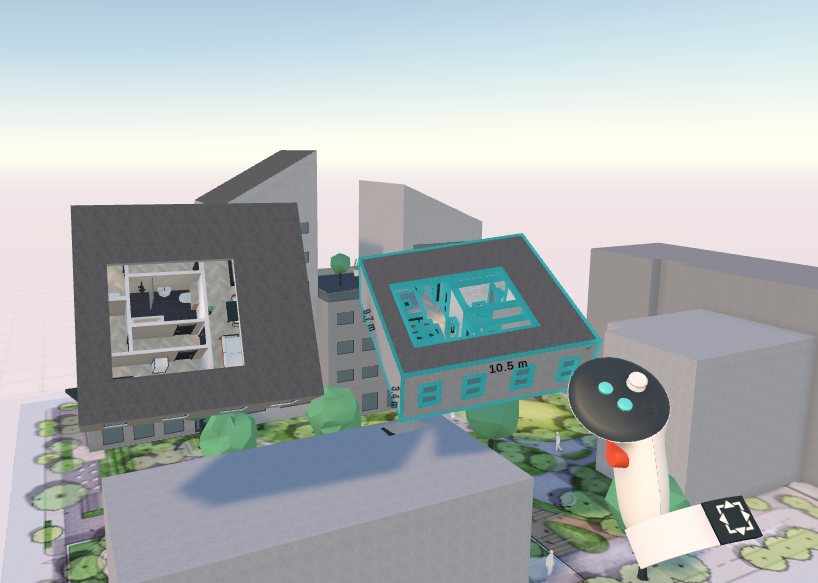
When cutting voids into a hollow shape, the outer shell (walls/ceiling/floor) will be cut, showing the enclosed room. You can also partially delete the shell elements from the hollow shape using the Delete tool and selecting the face Delete mode from your wristband.
You can make some interesting parametric objects using Arkio's hollow shells. Examples of projects that use these hollow shapes to constrain interior spaces include the Arkio sample models of the Villa and the Apartments, which can be opened from the start panel.
Was this helpful?
Still need help? Ask the team