Tutorial scenes
Written By Johan Hanegraaf
Last updated 7 months ago
You can best learn about Arkio's features and basics right inside Arkio by exploring the tutorial scenes. These scenes can be accessed from the Start panel via Getting Started>Tutorial Scenes.
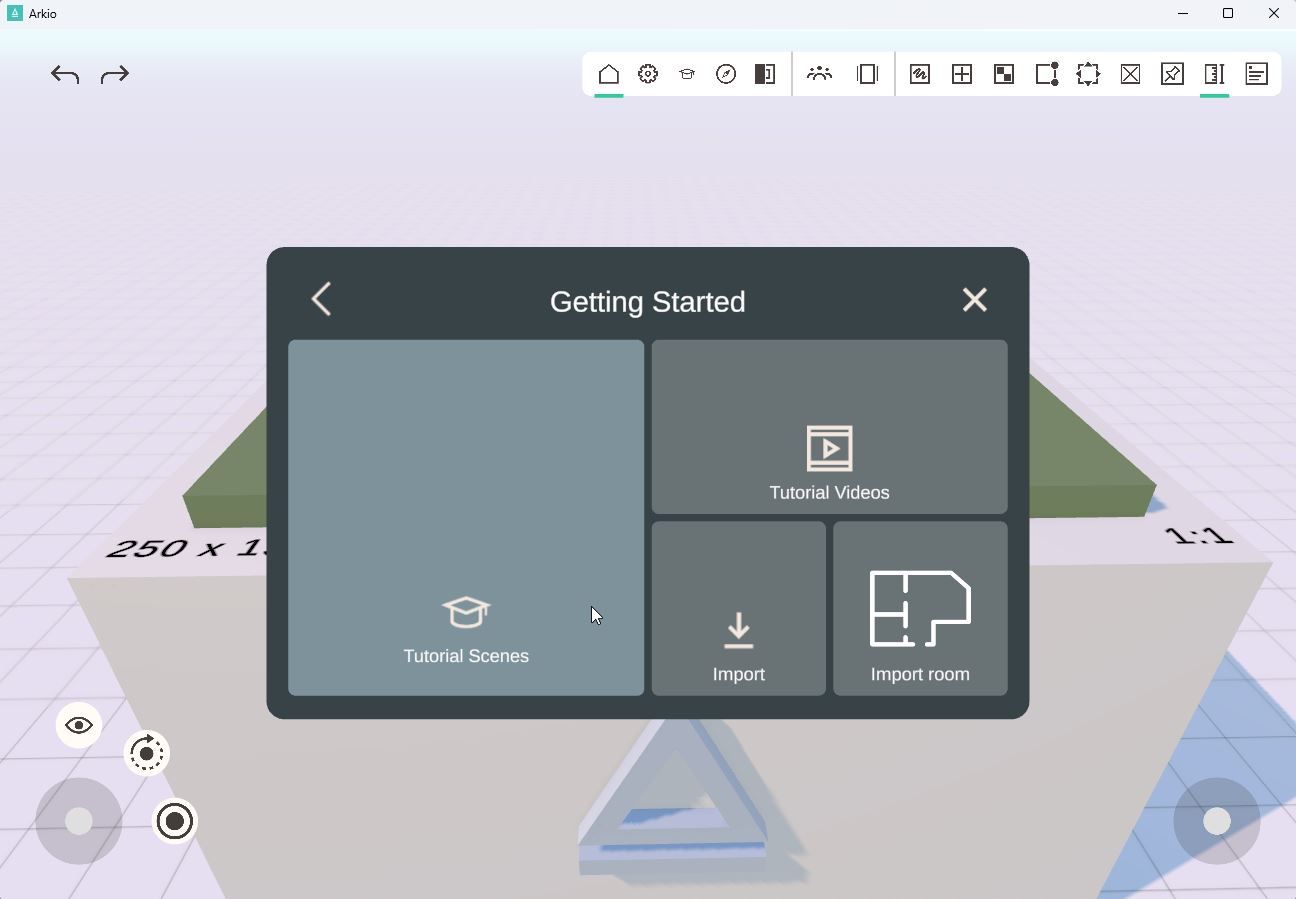
Switching tutorial scenes
The best way to experience these tutorials is to use a Mixed Reality headset like the Meta Quest 3, which gives you access to all the latest Arkio features. You can also explore these tutorials from other devices, but you might miss some features or commands that are only available on VR/MR headsets.
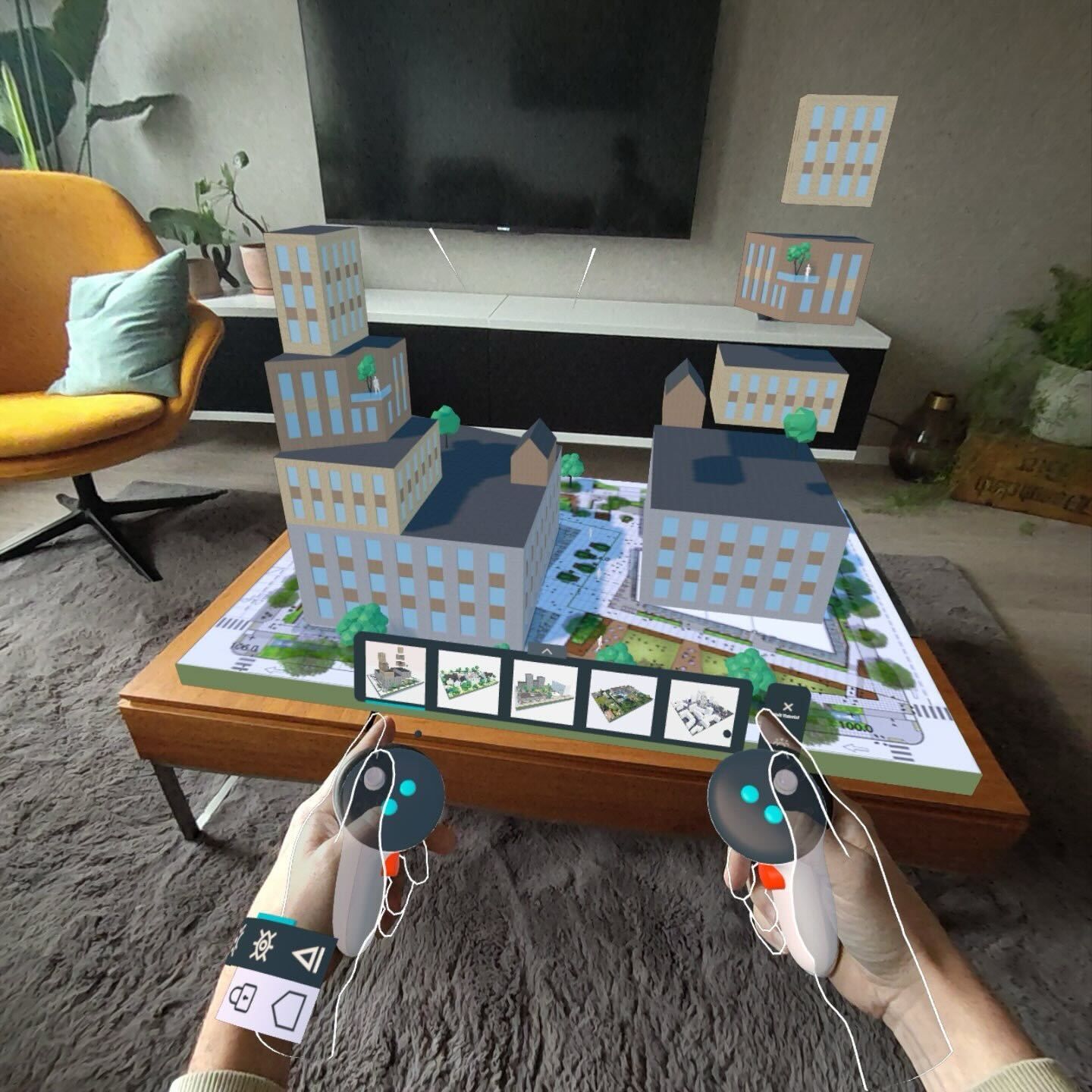
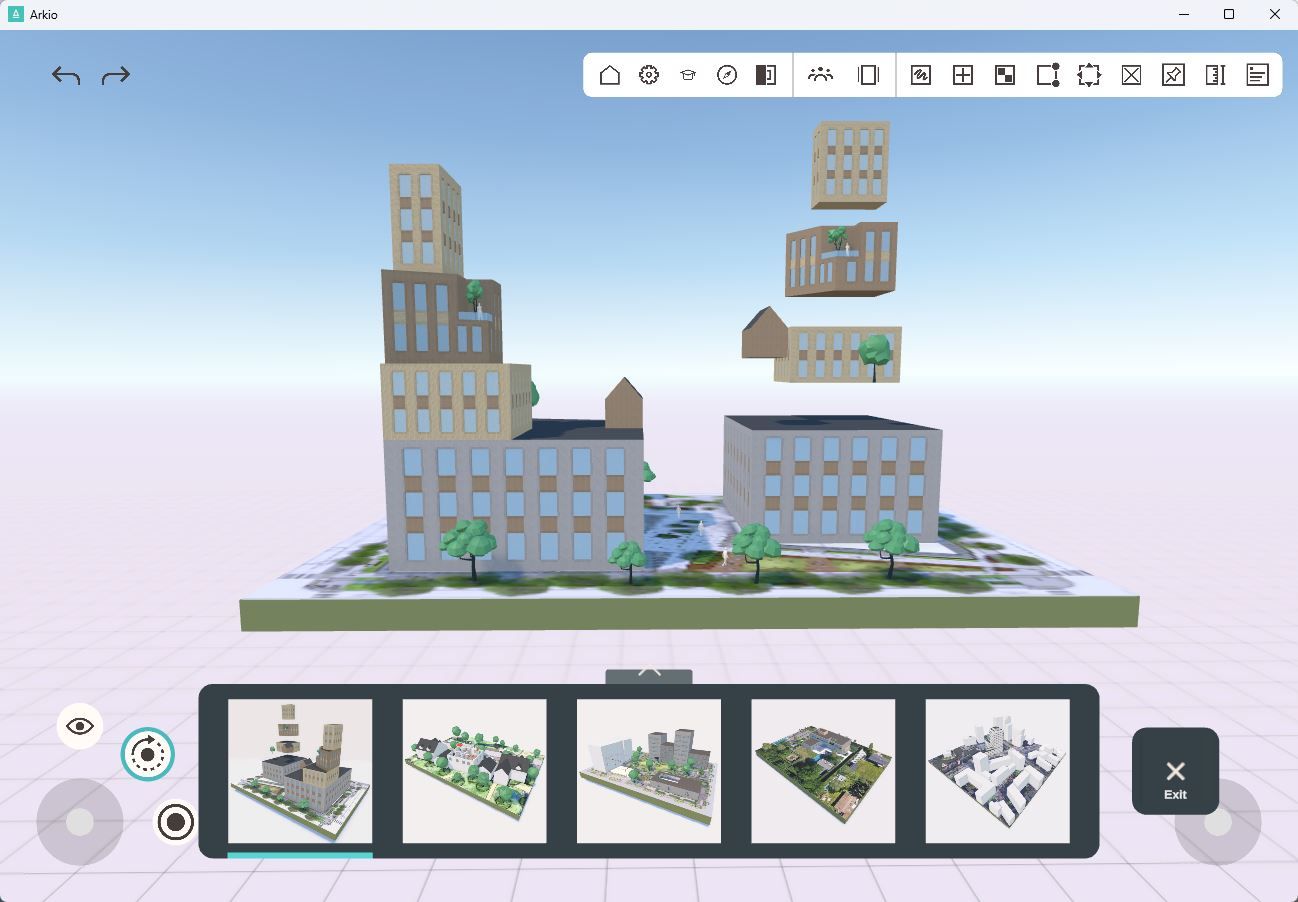
In the tutorial scenes, you go through the basics of Arkio, like navigation, editing existing shapes, and creating new shapes in your scene. You can also find additional information cards in scenes 4 and 5 of the tutorials that teach you more about working with groups, arrays, and loading models from other design tools.
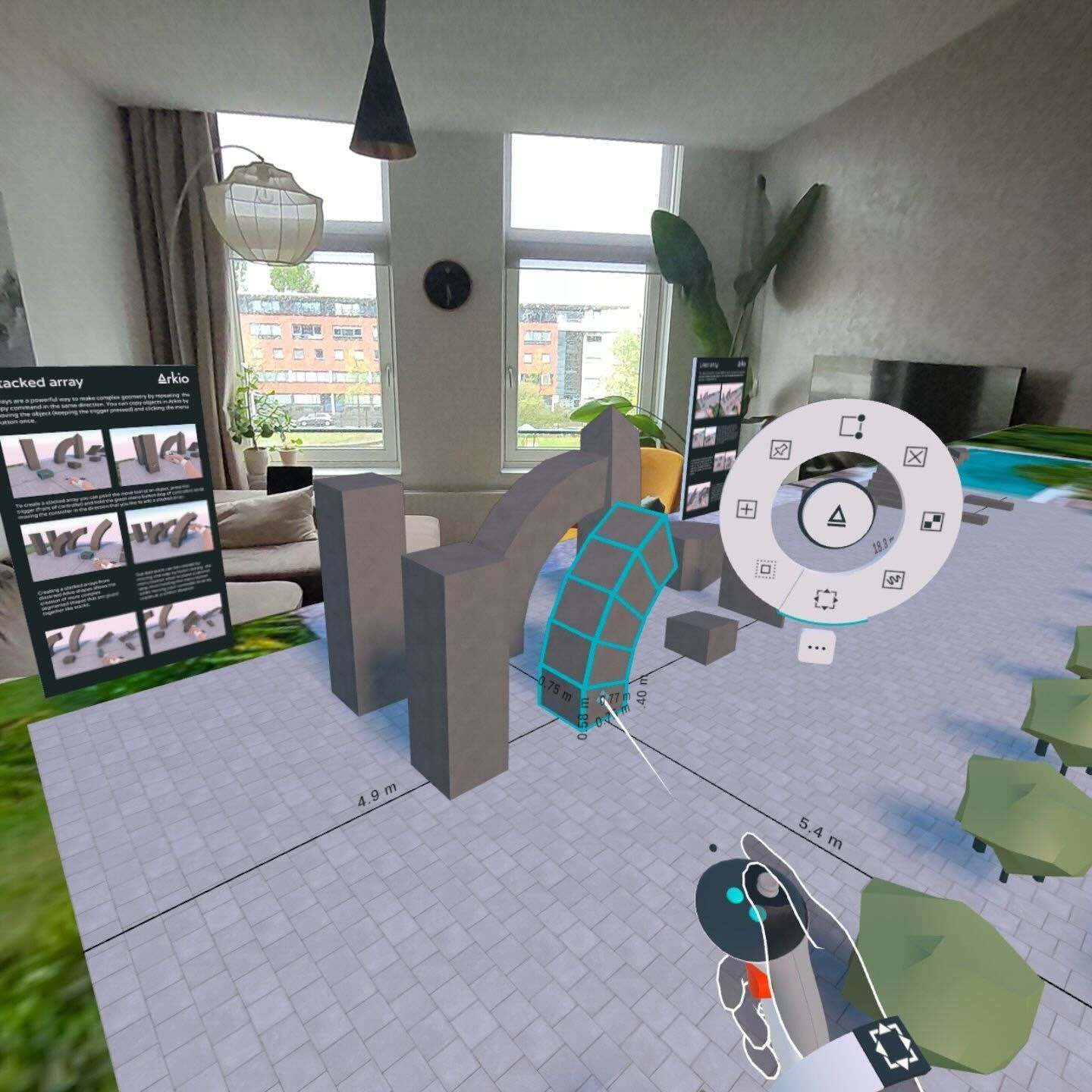
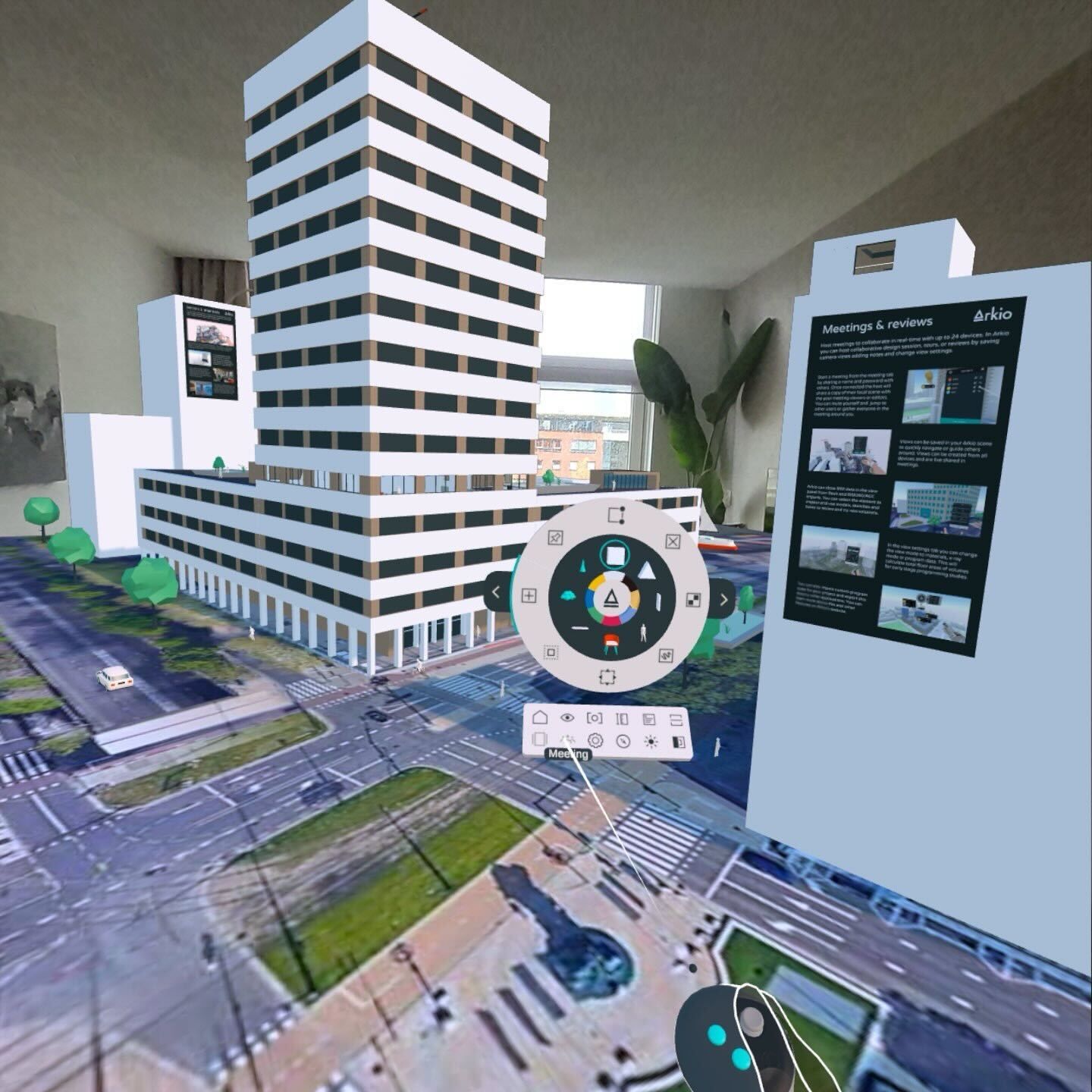
Arkio sample scenes
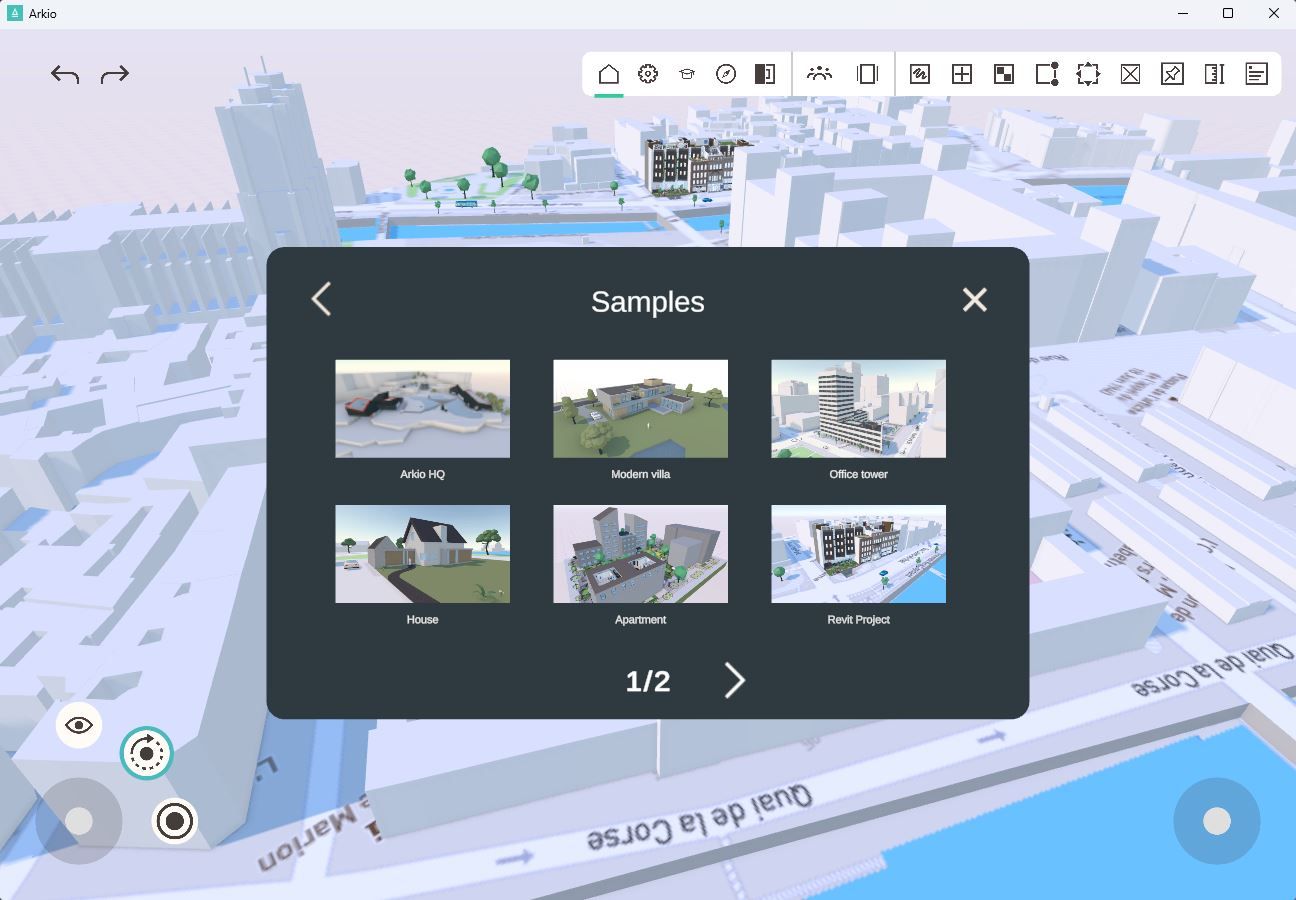
Another good place to learn how to work with Arkio is to look at sample scenes created by others. These scenes can be found in the Start panel under sample scenes. You can try to take these models apart to learn how they were built and see how geometry in Arkio can be used to create a wide range of designs.
Was this helpful?
Still need help? Ask the team