Duplicate
Written By Johan Hanegraaf
Last updated 8 months ago
While an object is being moved, you can duplicate it by pressing the green button normally used for the Main Menu. This will make a duplicate of all the currently selected objects or groups of objects.
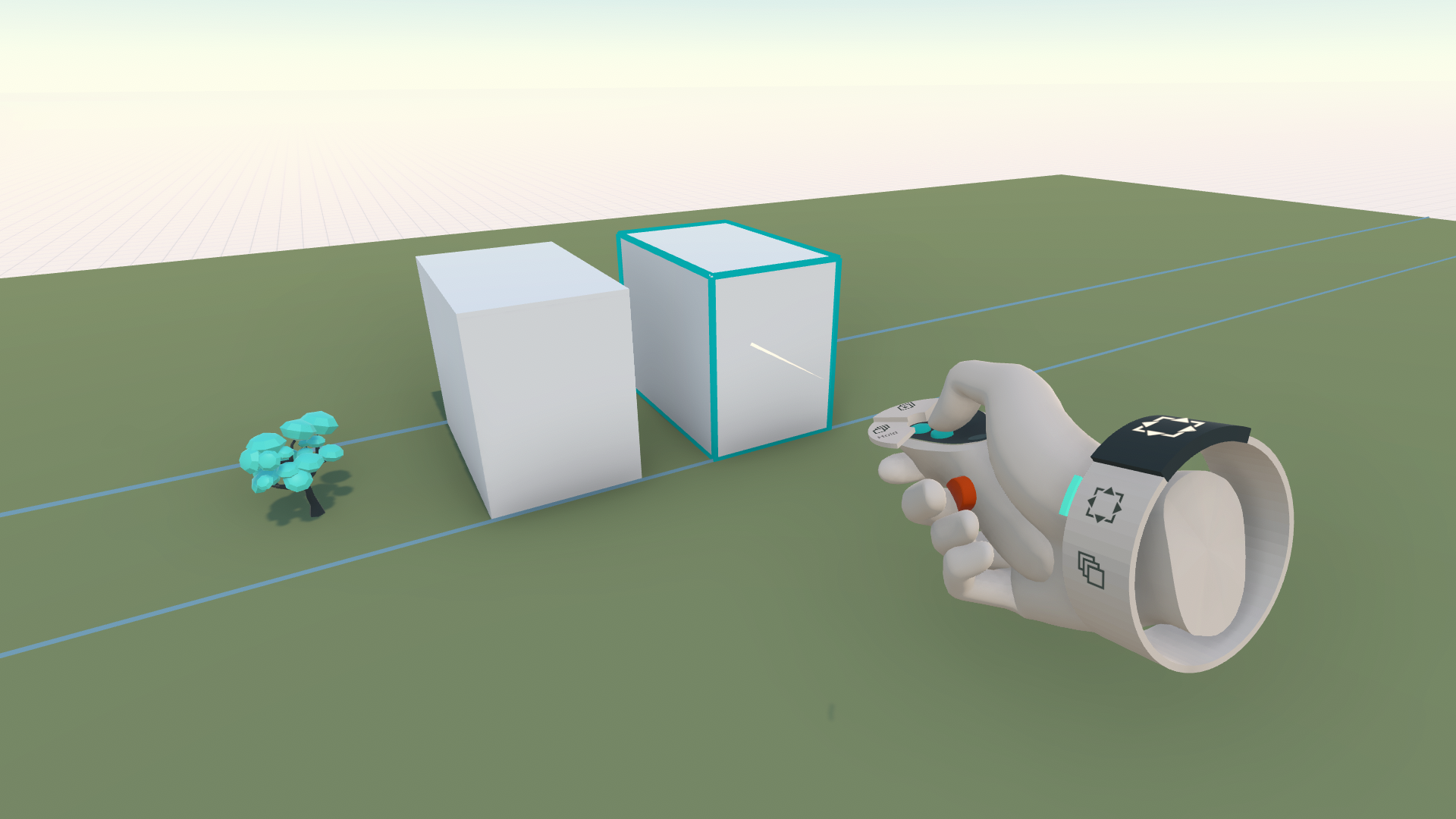
Once a duplicate has been made, you can place another duplicate somewhere else by pressing the duplicate button again. Duplicates can be made when holding shapes with a laser (great for orthogonally aligned placements, as laser movements are in a locked rotation)
Or when grabbing a shape with your hands (great for precise placement and directly add a rotation to the new position)
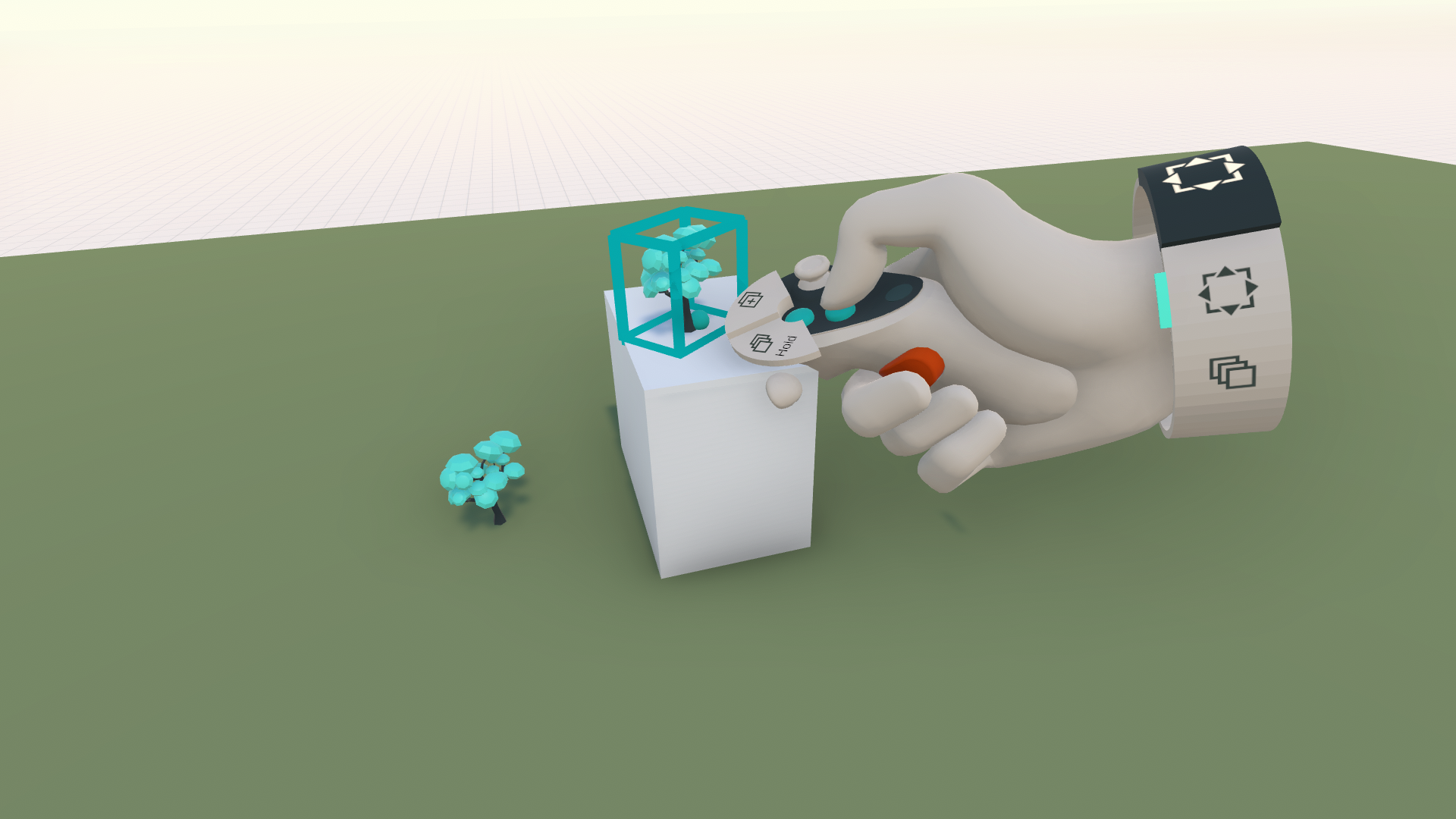
The position and rotation of a first duplicate created from a model will serve as the starting point for creating an Array. (Keep the green button pressed and move your controller in the direction of the array)
Was this helpful?
Still need help? Ask the team