Join a meeting
Written By Johan Hanegraaf
Last updated 7 months ago
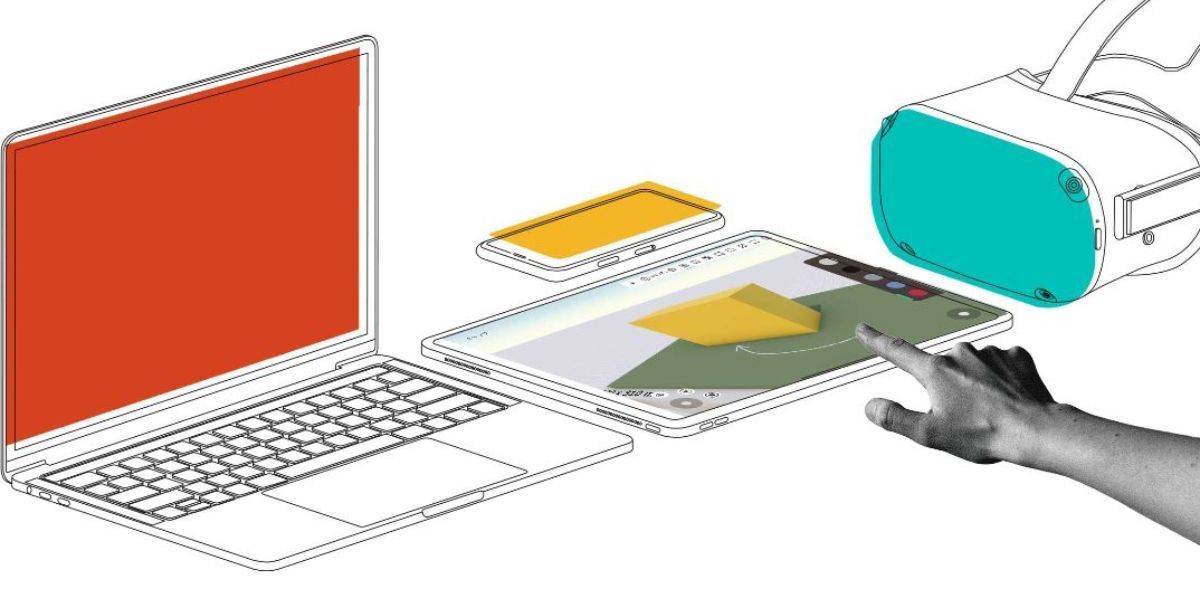
Install Arkio on your devices
Download Arkio for free at arkio.is/download or get it from the various App Stores. Our Windows Installer includes our plugins for Archicad, Revit, Sketchup, Rhino and Navisworks.
Start Arkio
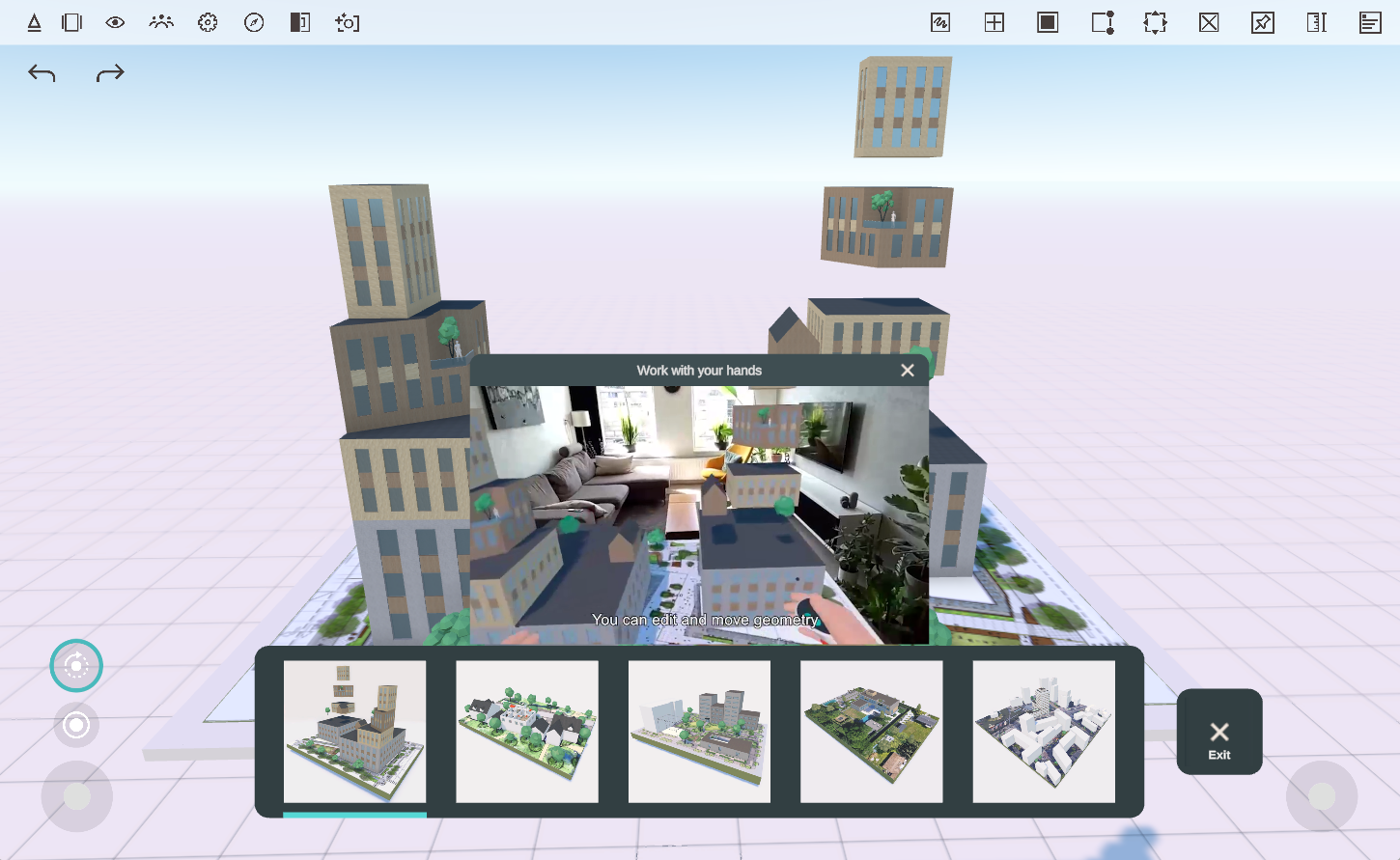
The best way to learn how to use Arkio is by using the tutorial scenes that take you through the basics from Start > Tutorial Scenes, or watch our in-app tutorials.
Switching scenes
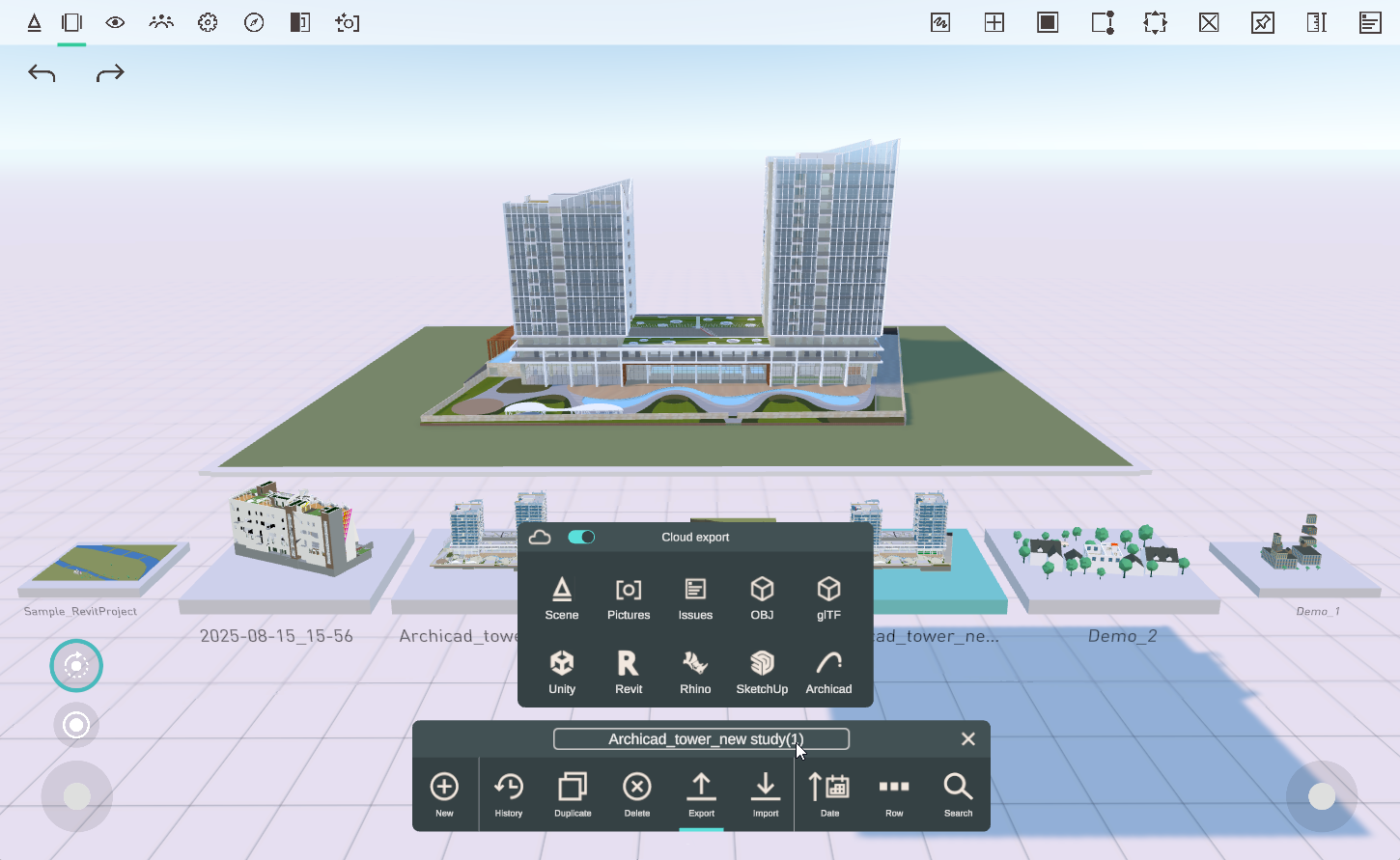
You can switch between your saved Arkio scenes and access your files, like your imports and exports tabs, using Arkio's file browser.
Join a meeting
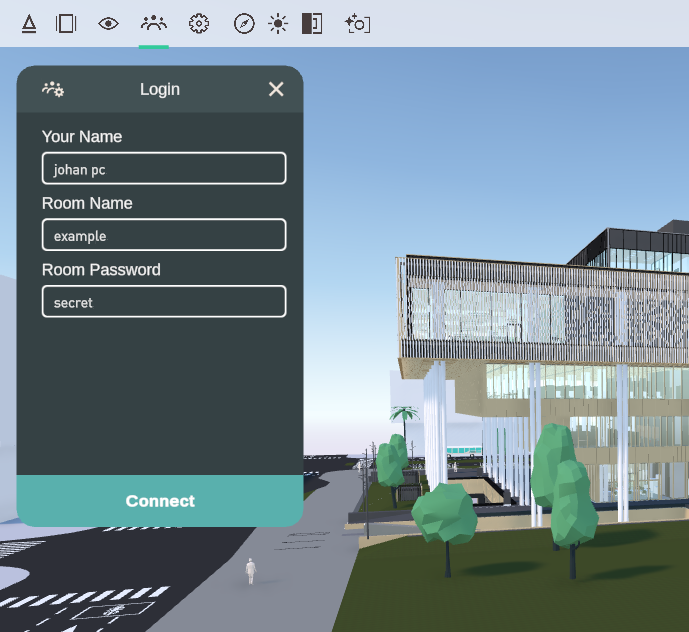
From the meeting panel, you can join (or host) an Arkio meeting. by using the same Room Name and Room Password (non-case sensitive) as your other devices or participants. The first person to join the meeting will be the meeting host and can share their scenes with other Arkio users.
You can control your microphone and see your edit rights on this panel once you are in the meeting. The meeting host can control the meeting settings and the active scene, and can organize guided tours by gathering users.
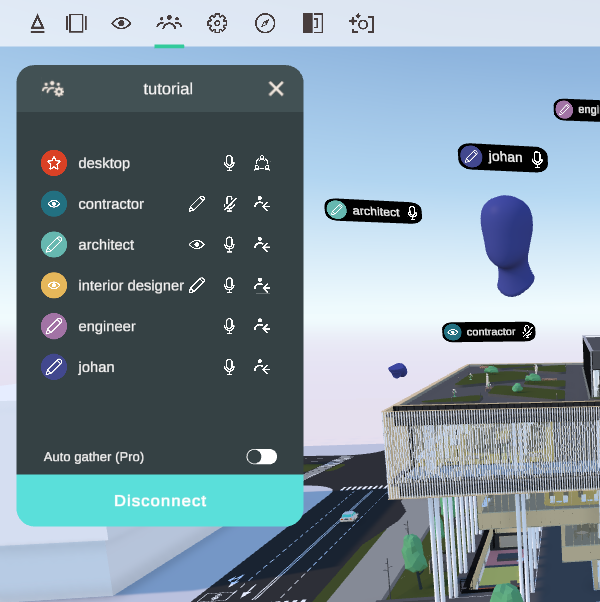
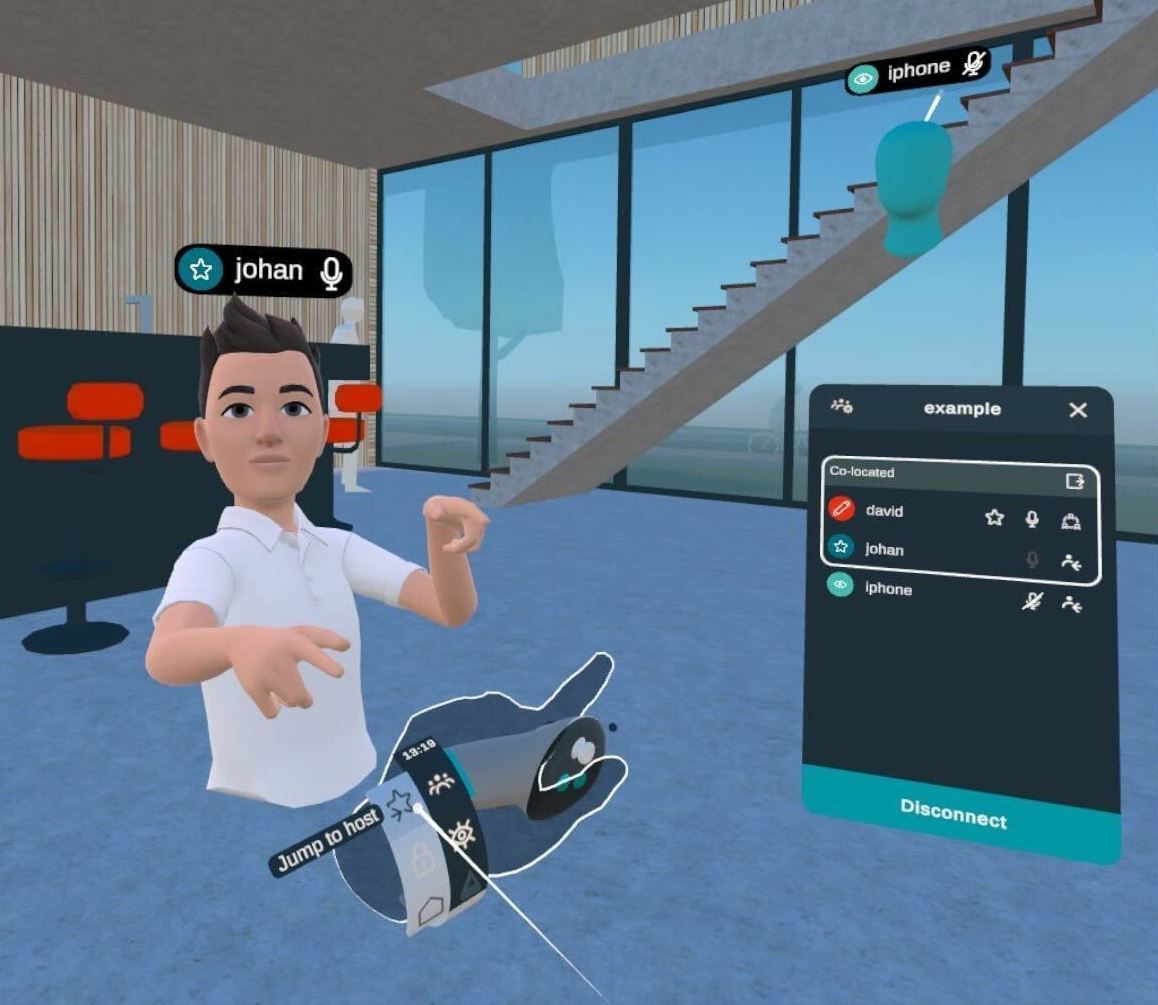
If you want to jump to the host or anyone else, you can use the arrow icon next to their name. If you are using a VR headset, you can access this meeting panel and jump to the host from your wristband.
Was this helpful?
Still need help? Ask the team