Quest deployments of Arkio
Written By Johan Hanegraaf
Last updated 7 months ago
Quest for Business
Quest for Business (Free for existing Meta for Business customers until 2030) makes it easy to manage a fleet of Quest headsets and deploy custom applications via APK files. Official Meta Quest Store applications, such as Arkio, can also be deployed to all your headsets via the QfB management portal.
You can add Arkio to your device library from the "Discover apps" tab.
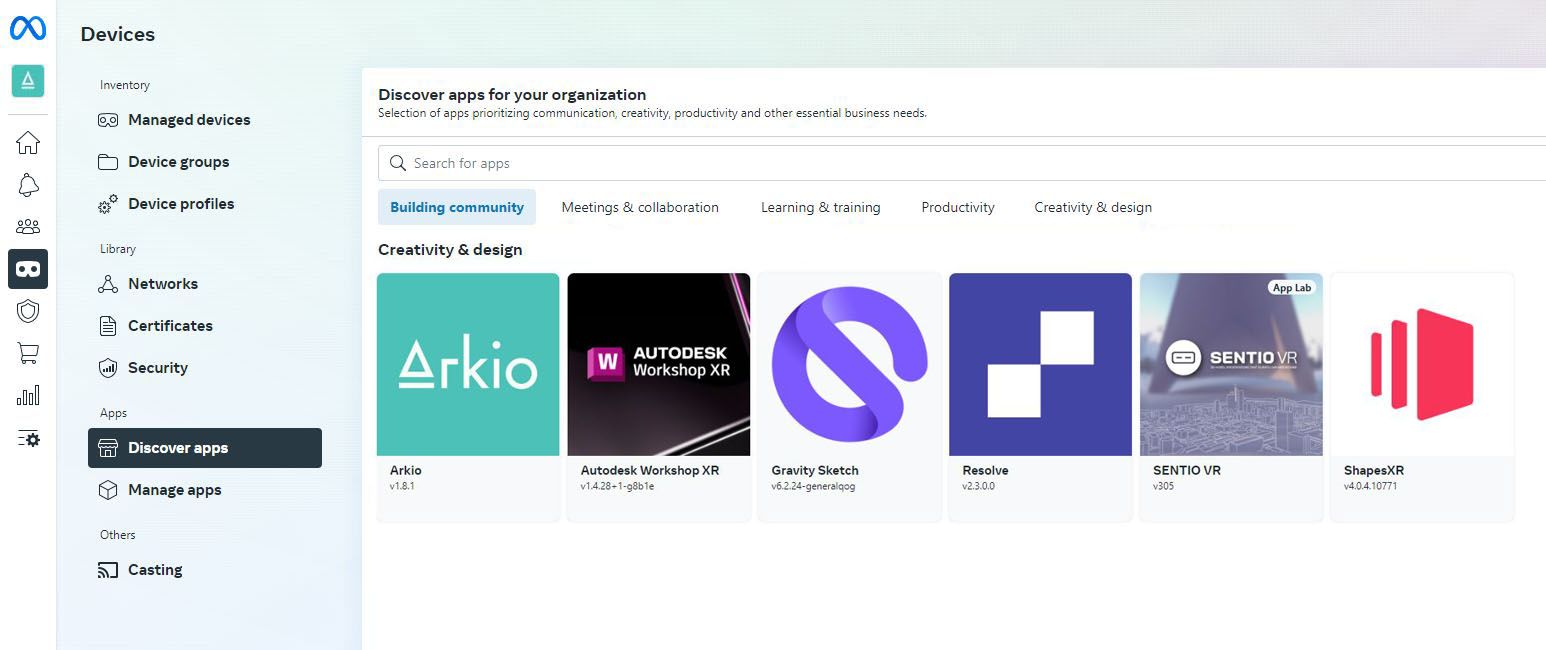
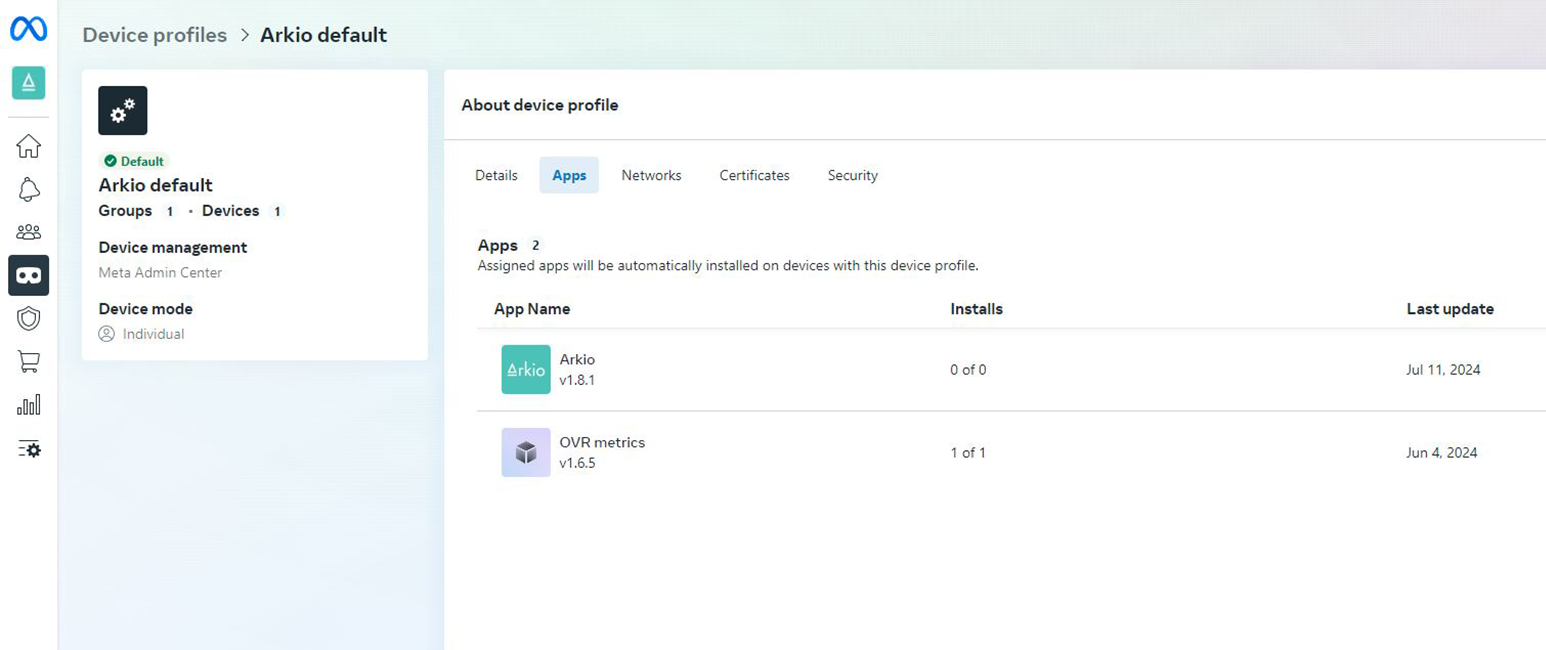
Selected store apps can be added to individually managed devices, to devices in shared mode and added as a device profile that will be distributed to all connected devices.
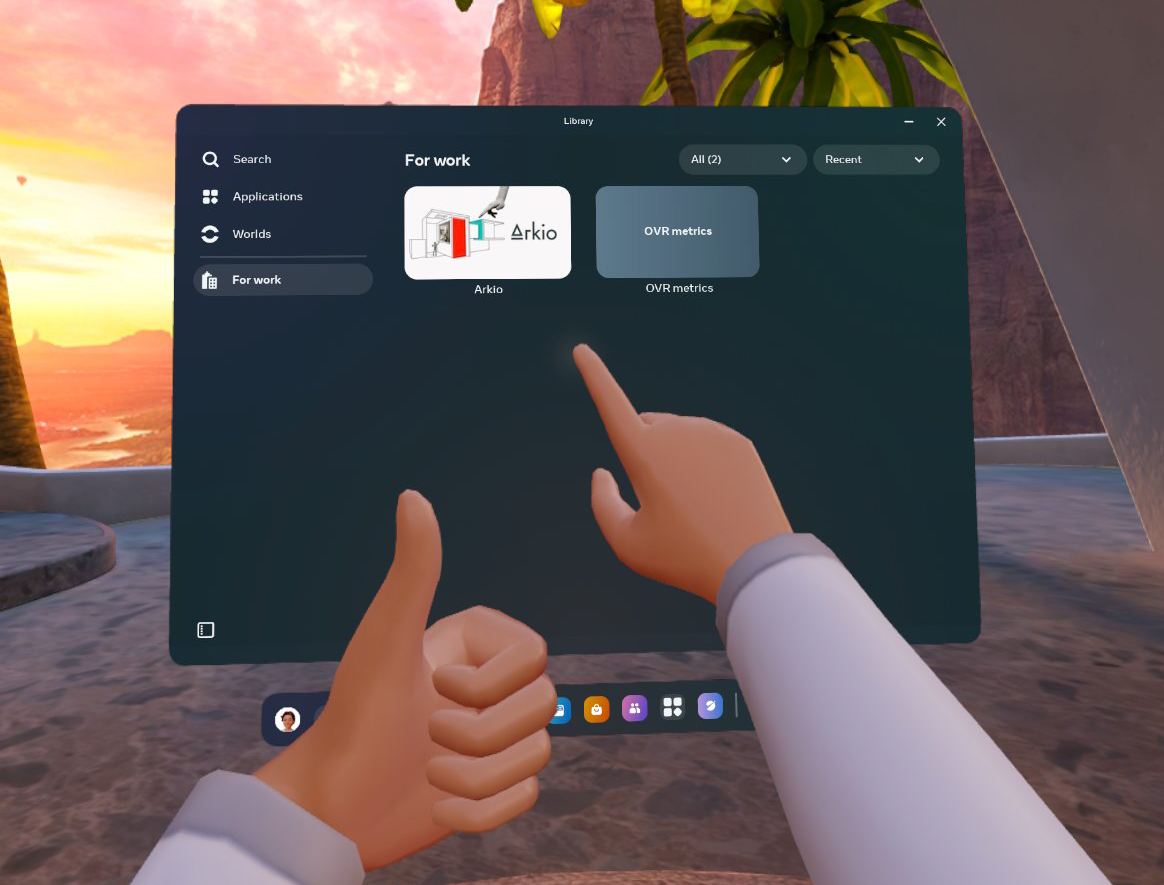
After this, your Quest for Business users will find the Arkio app under their apps and in the "For work" section of their Quest app library.
ArborXR
Using ArborXR, users can also add Meta Store apps to their app library to unify access on their Quest devices. You can learn more about the steps to add apps like Arkio to your AnborXR fleet here:
https://help.arborxr.com/en/articles/6417898-unmanaged-apps
Arkio's store package name for setting this up is: com.arkio.arkio
ManageXR
Using ManageXR, you can also add Meta Store apps to your library. You can follow these instructions on how to do this on their website:
Arkio's store package name for setting this up is: com.arkio.arkio
Other MDM solutions
Please refer to your other device management documentation to see whether it also supports installing applications from the official Meta Quest Store.
Adding Arkio licenses
If you have a paid or educational Arkio license, it can be assigned by entering the license key in the Arkio settings panel on the appropriate headsets.
Custom APK files
Arkio requires Meta entitlements for some of our core features to work (e.g., spatial anchors for co-located Mixed Reality, boundaryless mode, room imports, and Meta avatars). We require access to these features and frequent updates to stay compatible with Arkio on other supported devices, which is why we cannot provide custom APKs.
Installing the store version of Arkio, following your MDM solution provider's documentation, gives you access to all the latest features and a cross-device compatible version of Arkio.
Was this helpful?
Still need help? Ask the team