Quick Access Menu
Switch between your active tools in VR quickly
Written By Johan Hanegraaf
Last updated 8 months ago
The Quick Access Menu lets you quickly switch between Arkio tools by temporarily displaying the menu in front of your controller and automatically selecting a new tool when you hover over it. You can activate quick access mode by pressing and holding any green menu button on the controller. When you move the laser toward the tool, it will automatically switch that hand to the new tool.
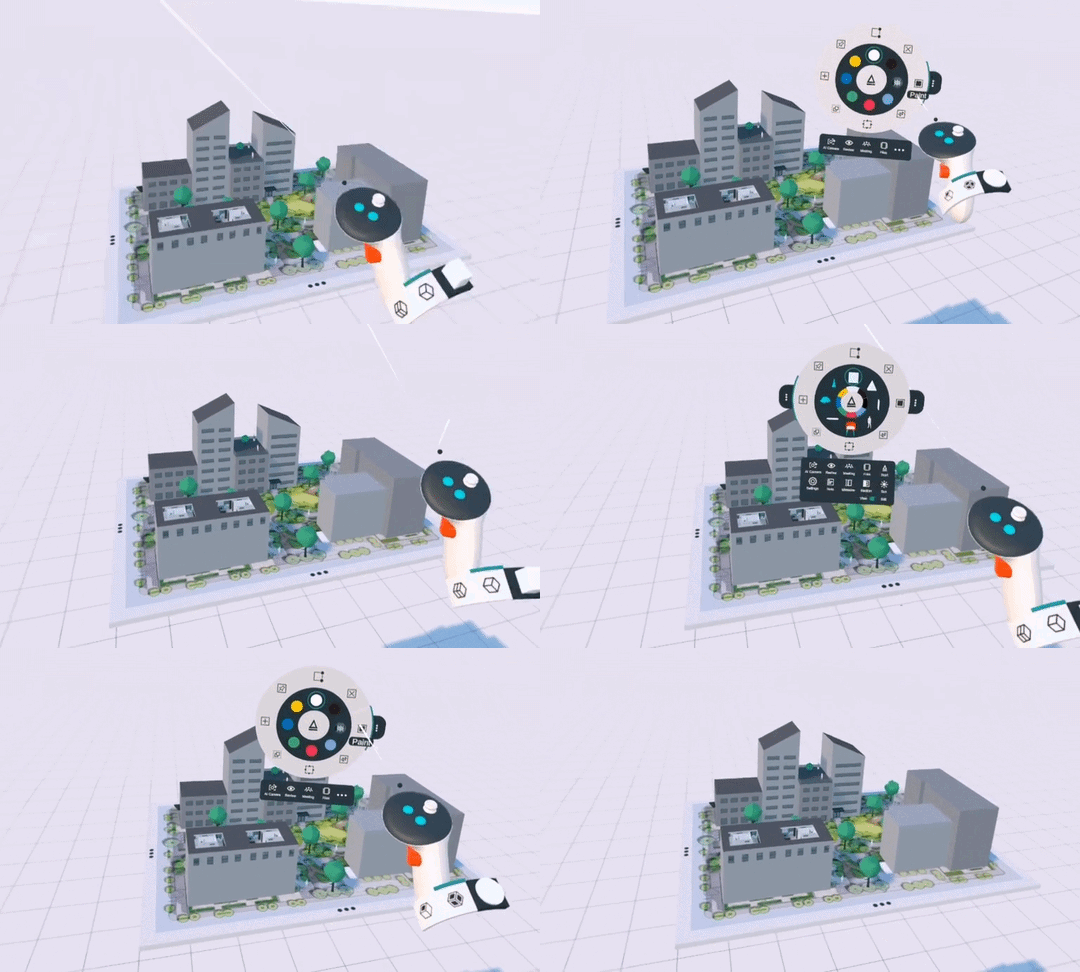
The Quick Access menu is available on either hand when the green buttons are pressed, allowing you to switch tools for both your left and right hands. You can also briefly press and release the green button to make the Menu float in a fixed position in front of you. This will not auto-select the tools on hover, but you can select a new tool with both hands.
You can select and start using tools by touching a VR menu button, a 3D or paint favorite with your index finger while using hand tracking, or by touching the buttons with your controller interaction point.
Was this helpful?
Still need help? Ask the team