Adding a license to Arkio
Written By Johan Hanegraaf
Last updated 3 days ago
Arkio can be upgraded to add professional features, such as importing and exporting from Revit, Rhino, SketchUp, Archicad and Navisworks and hosting meetings with up to 24 free viewers or other editors with an Arkio license. You can learn more about these features on our Pricing page.
If you purchased a cross-platform license through our website, you can update, cancel, and manage your subscription in this portal. If you have an in-app subscription on your device, you can edit it in your App Store settings.
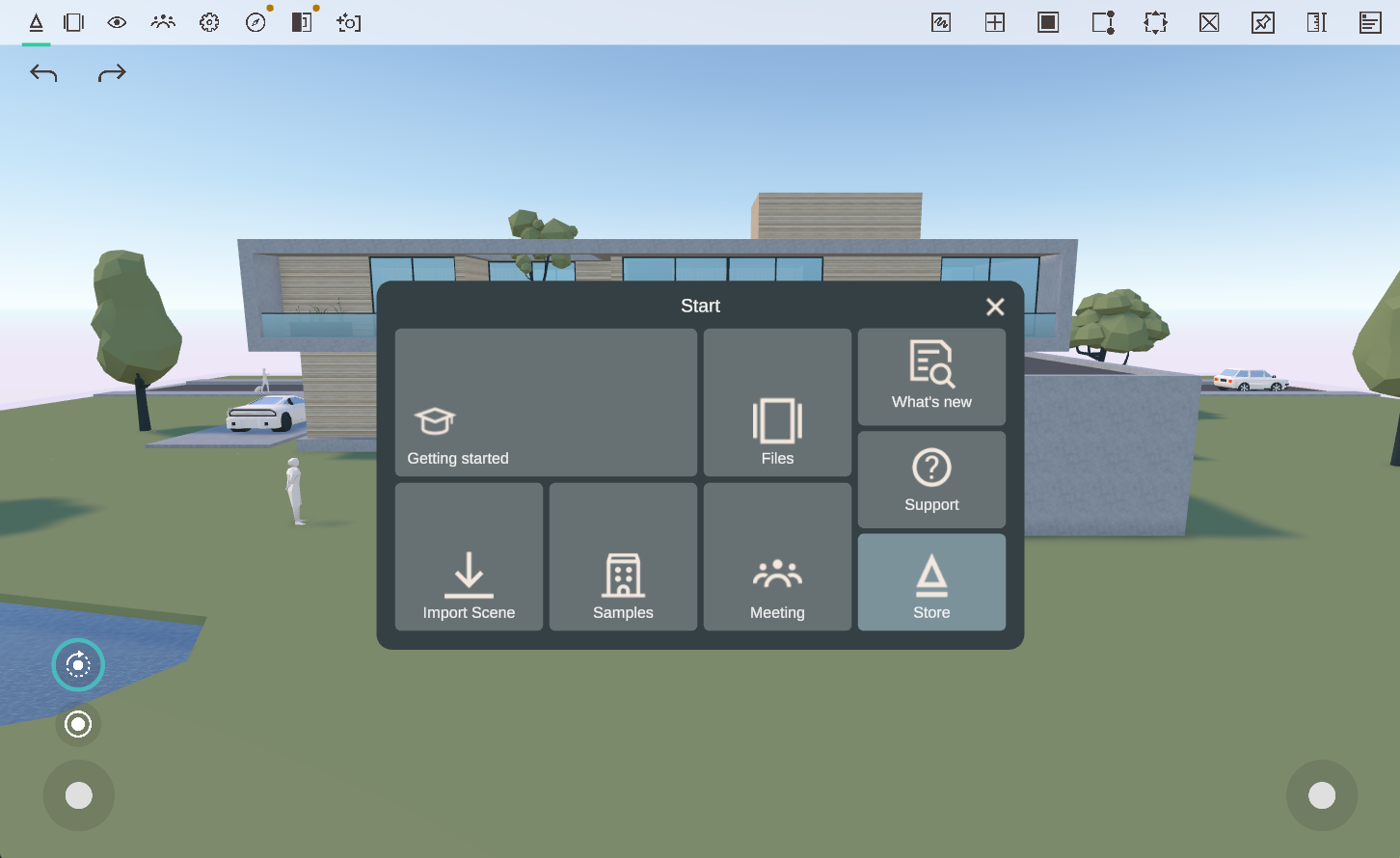
A subscription purchased for your device through the App Store will immediately unlock the features on that device and will not provide a cross-platform license key. You can activate a cross-platform license on multiple devices by entering the license code sent to you via email in the Settings > License panel after the purchase on our Pricing page.
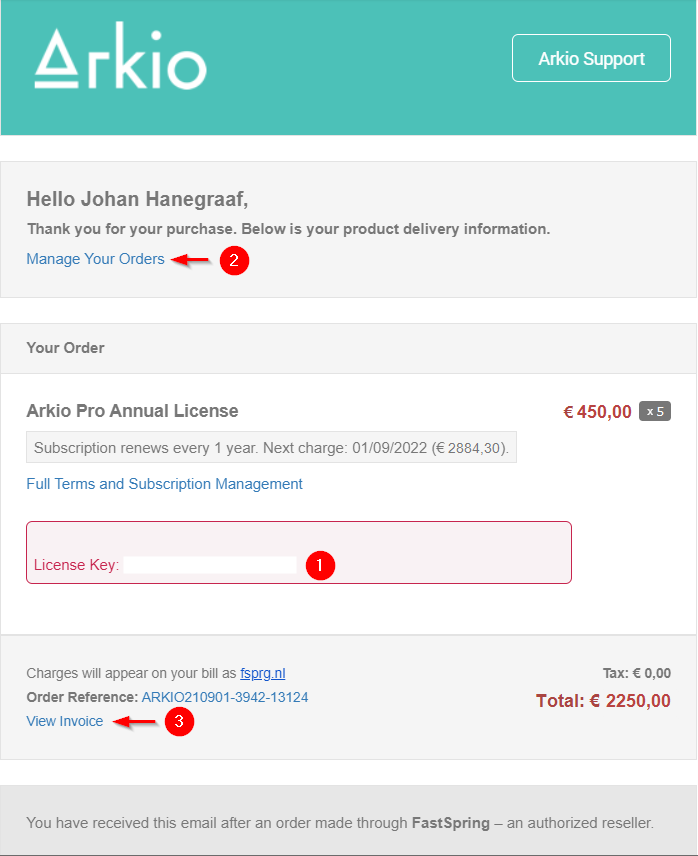
Arkio Pro licenses purchased via our website can be used on up to two devices. Arkio Enterprise licenses are floating and can be added to as many devices as you like. The device that will first start Arkio will take an available license.
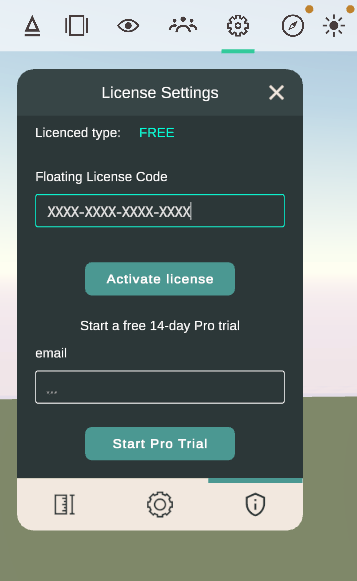 | 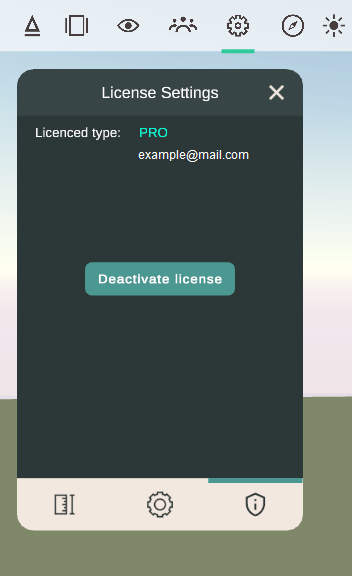 |
When you log in to more devices than you have license seats, the last devices will wait for an available license and act as the free version instead. (A "No License" notification will show on your UI and VR wristband.)
With the free version of Arkio, you can still work on your models locally and join meetings as a viewer; however, you will not be able to import large models from our plugins or host and edit in professional meetings with up to 6-24 participants.
Enterprise users can apply their floating license to as many devices as they like and also use their license seats to temporarily grant edit rights to free users in a meeting. Or host large presentations. So, depending on your firm’s license pool, you have more flexibility during your design collaborations.
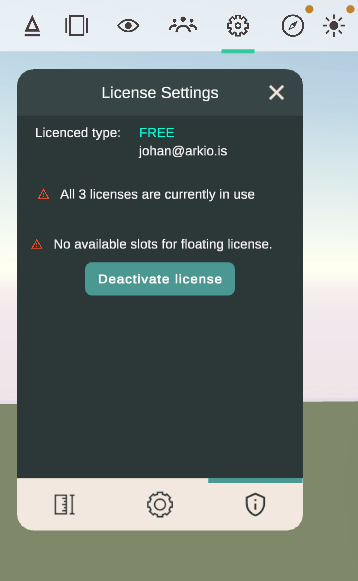 | 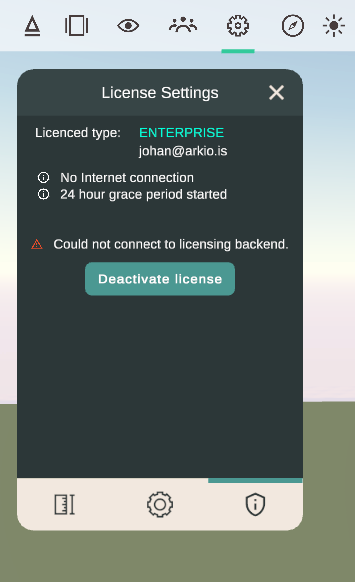 |
If you are using Arkio offline and previously had a valid license, Arkio will enter a 24-hour grace period during which you can continue using Arkio's paid features. If this grace period expires, you will need to reconnect to the Internet to re-enable your Arkio license.
Was this helpful?
Still need help? Ask the team