Export Revit families as placeable Arkio objects
Written By Johan Hanegraaf
Last updated 8 months ago
When having a large database of custom families in Revit that you would like to use as movable objects in Arkio, you can use the following workflow to prepare your files. This could have various use cases, as you can load your trees, people, cars, and interior objects, and prototype object layouts using Arkio. These objects will be converted back into Revit families once exported, so all your placed object quantities, positions, and rotations can be reused and further updated.
workflow steps
1) Install the latest version of the Arkio Revit plugin on your device Revit - Arkio
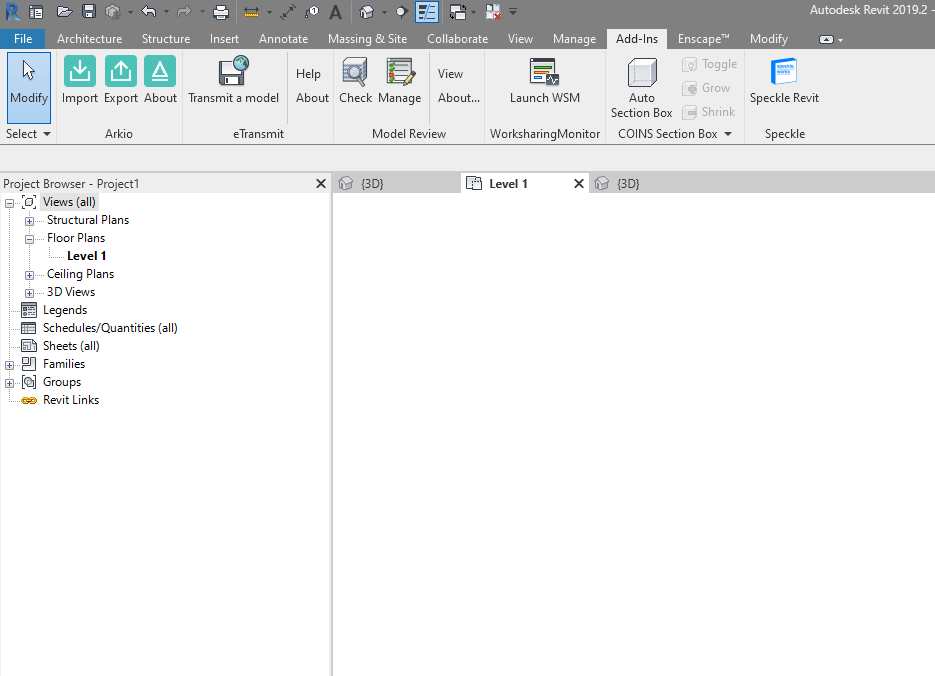
2) Open a project that contains the families you like to export
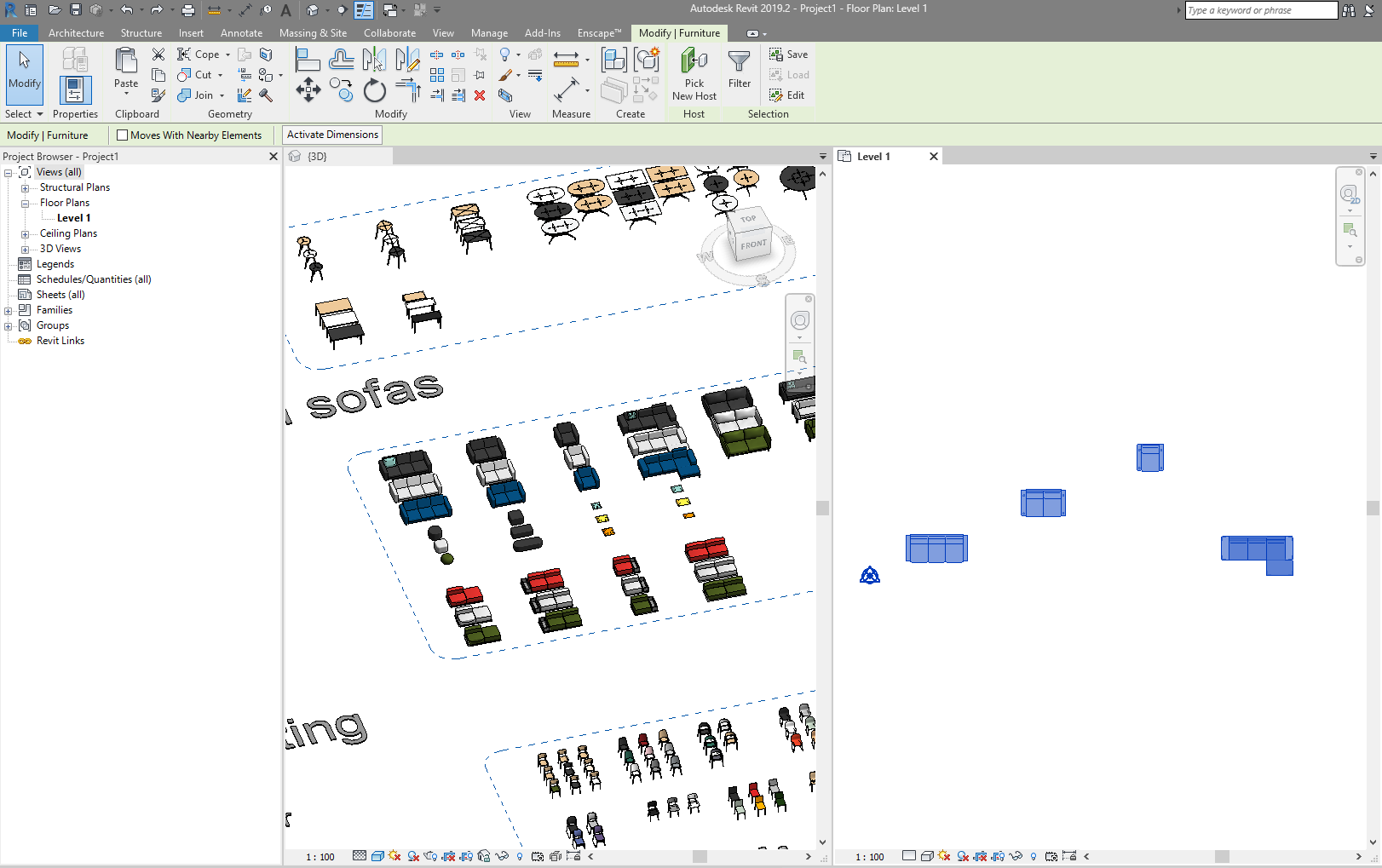
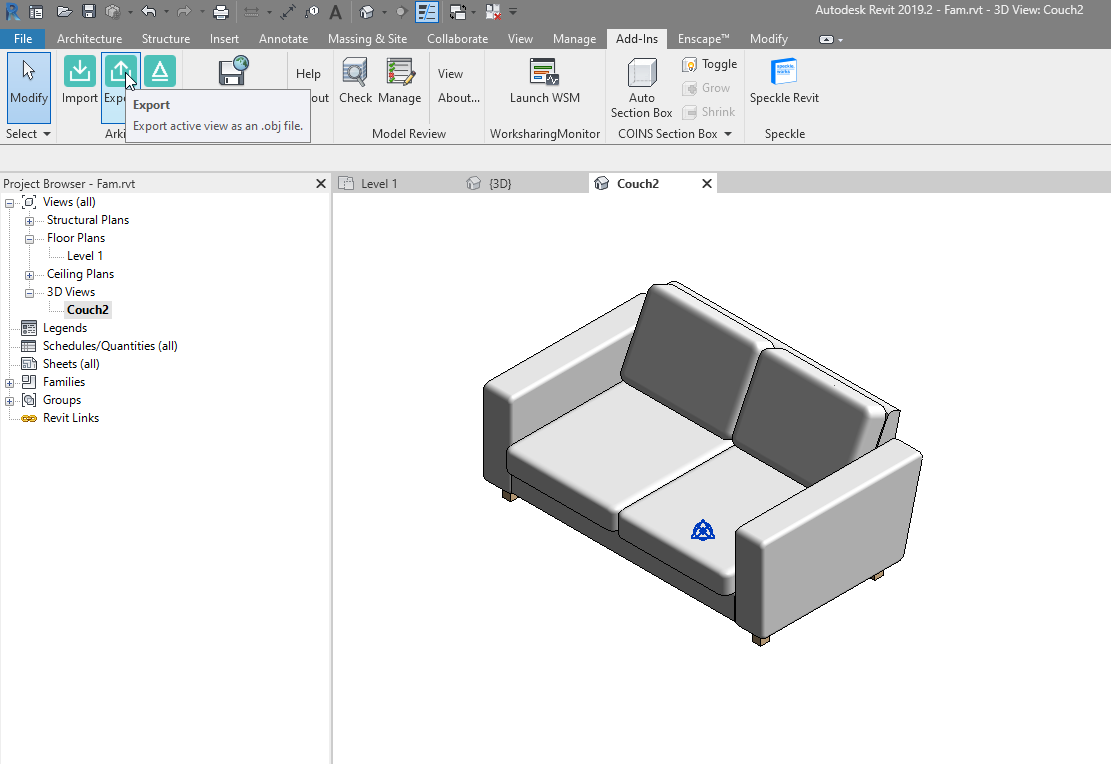
3) Open the families you like to export (double click) and make a local or cloud export using the Arkio plugin under add-ins. Repeat the steps for all other Revit families you want to load to Arkio as movable geometry.
Optional (only needed if you want these families loaded in Arkio export as families to Revit)
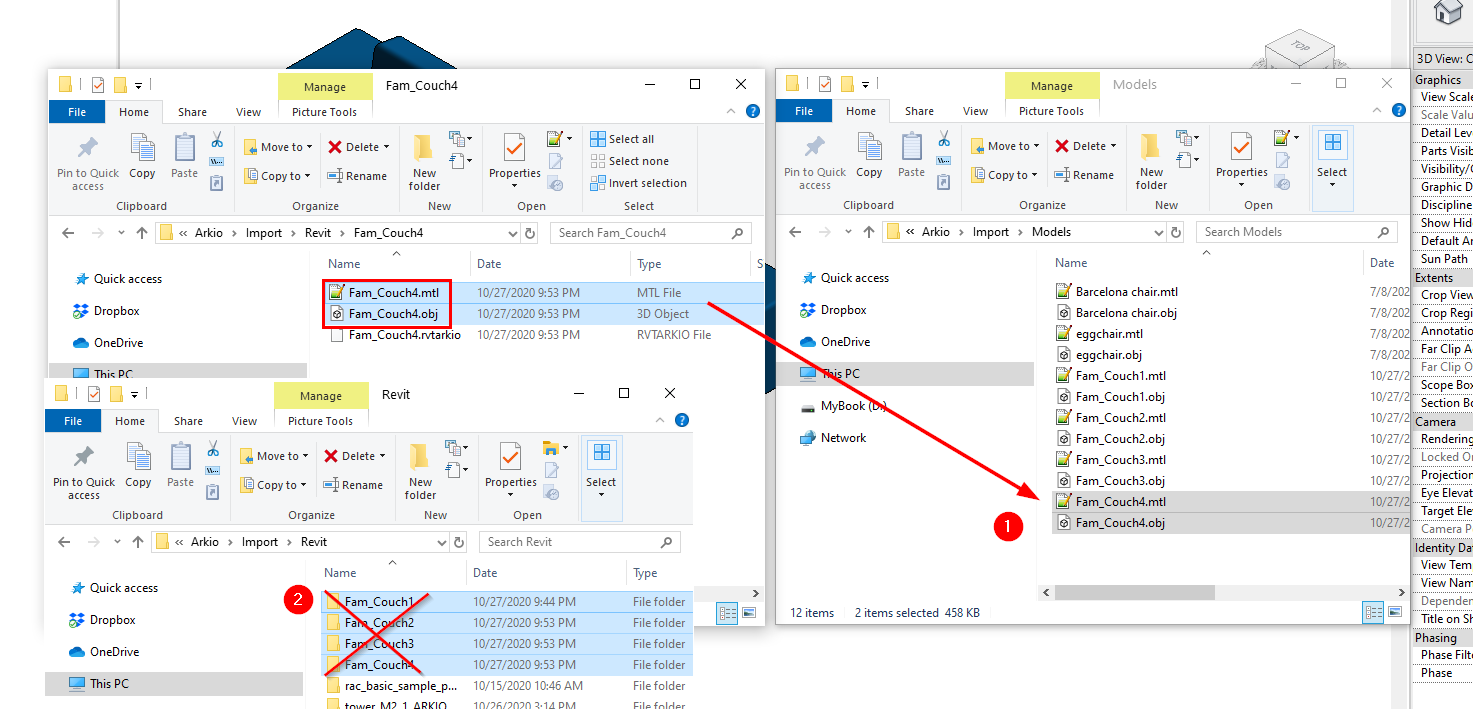
4) Gather the Revit exported Arkio families files from \Documents\Arkio\Import\Revit folder and move the glb files, and textures to \Documents\Arkio\Imports\Models. After moving the files, the original folders created for the families can be deleted from the Revit folder
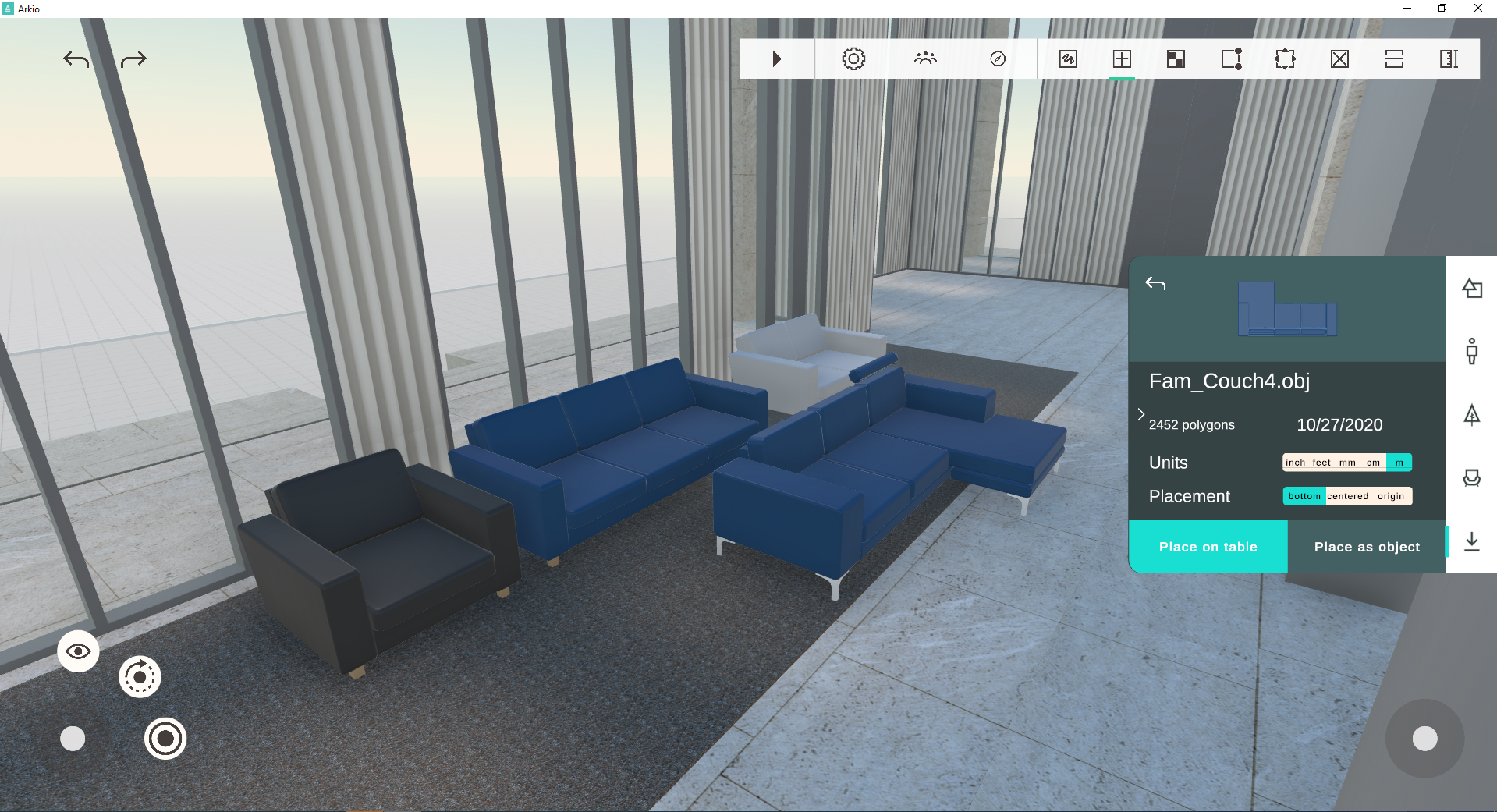
5) Next time you start Arkio, these objects will appear in your import drawer and can be placed like movable Arkio objects. These objects can be shared in meetings and exported back to Revit families using Arkio's Revit export function.
Was this helpful?
Still need help? Ask the team