Installing the Archicad for Mac plugin
Written By Johan Hanegraaf
Last updated About 2 months ago
To install Arkio's Archicad plugin on Mac, you can download the latest plugin files from the following links:
Using Finder, place the Arkio.bundle in the following folder (based on your version): /Applications/Graphisoft/Archicad 28/Add-Ons
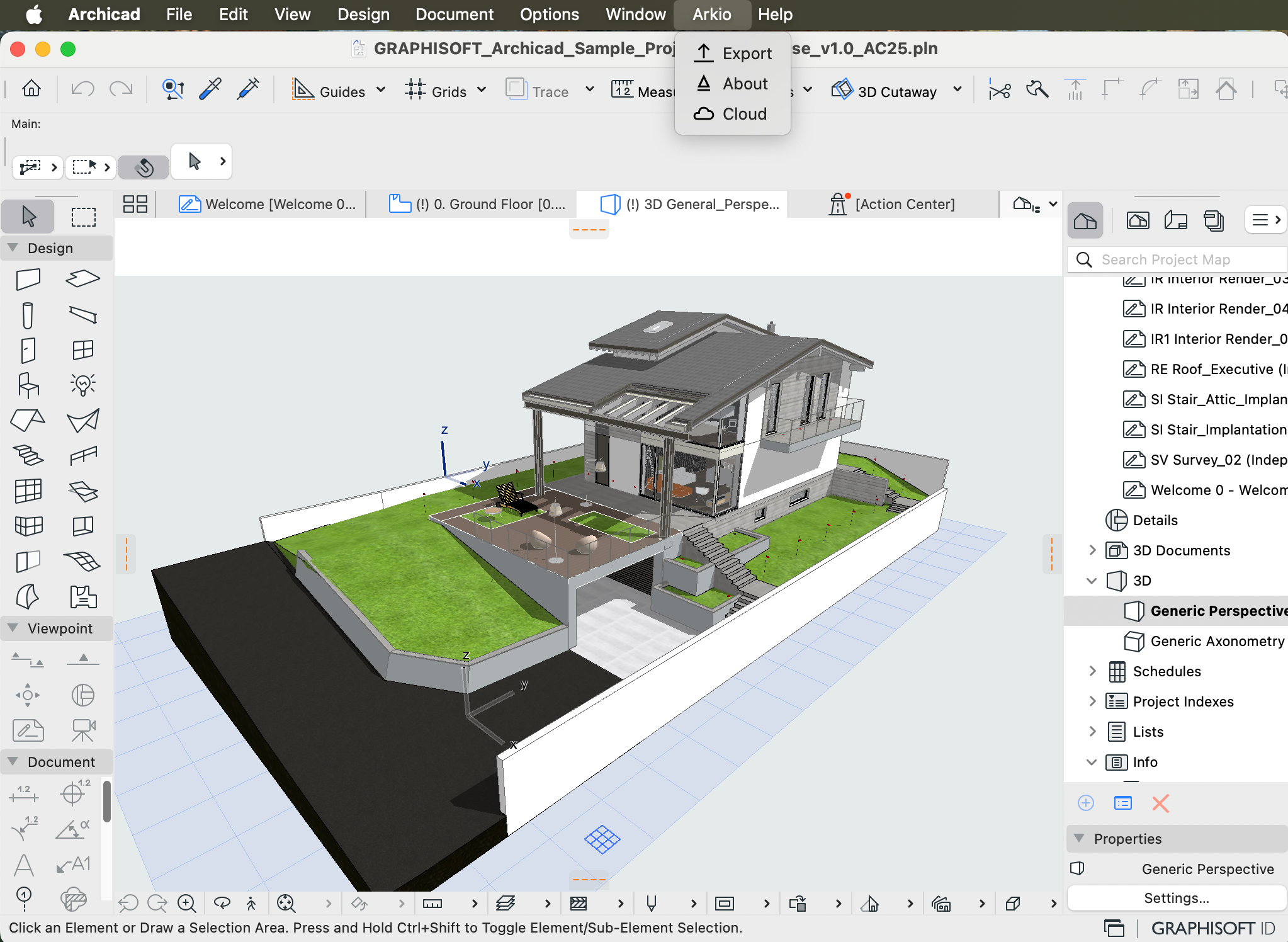
Restart Archicad to see your Arkio plugin in the toolbar
If your Archicad installation does not have an Add-Ons folder in that location, you can find your device path by opening an Archicad project and going to Options > Add-On Manager and placing the Arkio.bundle file on that path. You can also manually add the add-on using the Add button on the Add-On Manager.
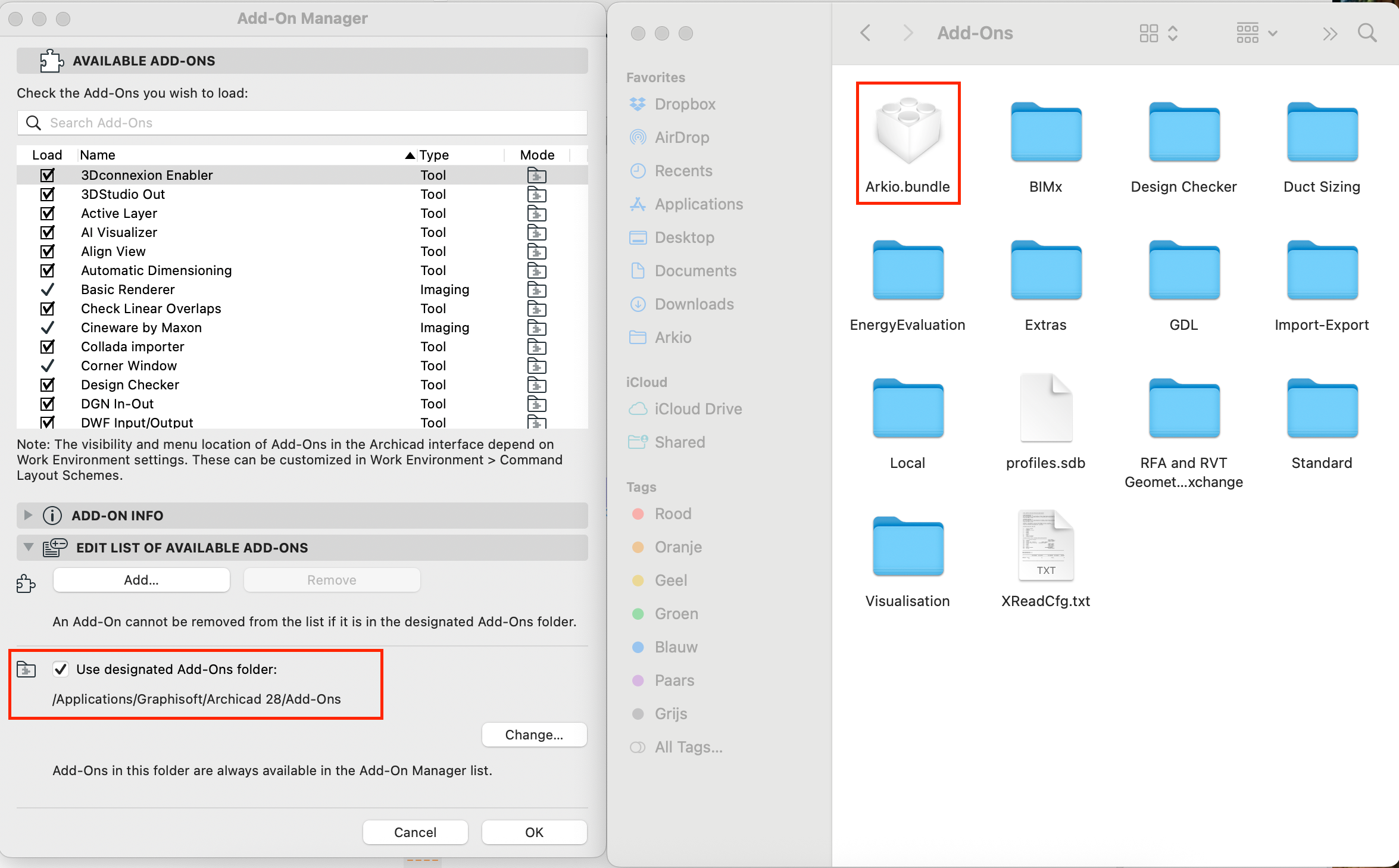
To update or uninstall the Arkio add-on from your device, you can simply replace or remove the Arkio.bundle file from your Add-Ons folder.
Was this helpful?
Still need help? Ask the team