Windows
Written By Johan Hanegraaf
Last updated 7 months ago
Installer
Our standalone Windows installer includes our latest plugins for Archicad, Revit, Rhino, SketchUp and Navisworks and can be downloaded for free from arkio.is/download. The installer will take you through the setup steps and the plugins you'd like to include.
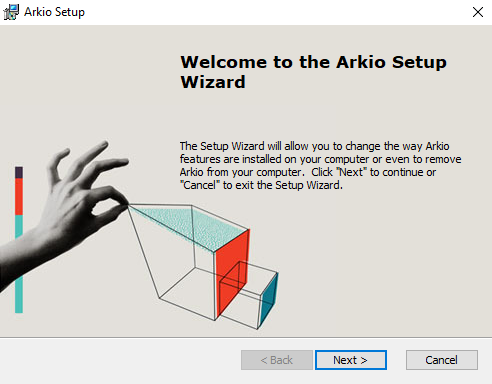
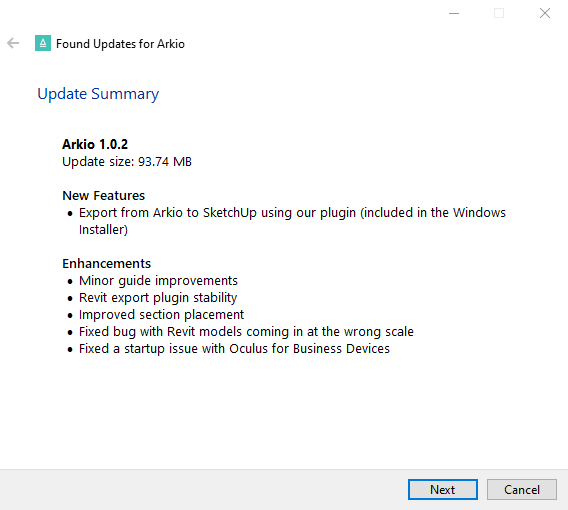
When you start Arkio on Windows, we will automatically check for new updates. If an update is available, you can download it directly by walking through the installation steps.
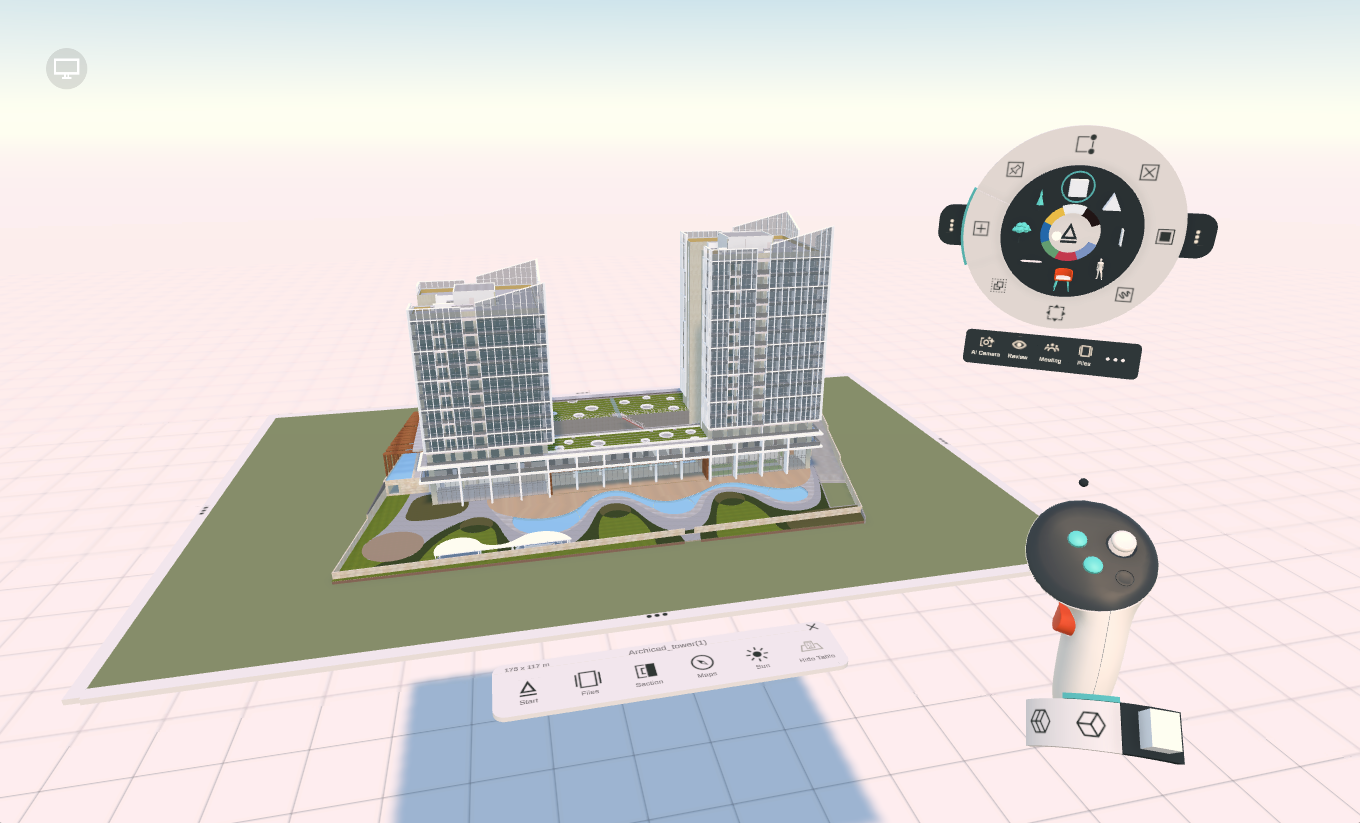
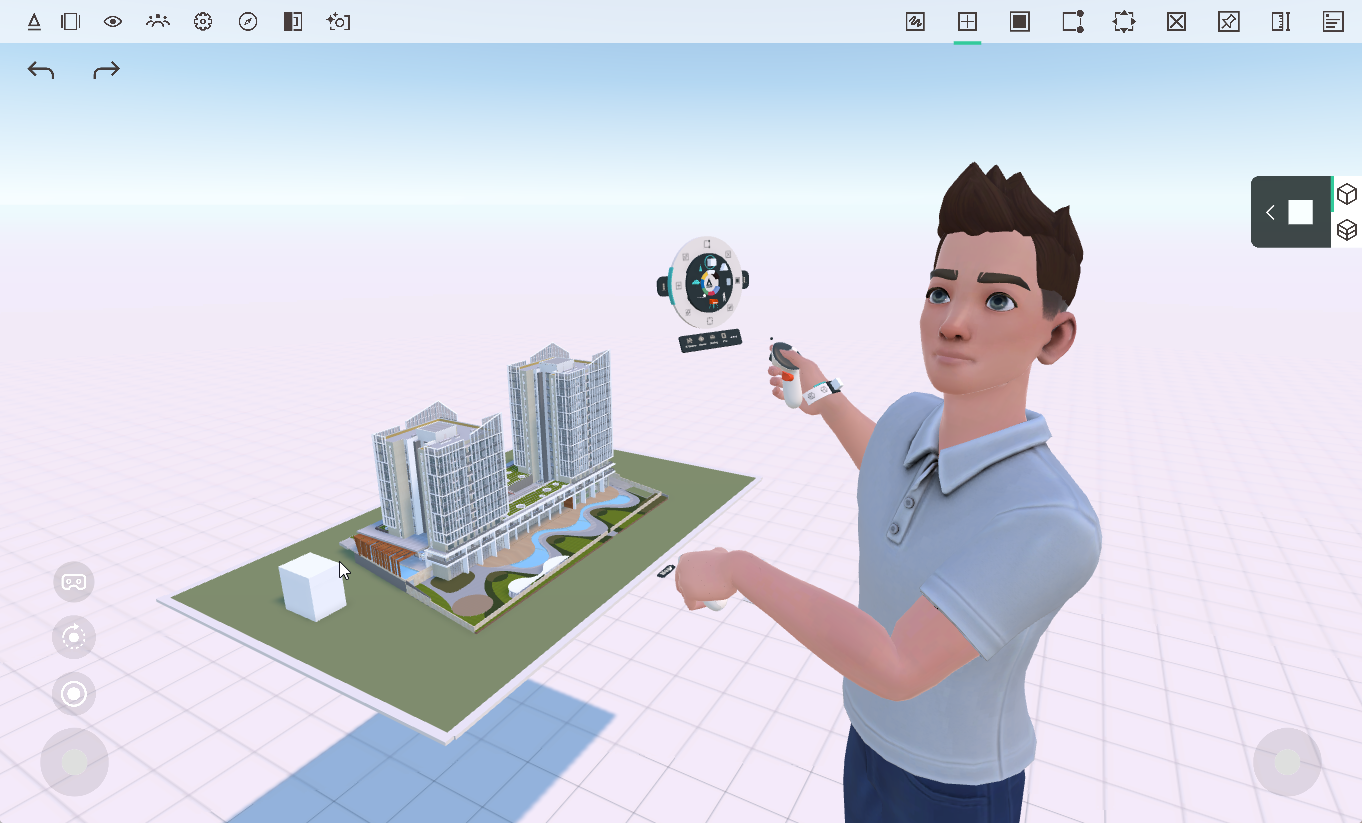
Arkio on Windows automatically starts in VR if a VR headset is detected. If no VR headset is connected, we will start Arkio in non-VR mode. While in VR mode, you can also enable PC+VR mode, allowing you to work with the 2D UI while seeing the VR user in third person.
 |  |
Meta Horizon Link Store
Arkio can also be installed through the Meta Quest Link Store by searching for Arkio on the store and installing the app. The Meta Quest link store version of Arkio needs to be installed once to support Meta features like shared spatial anchors, avatars and access other features like your Meta subscriptions.
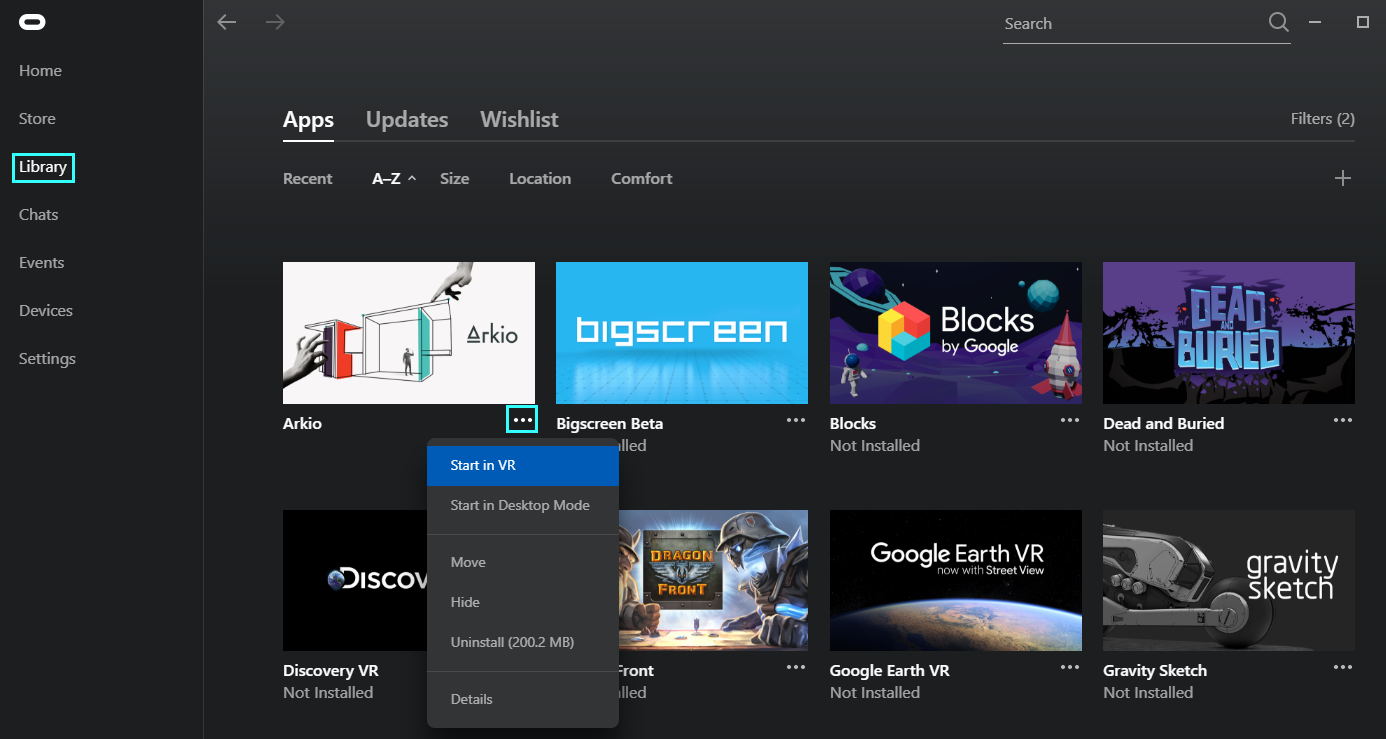
Arkio's Quest link store installation does not include our import/export plugins, which are only included with our Windows installer. You can start the app in VR or non-VR mode by clicking the three-dotted icon under the app.
Steam
Arkio can also be added to your Steam library. The Steam version of Arkio is intended for older SteamVR hardware, such as the HTC Vive, and does not include the import/export plugins. To run Arkio on your Meta Quest in PC VR mode, you can best use the Horizon Link for Windows and wireless Air Link mode to directly start the PC installer version of Arkio.
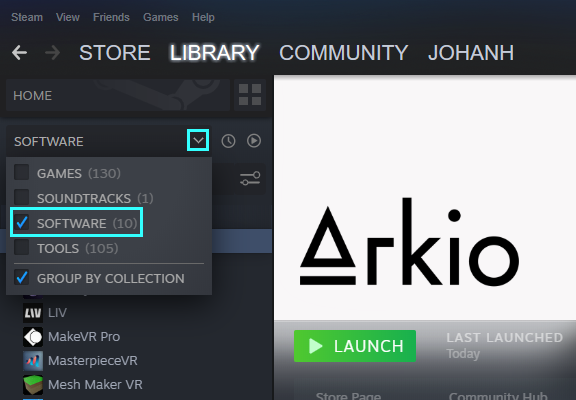
Arkio can be found under the "Software" category in your Steam Library. Arkio on Steam supports SteamVR headsets and the non-VR desktop mode. You can choose between these versions while launching the app.
Was this helpful?
Still need help? Ask the team