Getting started
Written By Johan Hanegraaf
Last updated About 5 hours ago
Before you begin
Make sure you have a beta acceptance email that indicates that your account has been added to our system. We currently test and support the following browsers and devices.
1. Open the webpage
Follow the link in your acceptance email. Allow the application to finish loading before starting.
2. Sign in
Choose Log in, enter the email address approved for the beta, and enter the code sent to your inbox.
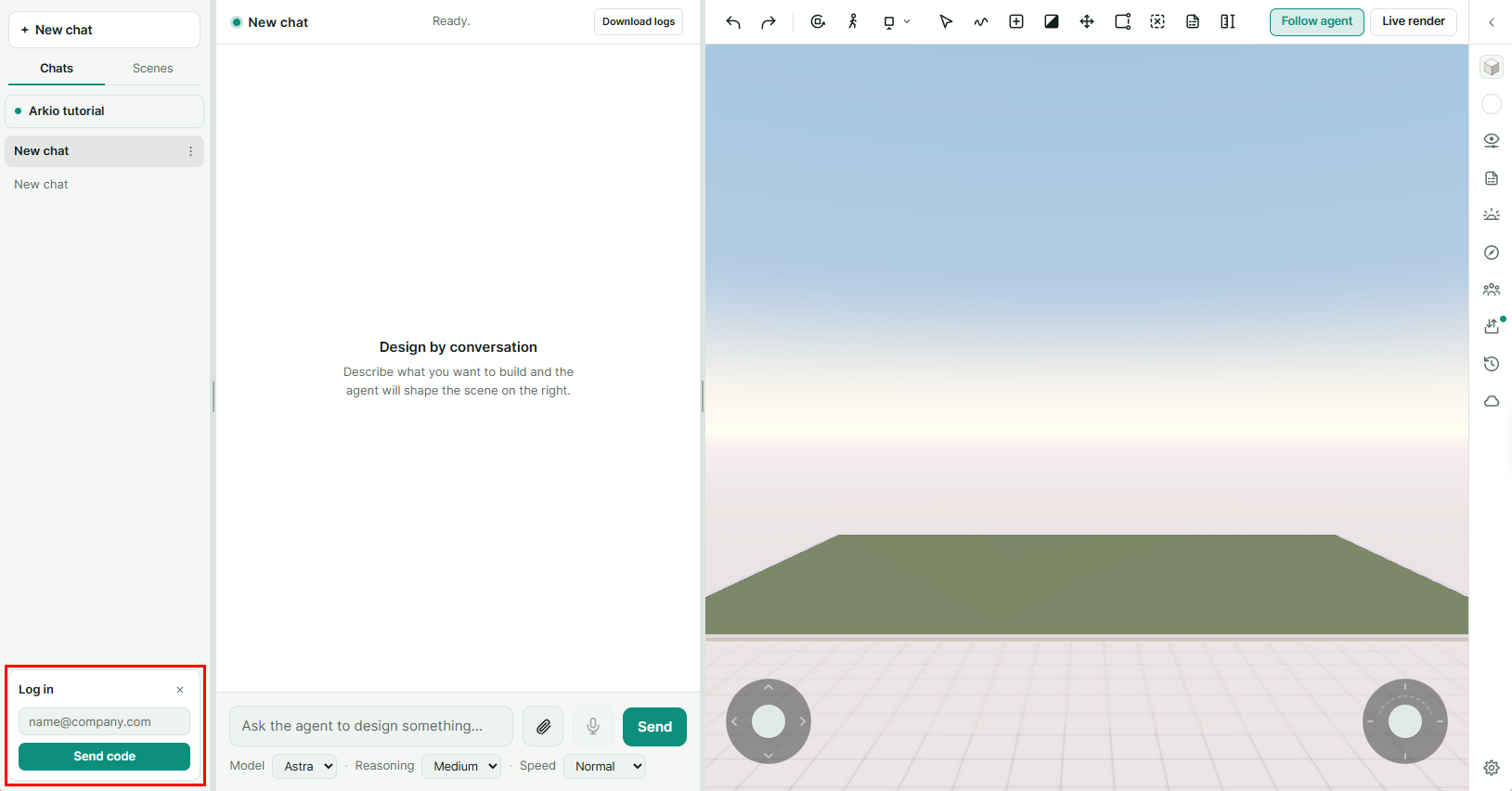
If you cannot access the beta, check that you’re using the same email address you registered for the Beta with. Contact support@arkio.is if you still need help.
3. Try the guided tutorial
The tutorial introduces conversation, navigation, selection, and sketching through a prepared design example.
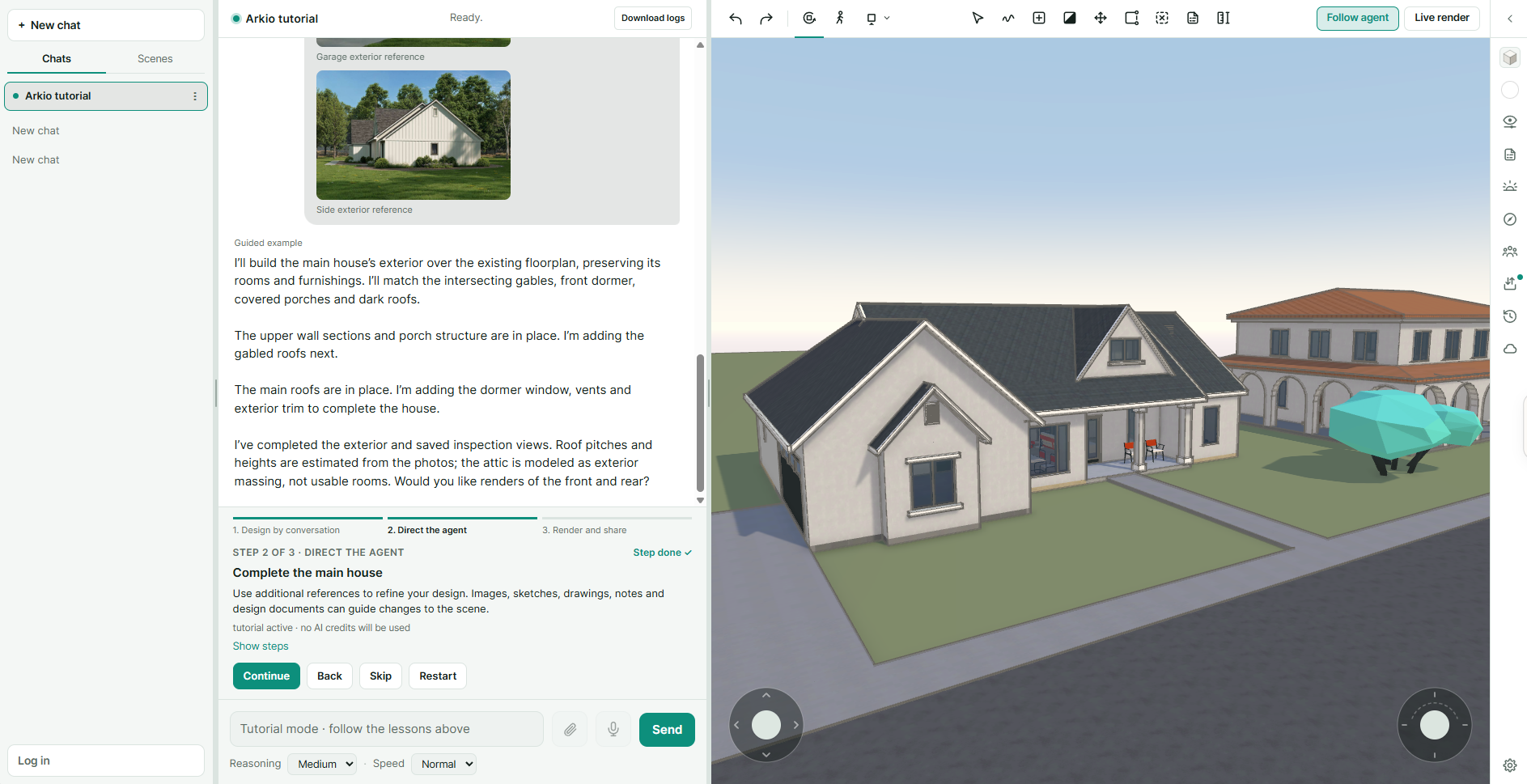
Its suggested requests, model changes, and example images are prepared demonstrations. They show how the workflow fits together; they are not generated live. The guided examples do not use AI credits.
Some tutorial steps replace the practice scene, so finish the walkthrough before investing time in your own changes there.
4. Make your own request
Start a new chat and describe the design you’d like to explore. Your own requests use the live AI agent and require an active login and available AI credits.
Try loading an image, drawings or a sketch of your favorite building and ask it to recreate it.
Or give it a design brief like:
Design a 180m2 courtyard house for a family of four
Inspect the result, then ask for a change and try to give the agent more complicated tasks
5. Tell us about your first experience
Could you get started without help? Was it clear what to do next?
Still need help? Ask the team