Settings
Written By Johan Hanegraaf
Last updated 8 months ago
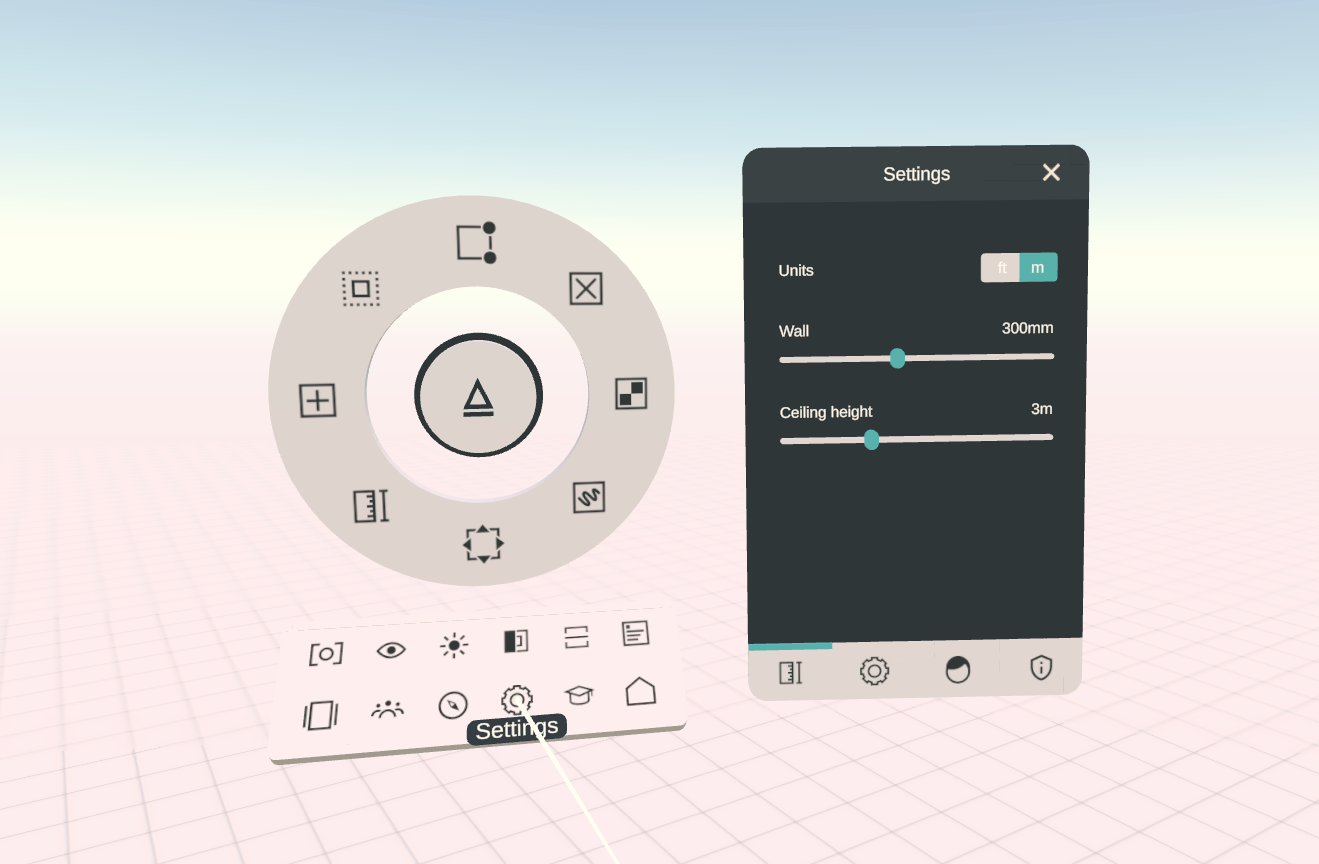
Arkio settings can be accessed from the bottom drawer of the main menu. Here you can change the general units of Arkio to metric (meters) or imperial (decimal feet) and change the default sizes of your walls (hollow shapes) and floors (stacked shapes)
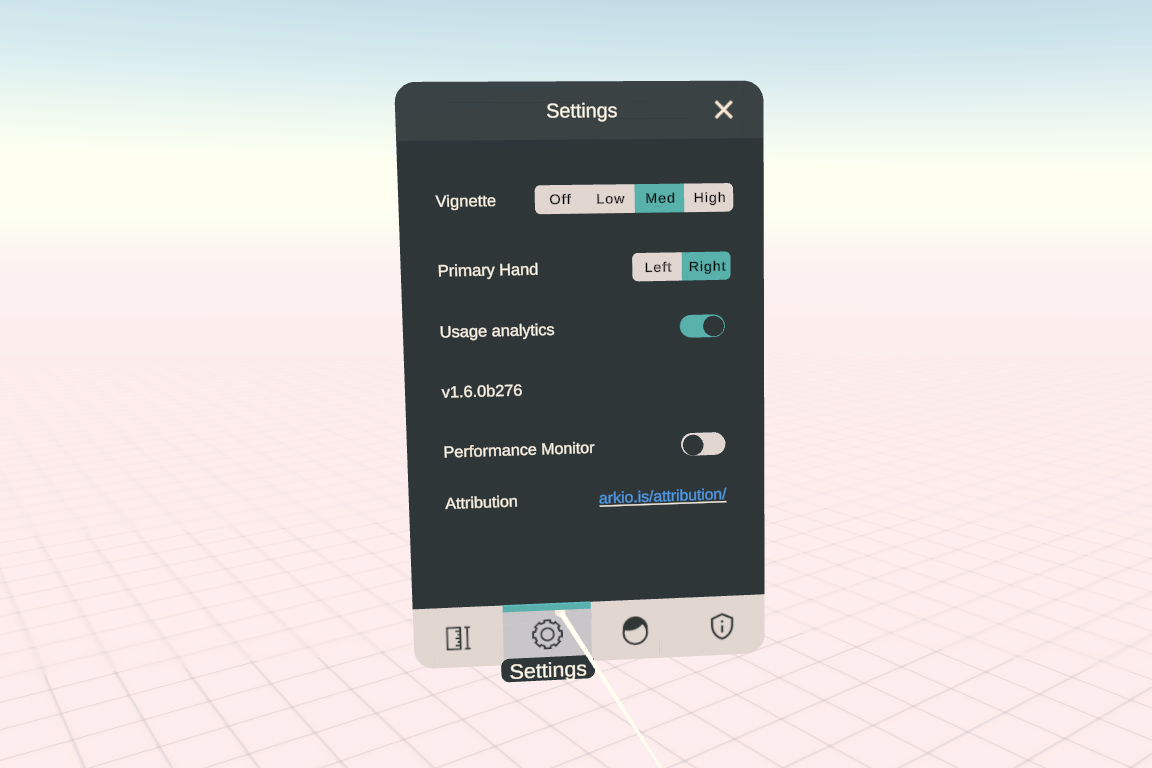
The active version of Arkio and additional troubleshooting settings can be found in the second tab of the settings dialog. You can control the strength of the comfort vignette (the dark ring that appears around your eyes when moving around by grips in Arkio) if you are prone to or less prone to motion sickness, and the primary hand for your tools. Usage analytics collects anonymous information about app crashes and performance issues to improve Arkio.
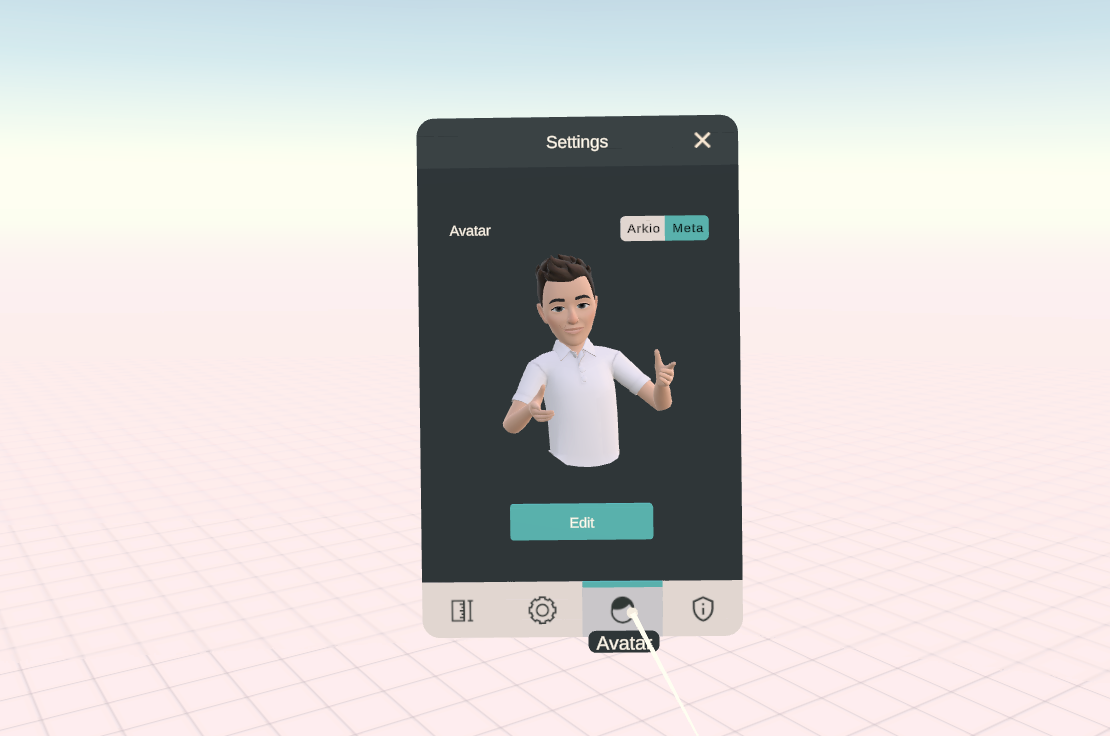
The third tab lets you choose what avatar to use. You can choose to show as your Meta avatar (only on Meta headsets) or the Arkio default colored head in meetings.
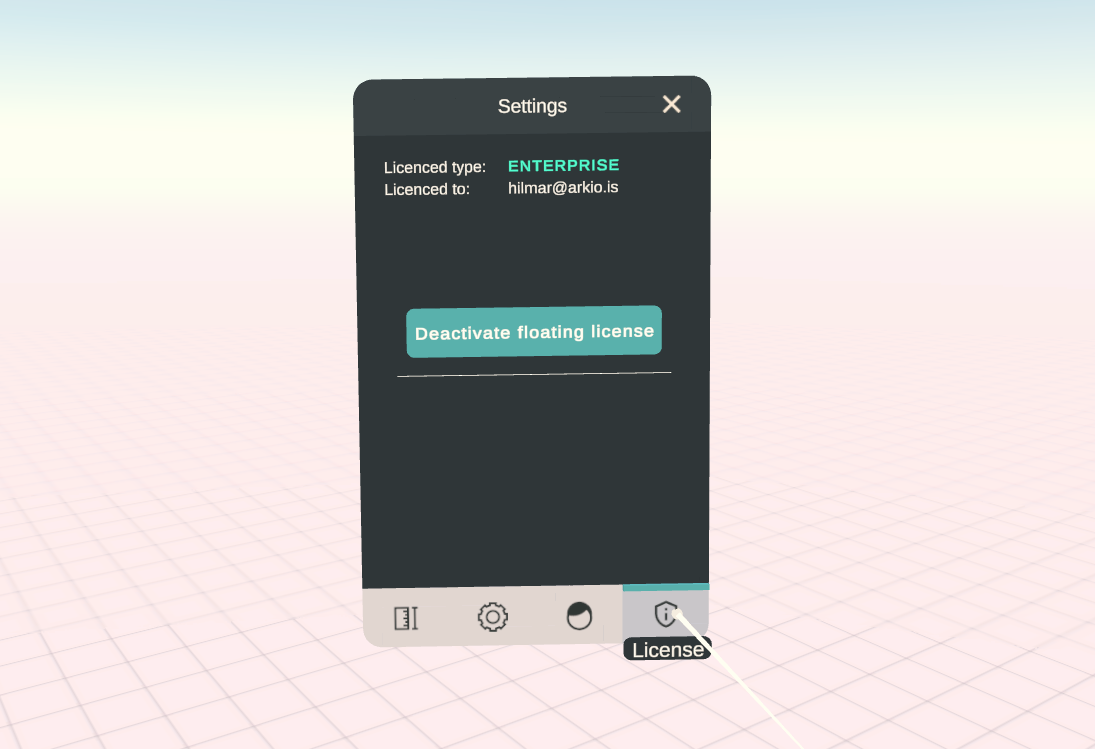
The fourth tab lets you control your license settings of Arkio. Here you can either start a 14-day Pro trial or enter your license key purchased from our store.
Was this helpful?
Still need help? Ask the team