Activating Arkio content packs
Written By Johan Hanegraaf
Last updated 6 months ago
All of Arkio's free and paid content can be found under the expandable Create and Paint tabs in Arkio. When you don't have permission to use that content, you will see an orange dot next to the tool or content, indicating that you need a subscription to start using it.
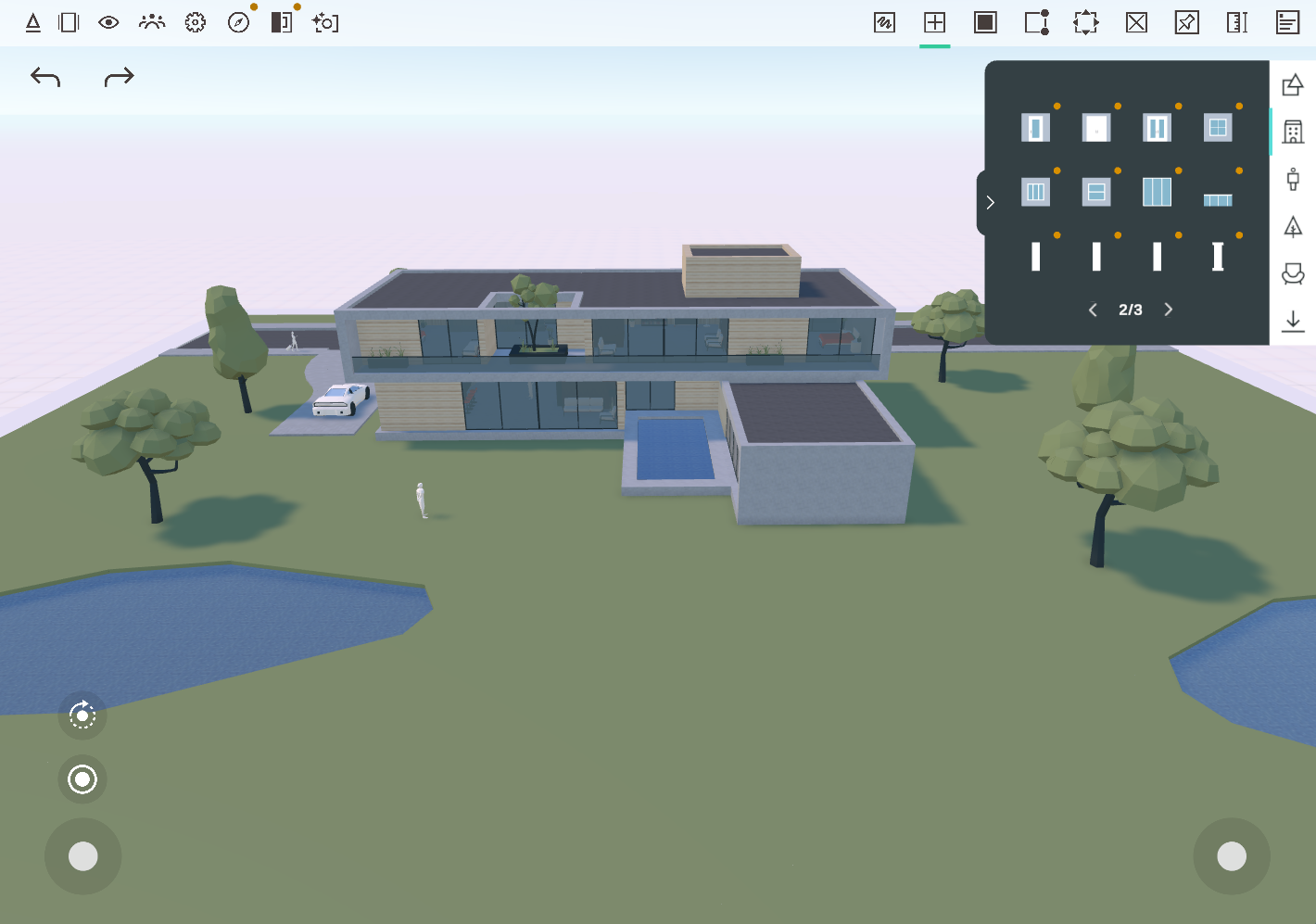
After you apply a license key purchased from our website or after buying an asset pack or subscription for your device on your app store (Quest, Mac, iOS), this content pack will be available directly, and the orange dot will no longer appear next to your button.

You can explore the available asset pack content in the Sample_AssetPack scene, which is accessible from the Arkio start or store panel. And you can find these objects and paint colors under the expandable create and paint drawers in Arkio. You might have to turn to another page (eg, 2/3) to see all your available assets.
Was this helpful?
Still need help? Ask the team