My microphone is not working correctly in meetings
Written By Johan Hanegraaf
Last updated Over 1 year ago
If you are using a Windows or Mac device you likely have many microphones connected to your system to choose from. Some of these microphones might not have a working input this will show a warning in the Arkio meeting panel under the microphone icon.
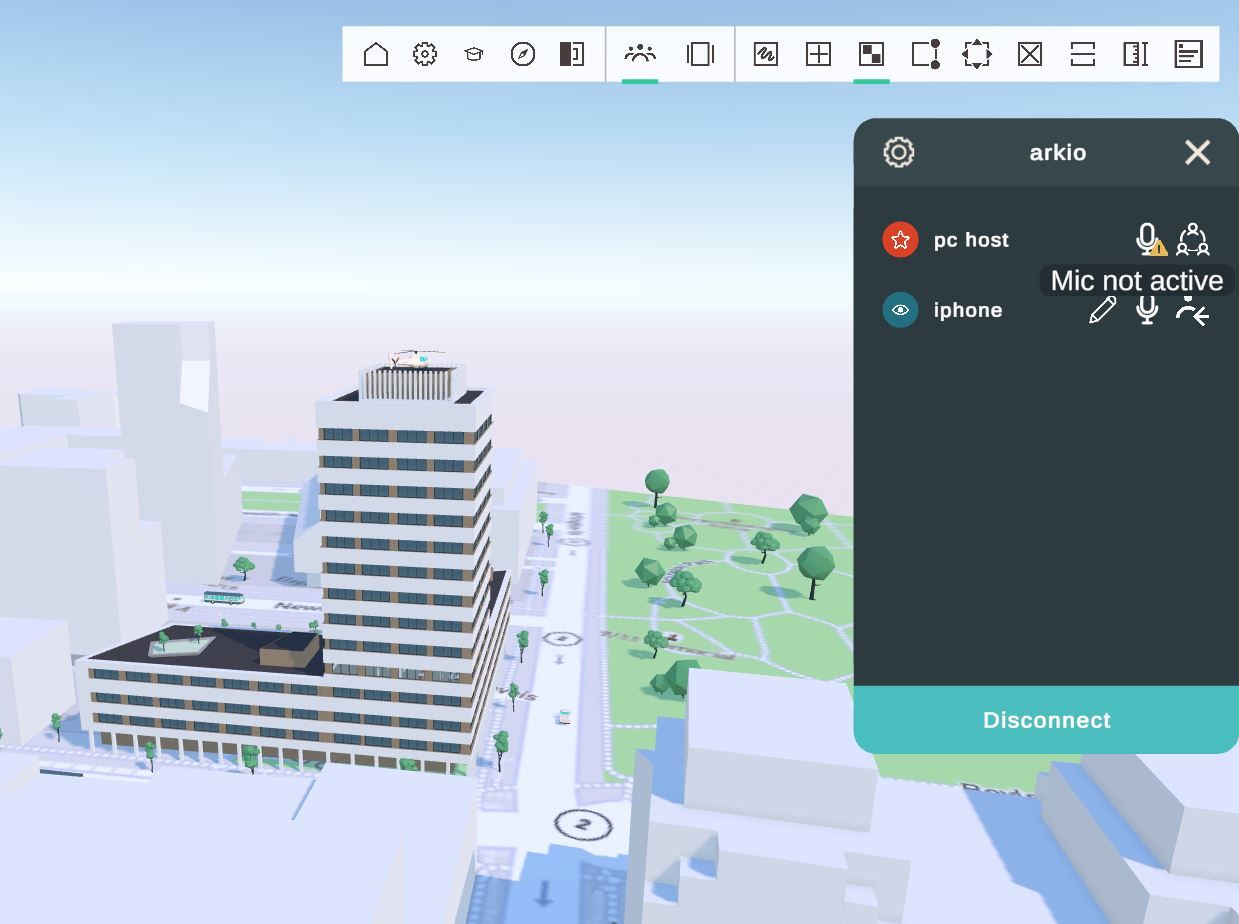
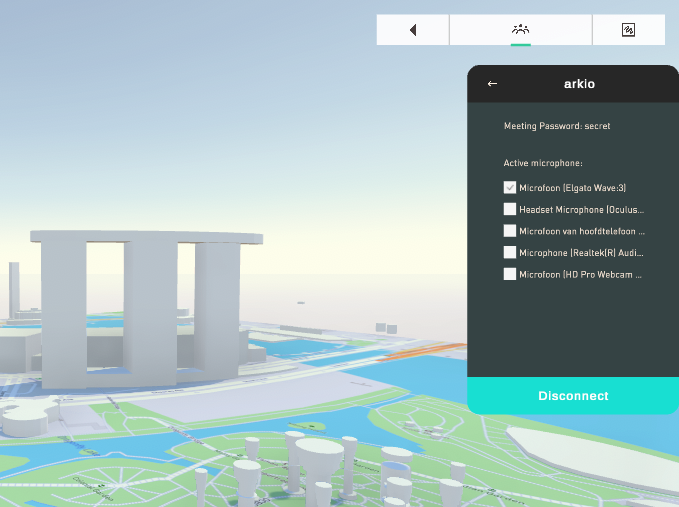
You can select the correct microphone on your device by going to the settings icon in the meeting panel.
VR devices like the Oculus Rift come with their microphone/speaker override settings. These settings might cause audio and microphone issues for Arkio and other software. We recommend keeping the audio settings on Windows default settings to avoid problems with your microphones or audio.
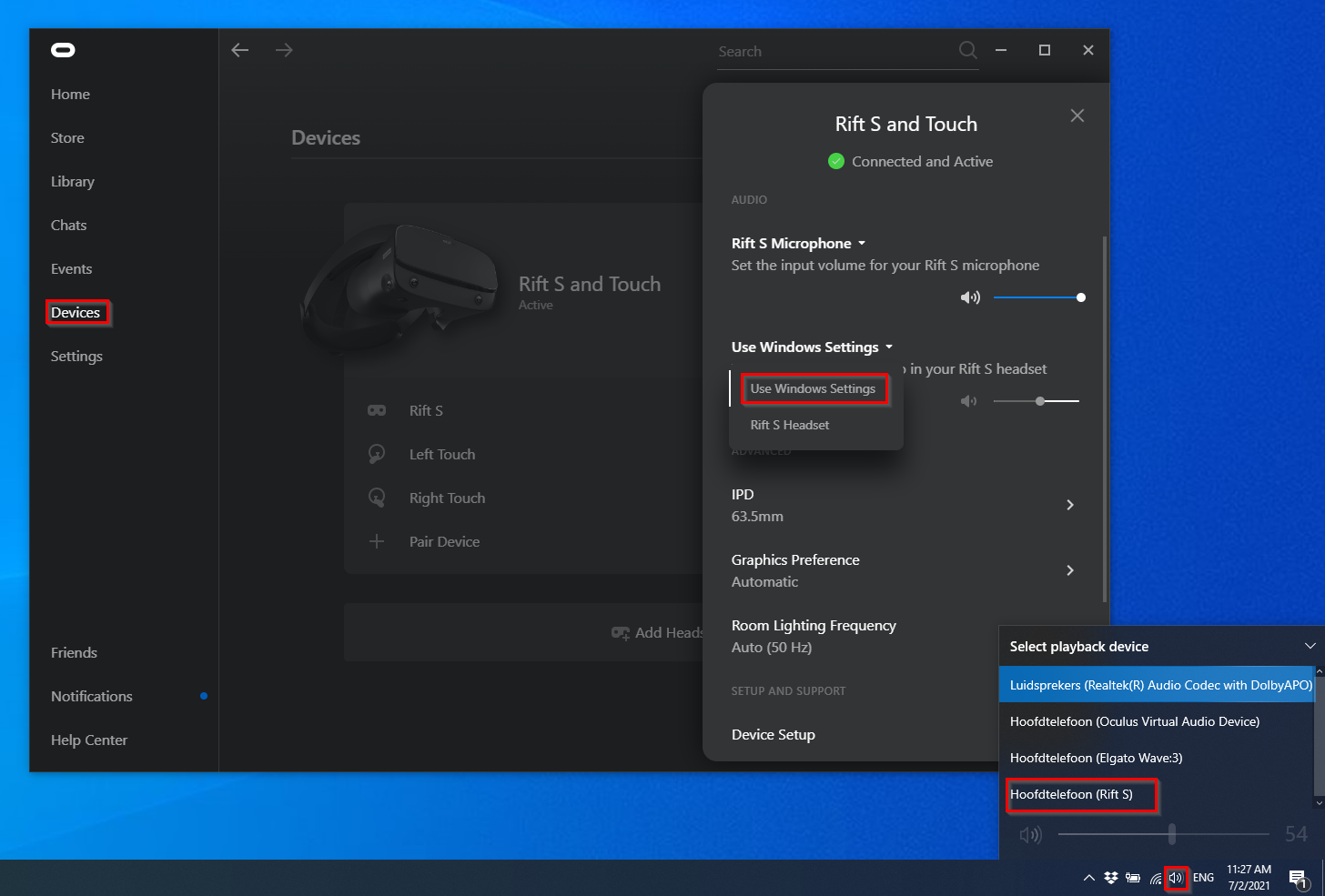
On Windows, your microphones and audio are also affected by the playback device you have selected. You can switch between the playback device from the audio icon on the right bottom corner of the toolbar.
While switching keep the Arkio meeting tab open and talk a bit to see if switching unblocks your microphone input by seeing your mic icon highlight.
Was this helpful?
Still need help? Ask the team