Open a shared scene
Written By Johan Hanegraaf
Last updated 7 months ago
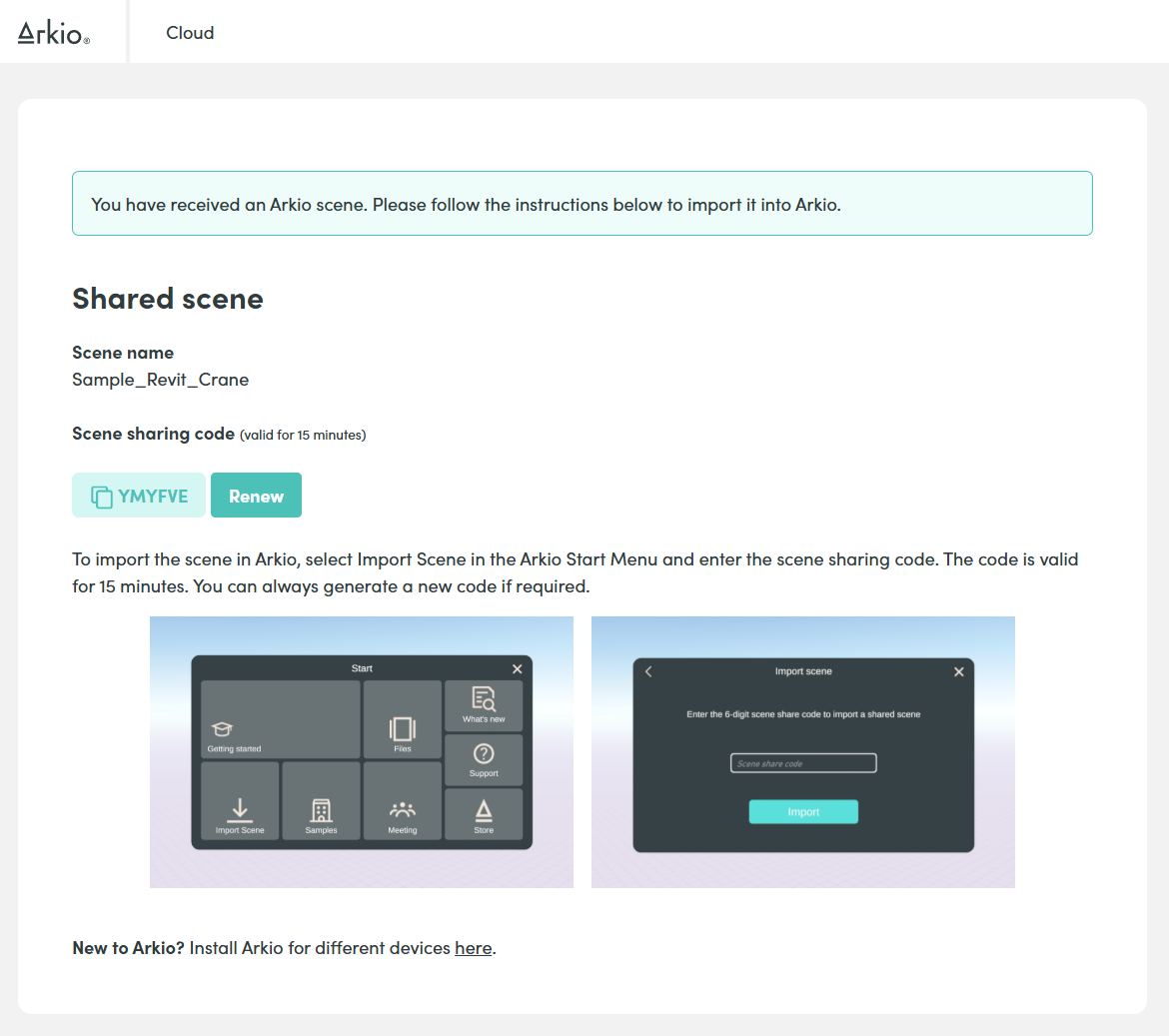
If you receive an Arkio file via a URL, you will see the following page with instructions for loading this scene in Arkio. You can copy or fill this 6-digit sharing code on your device in Start>Import Scene to view this model with all its loaded content in Arkio
The person who shared this Arkio file with you might have imported a model for you to explore, added geometry with design options, saved views and notes, frames and other loaded geometry that can all be explored from the Review panel
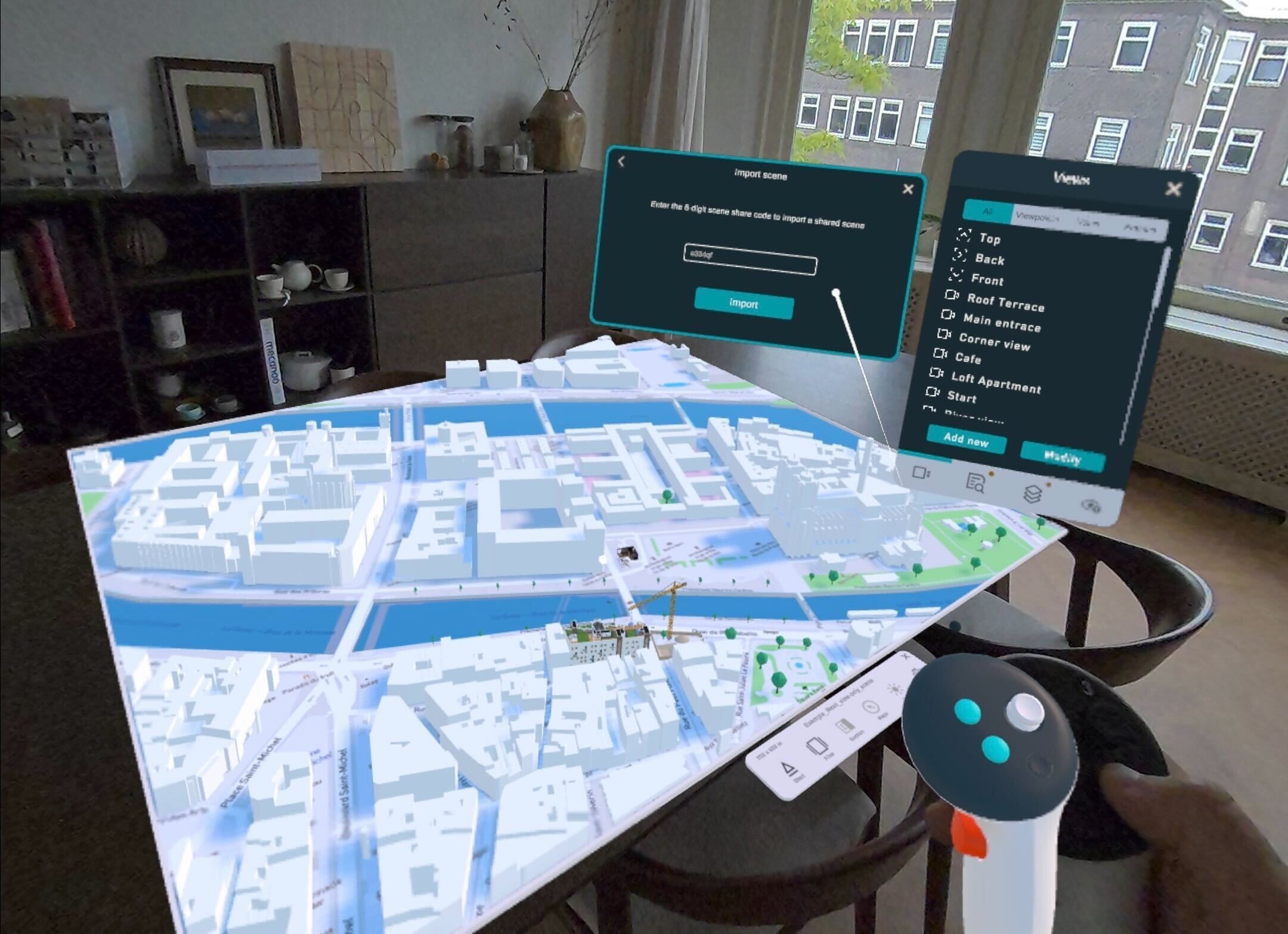
If the scene that was shared with you was editable (not view-only), you can also make edits or add comments in the scene to discuss with your other collaborators. You can share this scene with others again by exporting it to a URL or by joining a live Arkio meeting
Navigate around
Explore your loaded models by walking around or teleporting inside using your VR and non-VR devices. Or jump between the different saved viewpoints and notes prepared in this scene.
Get hands-on with your models
Arkio offers a unique hands-on modeling experience, letting you reach into the objects and move them around like a physical model.
Volumetric editing
Arkio’s geometry engine works with editable volumetric objects that can be updated later. You can learn more about the basics of this engine on this page.
Was this helpful?
Still need help? Ask the team