App Store subscriptions for Arkio 2.3 (legacy)
Written By Johan Hanegraaf
Last updated About 3 hours ago
Arkio 2.3 legacy licensing: The instructions below apply to the installed Arkio 2.3 apps. Existing legacy license keys and in-app purchases continue to work while we roll out Arkio 3.0 to the other supported devices.
New plans purchased on our website are for Arkio Web (3.0) and do not activate Arkio 2.3. See Arkio Web plans and legacy 2.3 licenses for the difference.
Existing App Store subscriptions unlock the corresponding features in Arkio 2.3 through the store account used for the purchase. The legacy in-app subscription options are for Meta Quest and iOS.
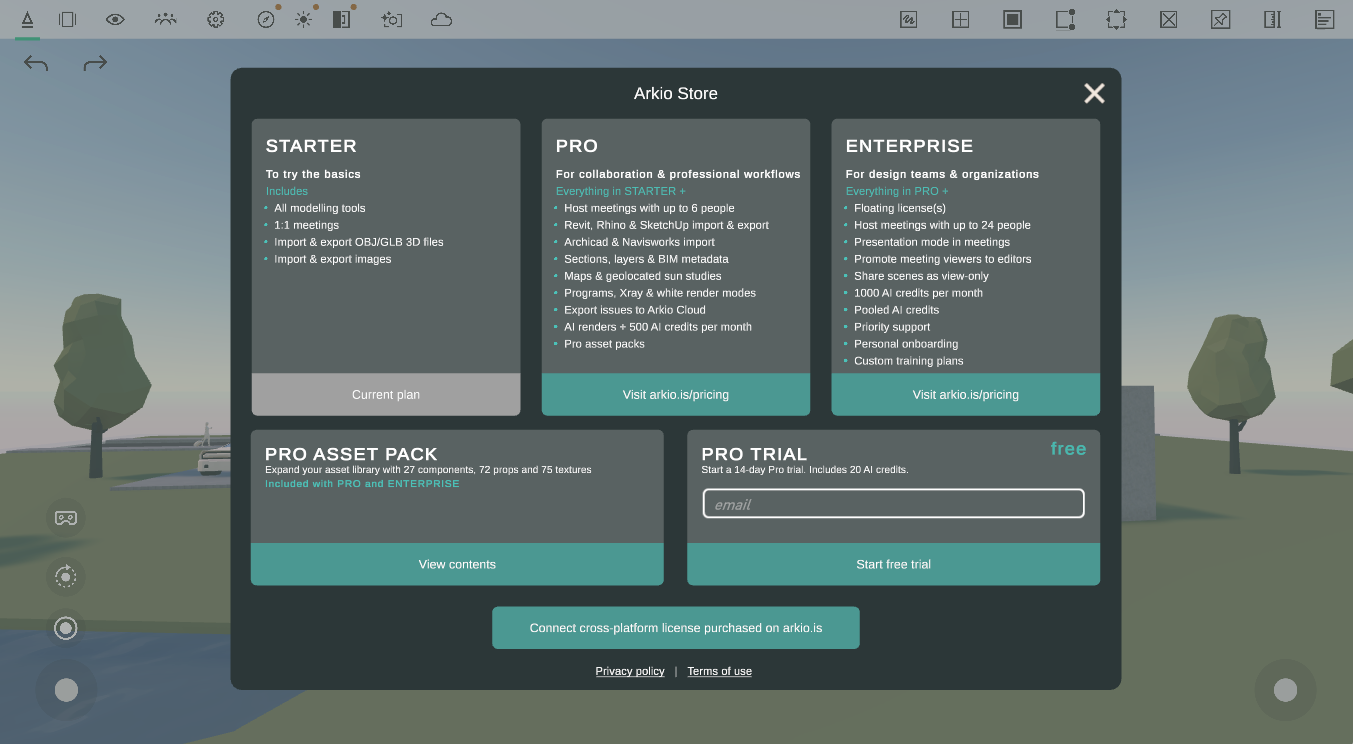
Manage your in-app subscriptions
If Settings > License shows App Store subscription, manage the purchase through that store. It does not provide a cross-platform key for other Arkio devices. Cross-buy applies where supported, such as Quest and Rift using the same Meta account.
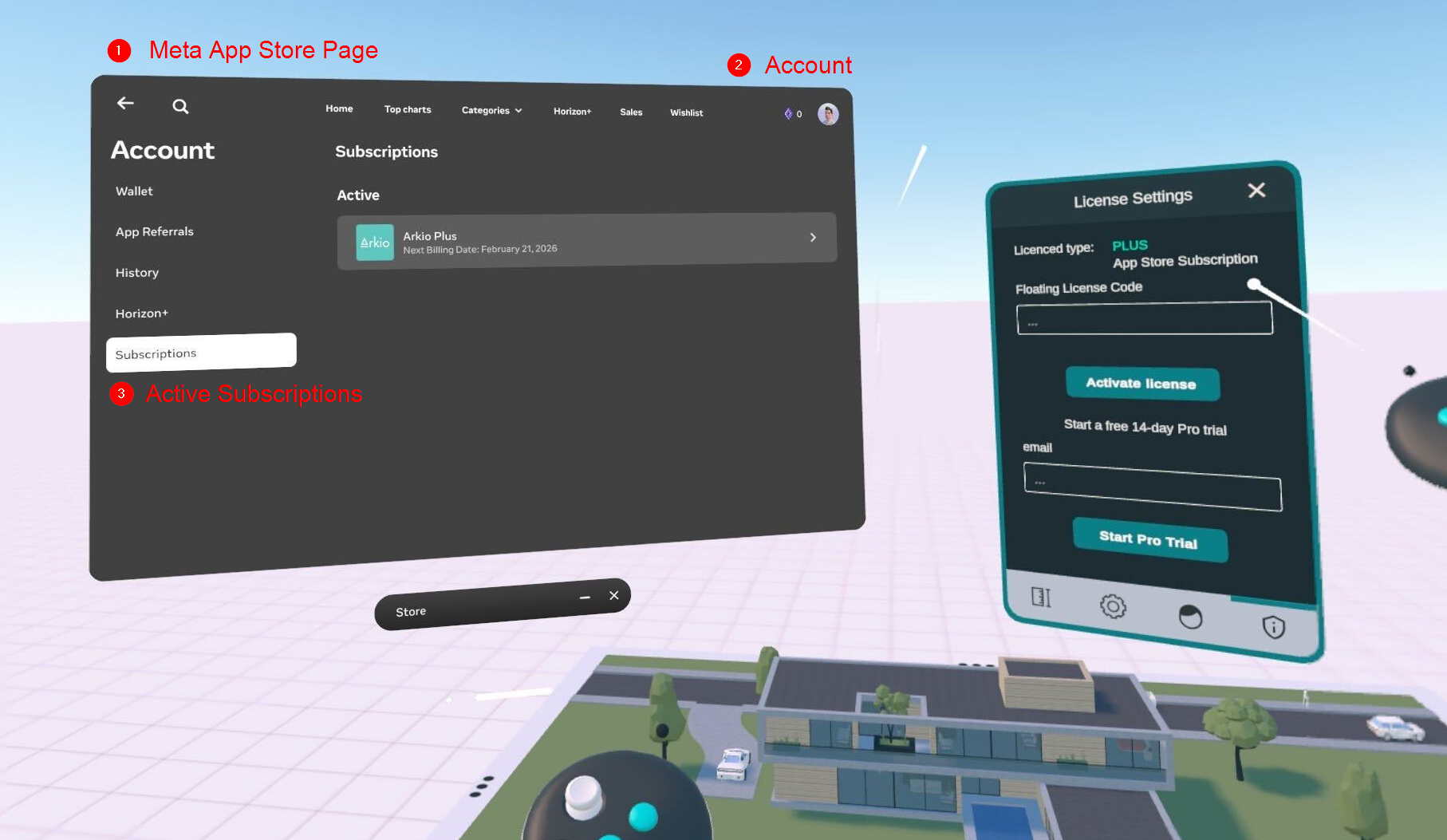
For billing, renewal, or cancellation, use Apple's subscription instructions or Meta's subscription settings.
Existing cross-platform license keys
If you previously bought a cross-platform license key on our website, it belongs to the legacy Arkio 2.3 licensing system. Manage it through the legacy subscription portal, and follow Adding a legacy license to Arkio 2.3 to activate it. New website purchases are Arkio Web plans and do not supply a key that activates 2.3.
Legacy Enterprise keys use floating seats. Legacy Pro keys can be activated on up to two devices and must be deactivated on a previous device before being moved to another. These device and seat rules apply to the legacy keys, not to Arkio Web subscriptions.
Was this helpful?
Still need help? Ask the team